Home Page
Smarter. Faster. Built for modern marketing teams.
The Screendragon Digital Asset Management (DAM) system provides a powerful, enterprise-level solution for storing, managing, and distributing all your brand and campaign assets in one secure, searchable location. Designed to support the complex needs of global marketing and creative operations, Screendragon DAM helps teams work faster, stay compliant, and deliver consistent brand experiences at scale. 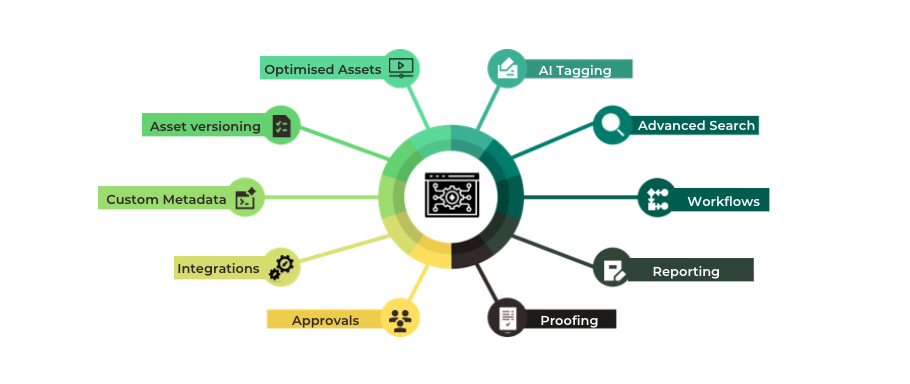
Why It Matters
One Source of Truth
- All your brand assets—images, videos, documents, and creative files—are instantly accessible, version-controlled, and securely stored. Teams can confidently use the latest approved versions without worrying about outdated or duplicate files.
Faster Access
- AI-powered search understands natural language, reads text within images and PDFs using Optical Character Recognition (OCR), and instantly surfaces the right content—no complex filters required.
Smarter Collaboration
- Collaborate, proof, and approve assets directly within Screendragon. Reviewers can annotate, comment, and approve in one place, streamlining feedback cycles and reducing confusion.
Controlled Access
- Flexible permissions, user roles, and expiry rules ensure the right people have access to the right content—maintaining compliance and protecting sensitive materials.
Built to Scale
- Screendragon’s modular architecture supports enterprise integrations, AI-assisted tagging, and future content automation, empowering marketing organizations to evolve without limitations.
What It Delivers
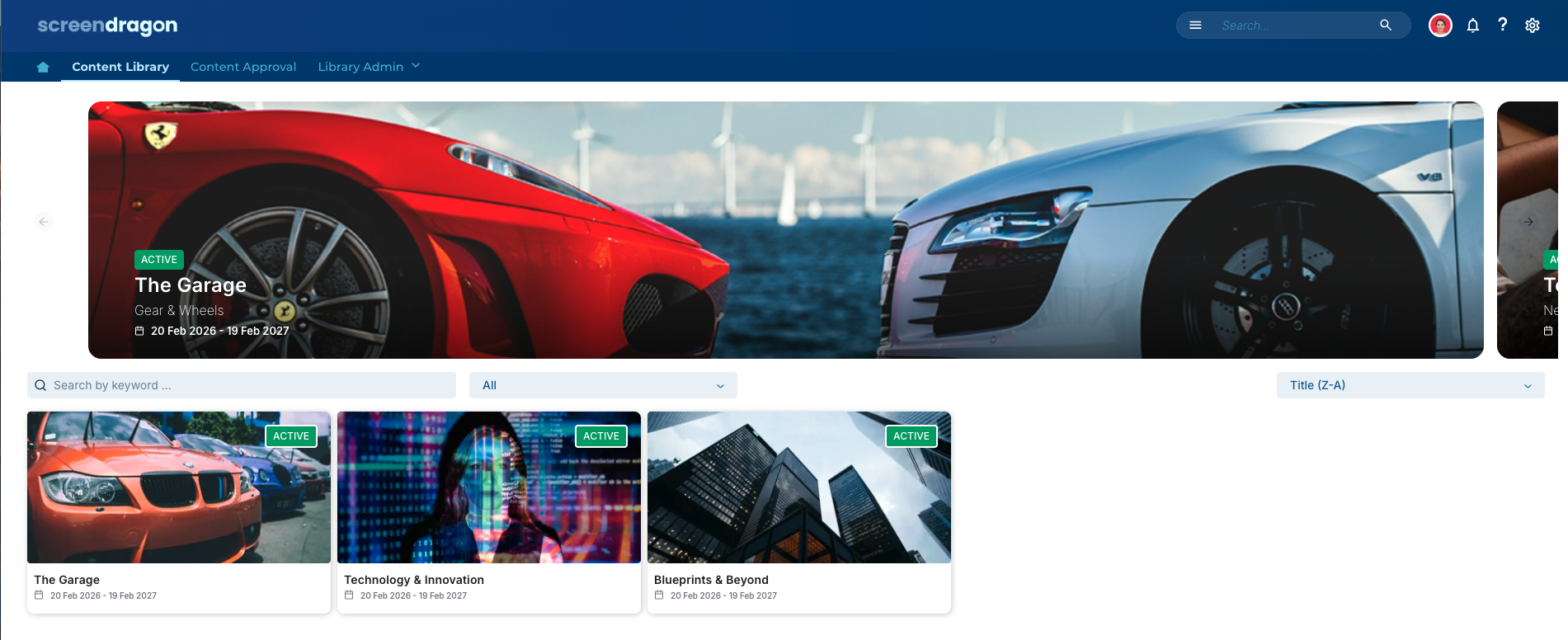
Centralized Brand Asset Library
- Organize content using custom metadata, folders, and smart collections for intuitive access and governance.
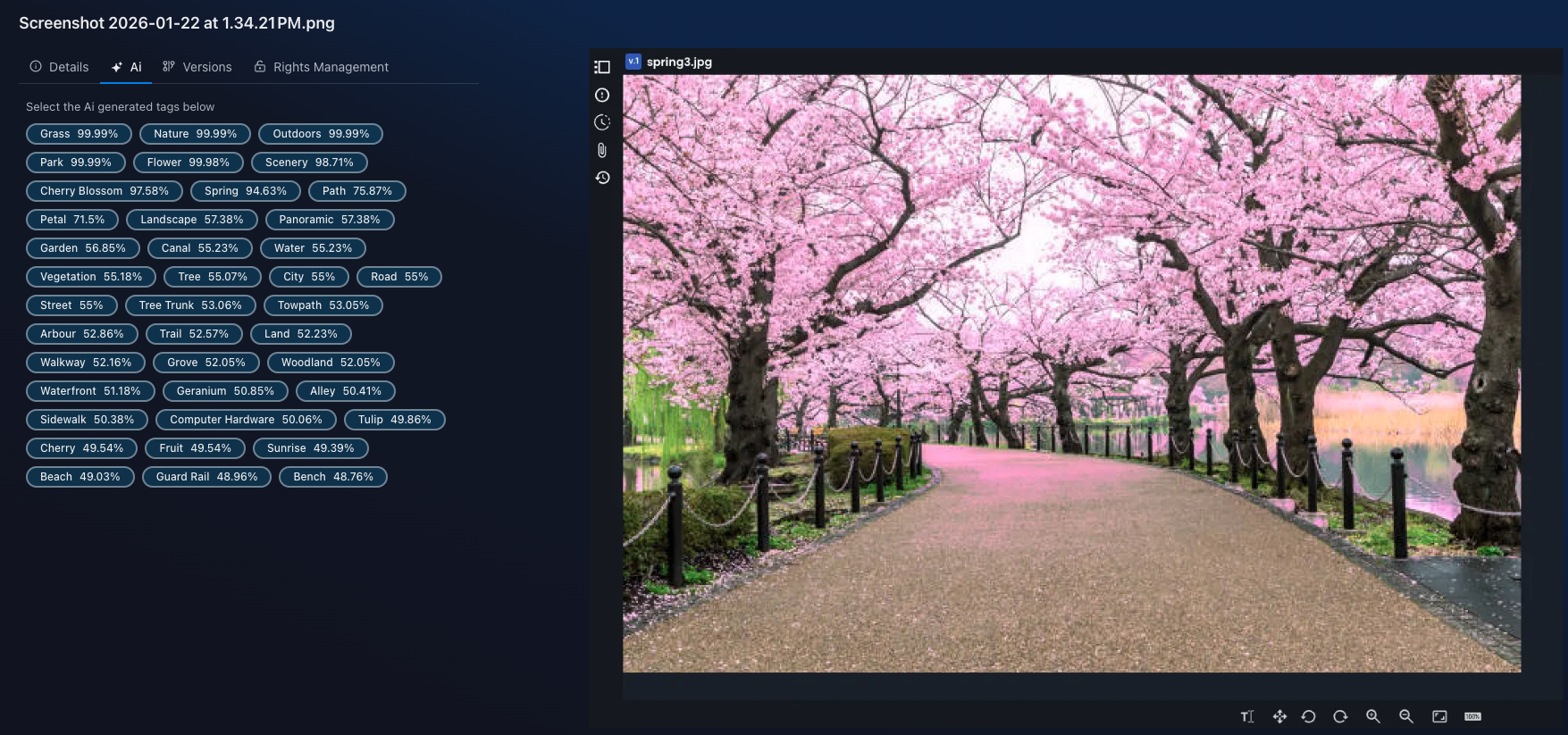
AI-Powered Natural Language Search
- Locate assets instantly using keywords, concepts, or phrases—powered by AI tagging and OCR recognition.
Digital Proofing and Approvals
- Manage reviews, annotations, and approval workflows in one unified environment.
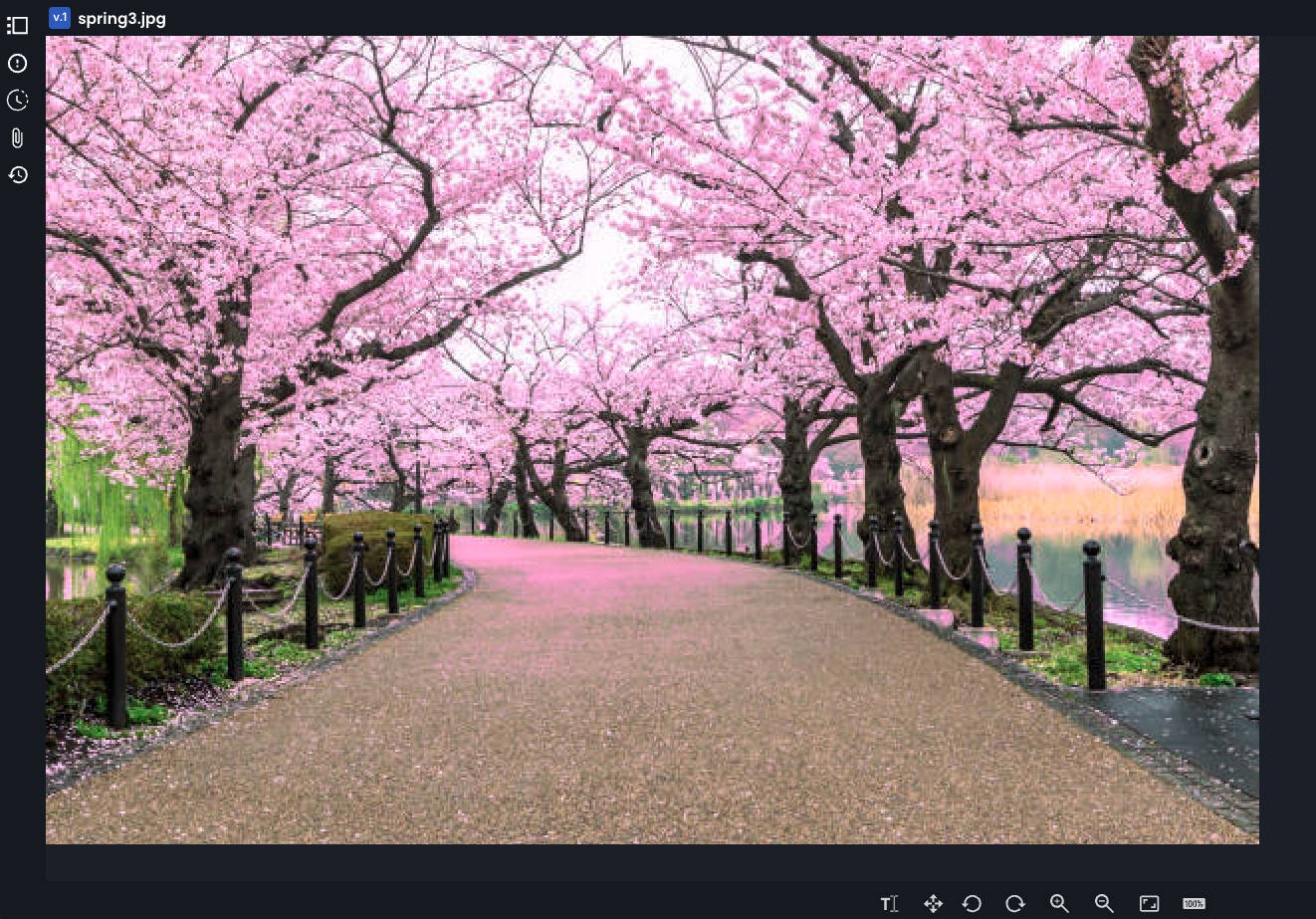
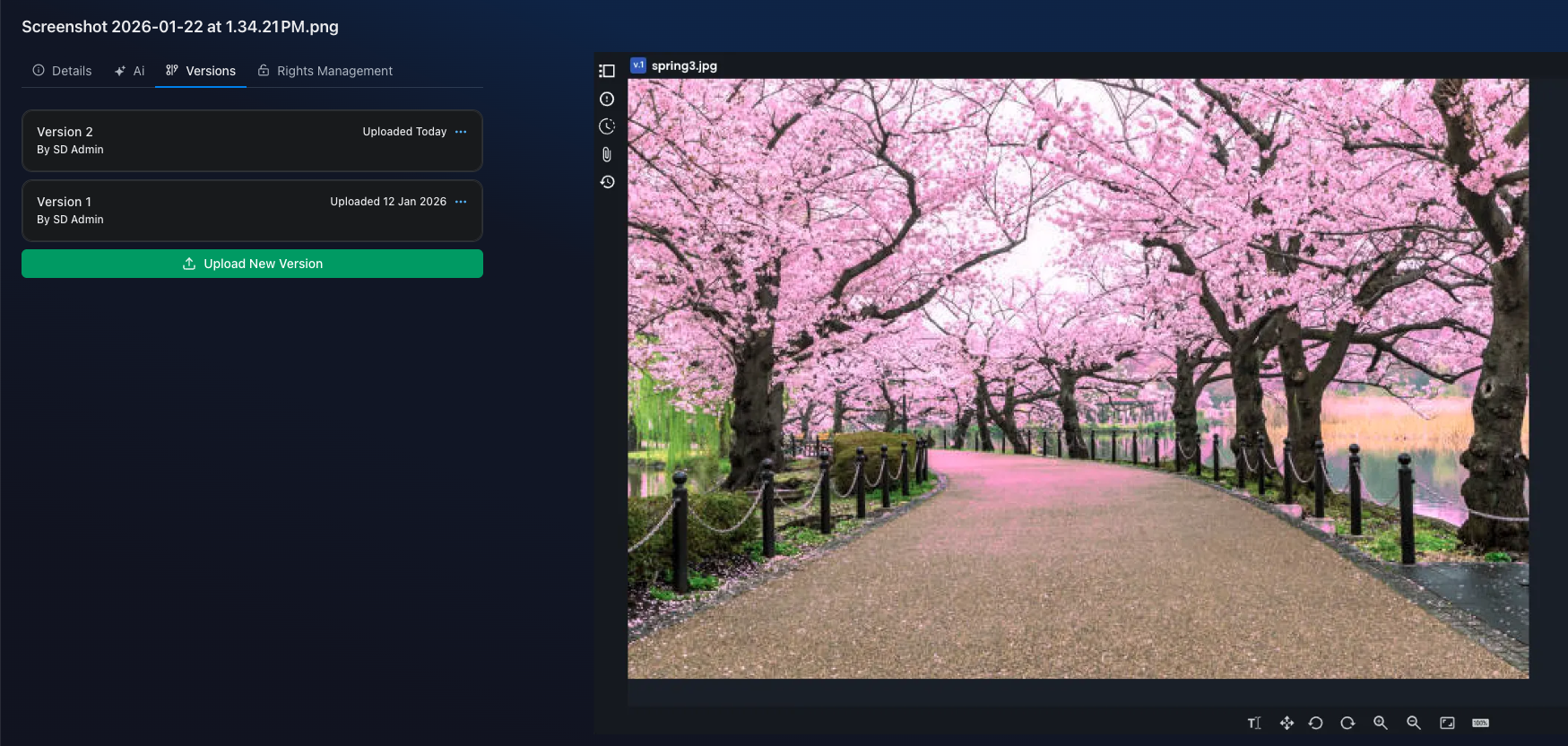
Asset Versioning and Audit Trail
- Track every update and maintain complete transparency across asset lifecycles.
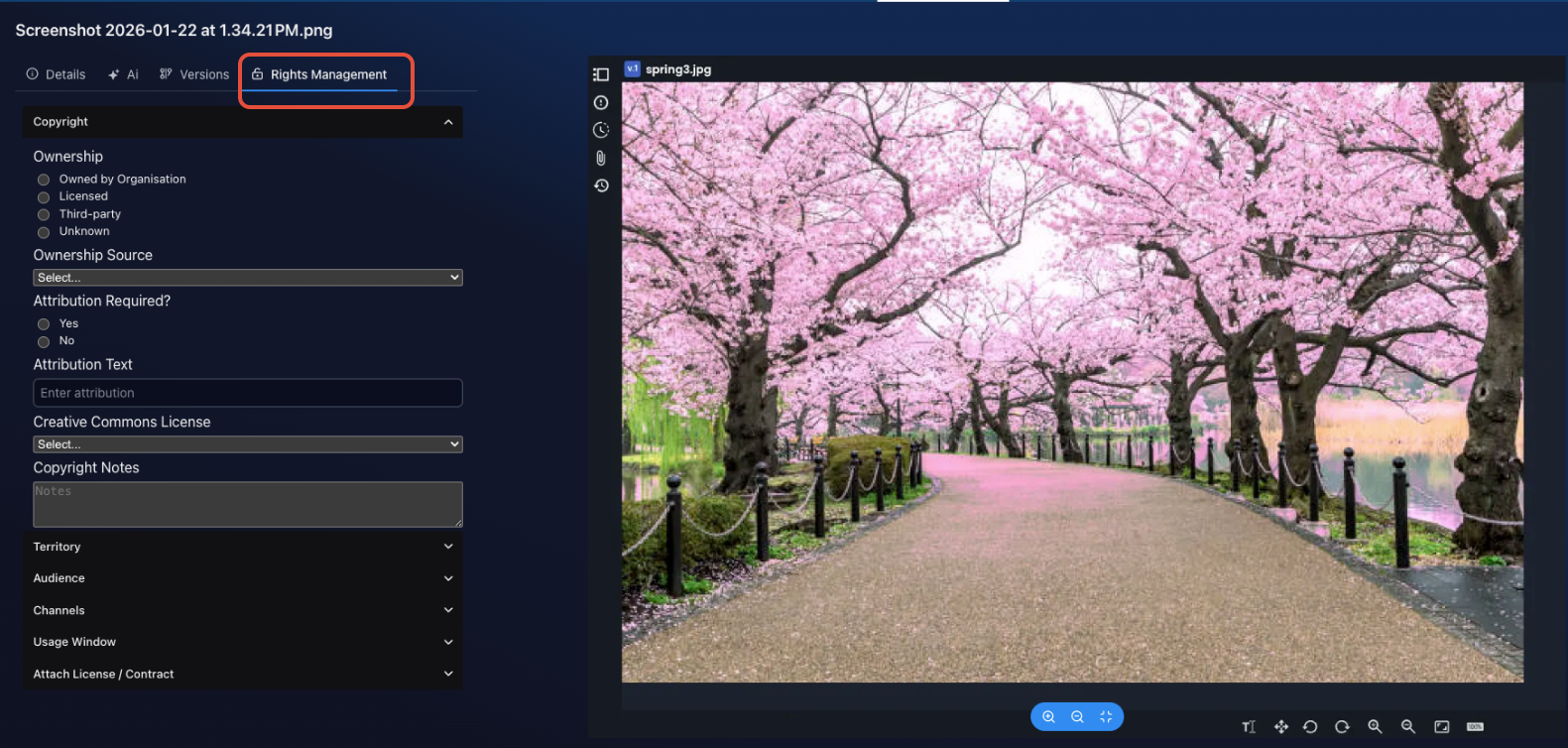
Rights & Permissions Management
- Apply role-based permissions, licensing, and expiry dates to ensure proper usage and brand compliance.
Integrations & Automations
- Seamlessly connect to creative, project management, and distribution tools—such as Adobe Creative Cloud, Office 365, and other marketing ecosystems.
Advanced Reporting
- Gain insights into asset performance, usage trends, and approval timelines to drive more innovative content strategies.
Brand Portals & Collections
- Share curated assets securely with internal teams or external partners through customizable brand portals.
Next Step: Getting Started
To learn more about configuring your DAM, setting up metadata structures, or automating approval workflows, see related articles:
Sharing Assets via Brand Portals
Was this article helpful?
That’s Great!
Thank you for your feedback
Sorry! We couldn't be helpful
Thank you for your feedback
Feedback sent
We appreciate your effort and will try to fix the article