Resource Estimates
TABLE OF CONTENTS
- Resource Estimates
- Overview of the Estimate Tab
- Estimate Breakdown Overview
- Estimate totals
- Estimate Phases
- Fee Details
- Fee Lines and Task Creation
- Third-Party Costs and Task Creation
- Additional Actions
This interface allows users to manage project tasks and calculate expenses efficiently, providing a comprehensive view of labor and third-party costs.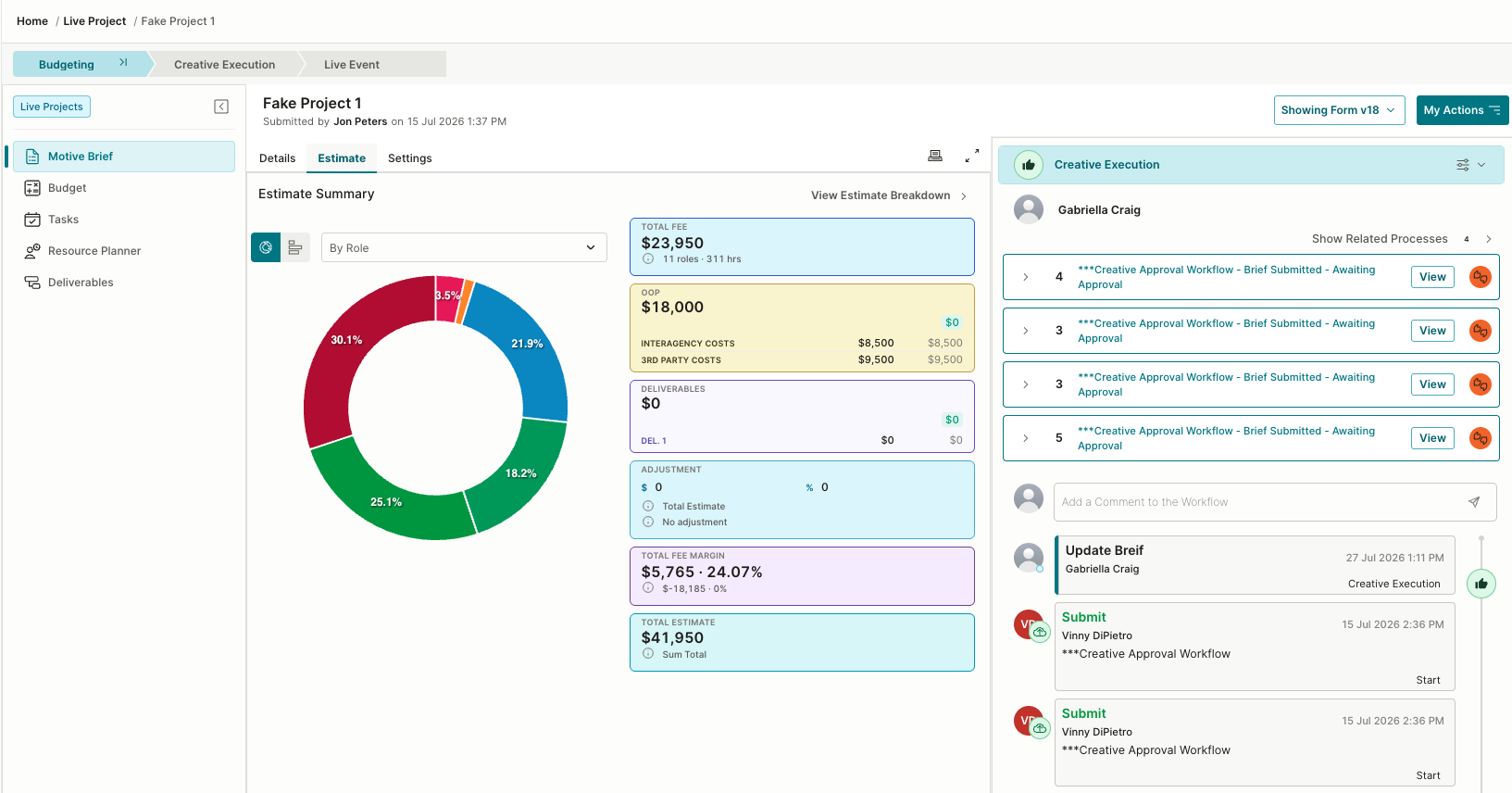
Overview of the Estimate Tab
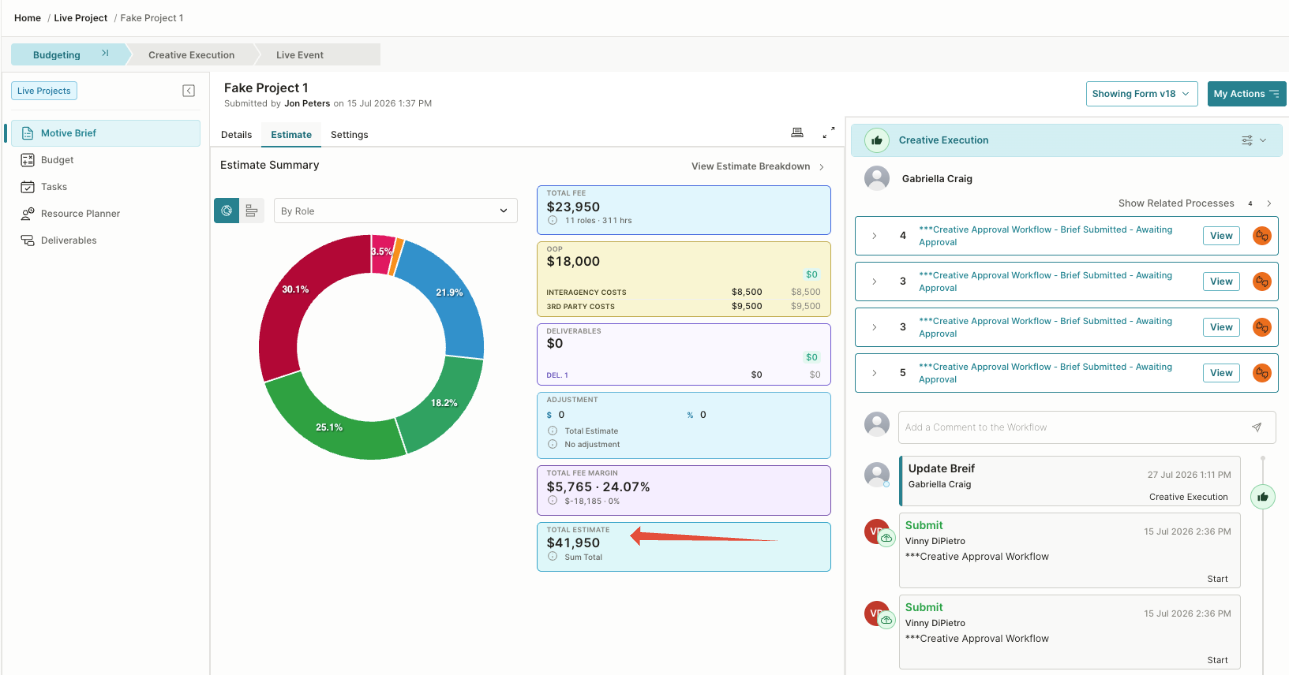
The Estimate tab provides a high-level view of the project’s financial information. It brings together internal fees, out-of-pocket expenses, deliverable costs, adjustments, margins, and the total estimate in one place.
The page includes the following areas:
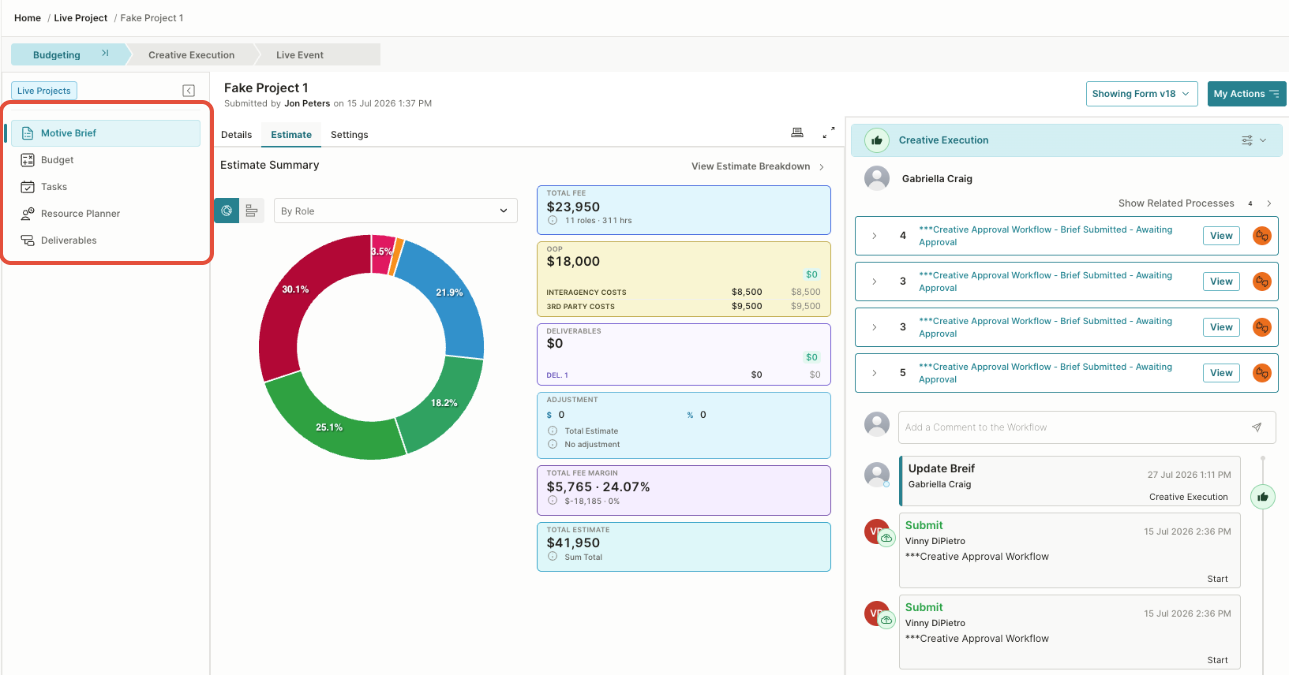
- The project navigation on the left provides access to related areas, including the brief, budget, tasks, Resource Planner, and deliverables. The panel on the right displays related workflow processes, outstanding actions, comments, and the project’s activity history.
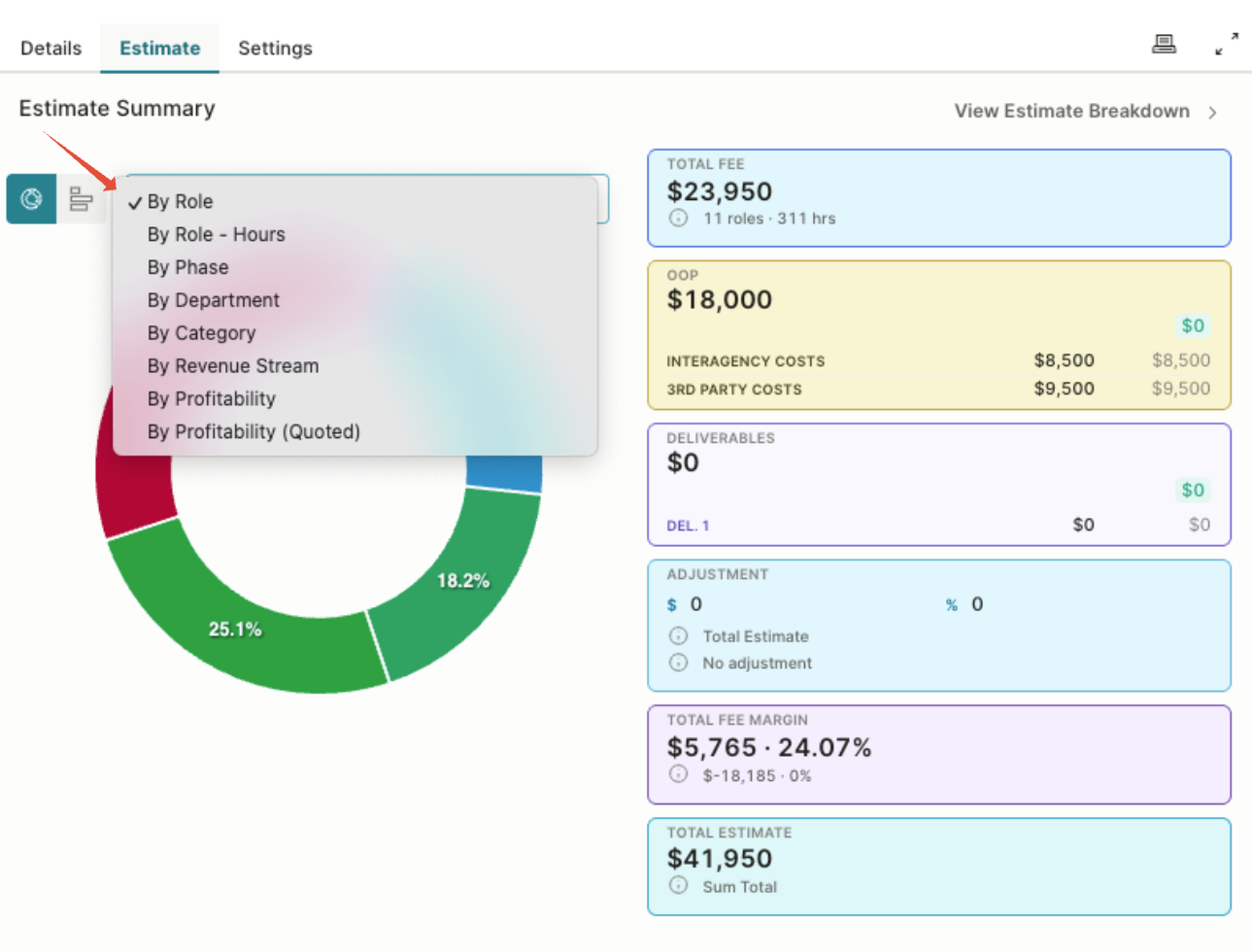
- Estimate visualization: The chart displays how the estimate is distributed. Use the dropdown to change how the data is grouped, such as by role, phase, department, profitability, etc.
- Total Fee: Shows the value of internal labor included in the estimate, along with the number of roles and estimated hours.
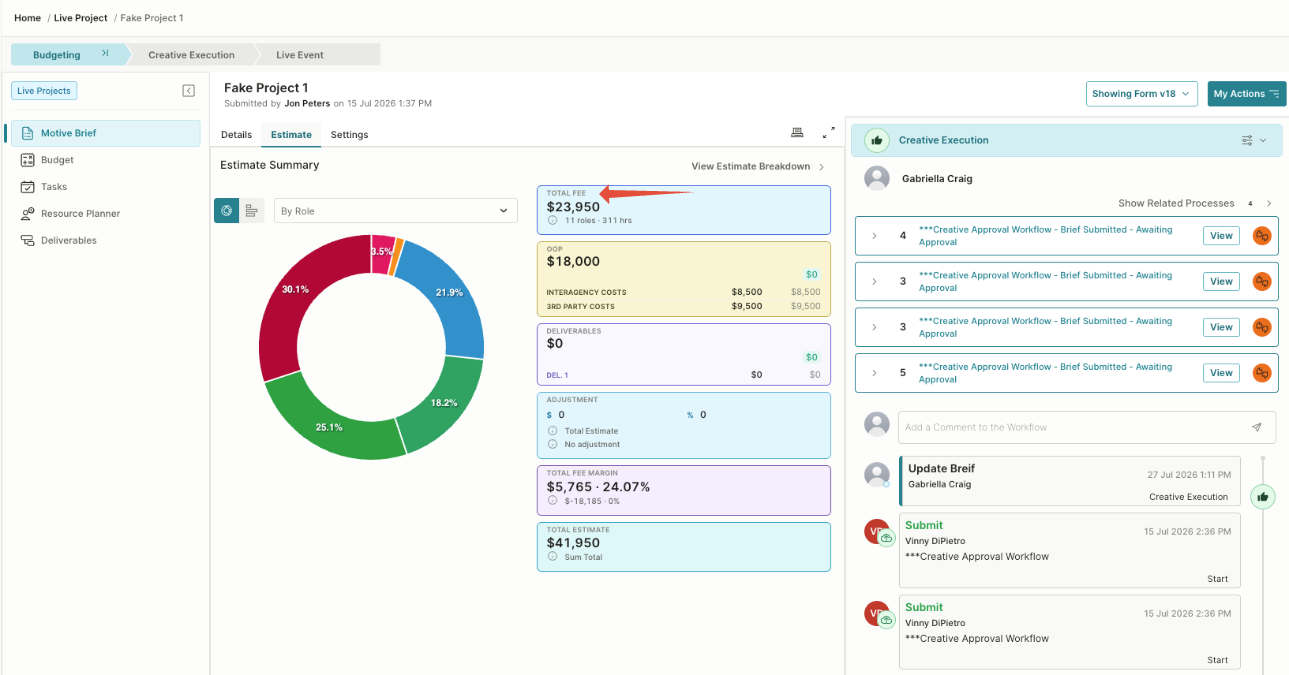
- OOP: Displays out-of-pocket expenses, such as interagency or third-party costs.
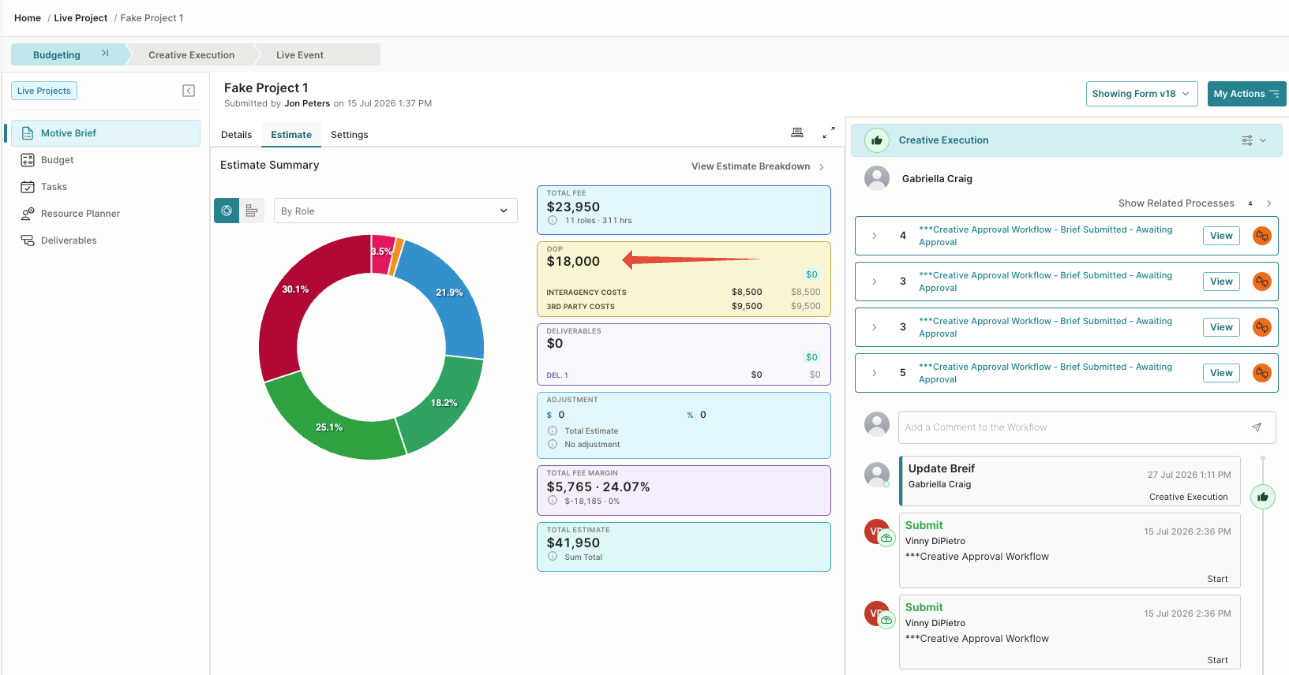
- Deliverables: Shows the total cost associated with the project’s defined outputs.
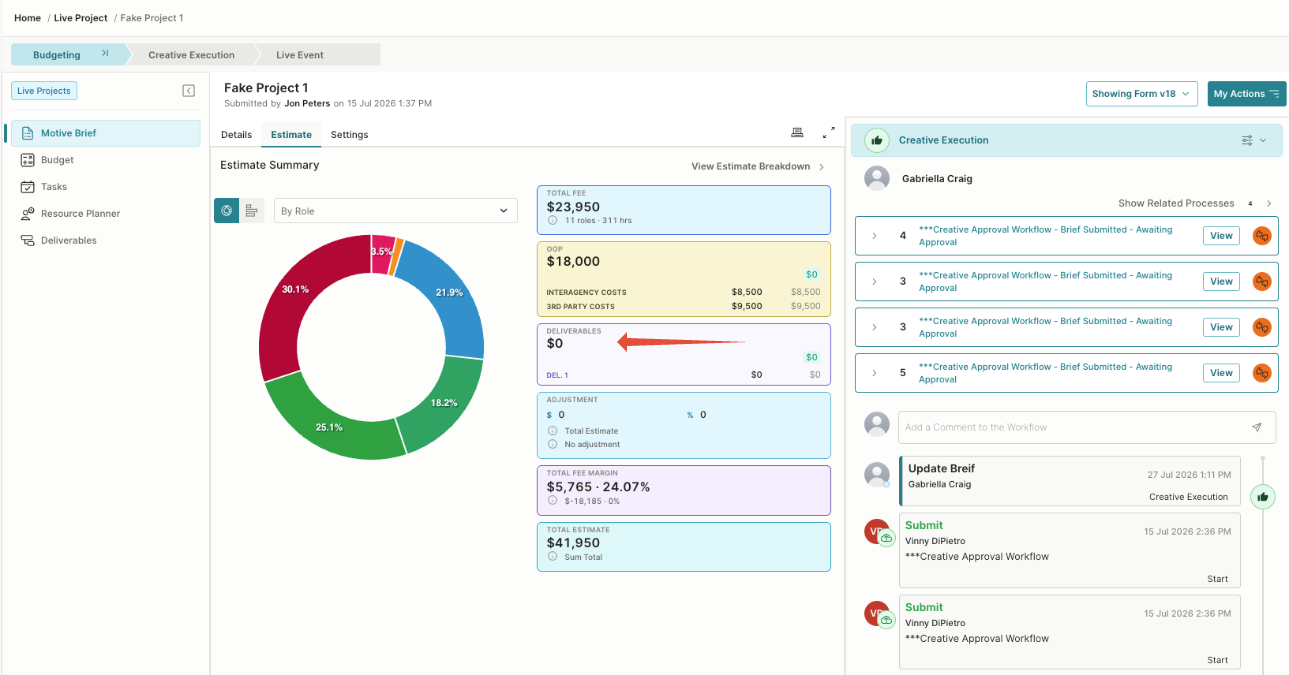
- Adjustment: Displays any monetary or percentage-based adjustment applied to the estimate.
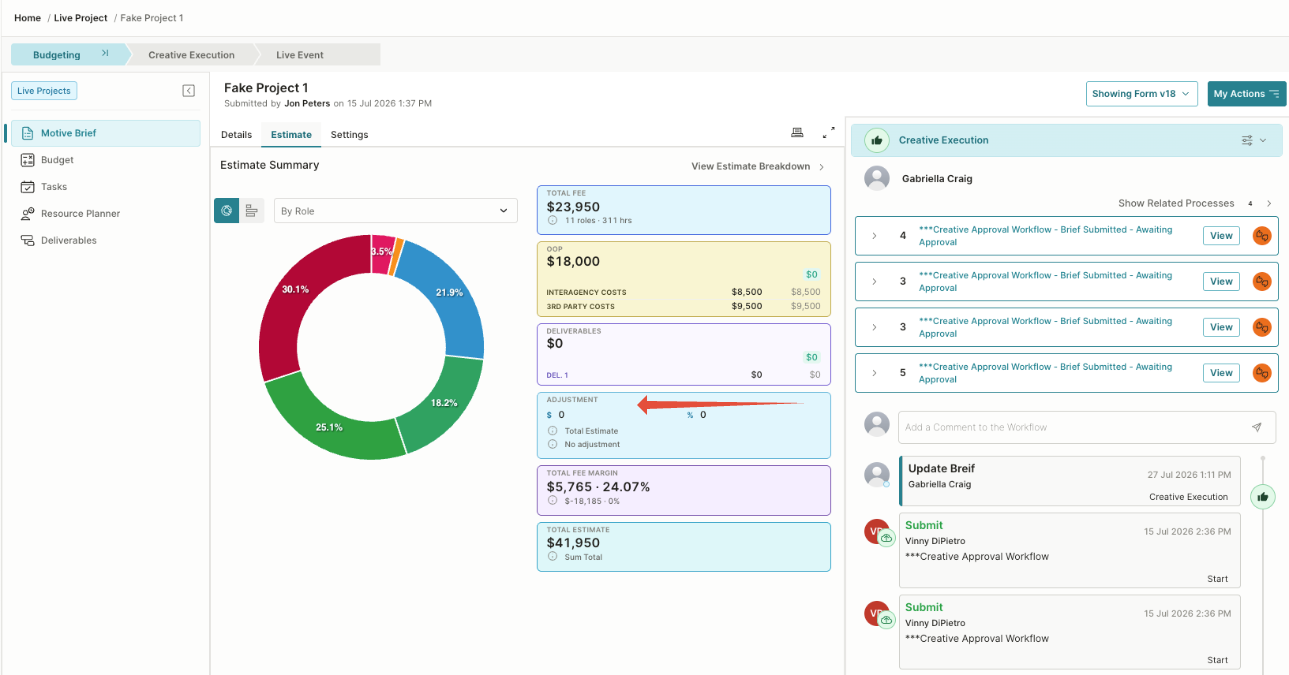
- Total Fee Margin: Shows the estimated profit margin as both a monetary amount and a percentage.
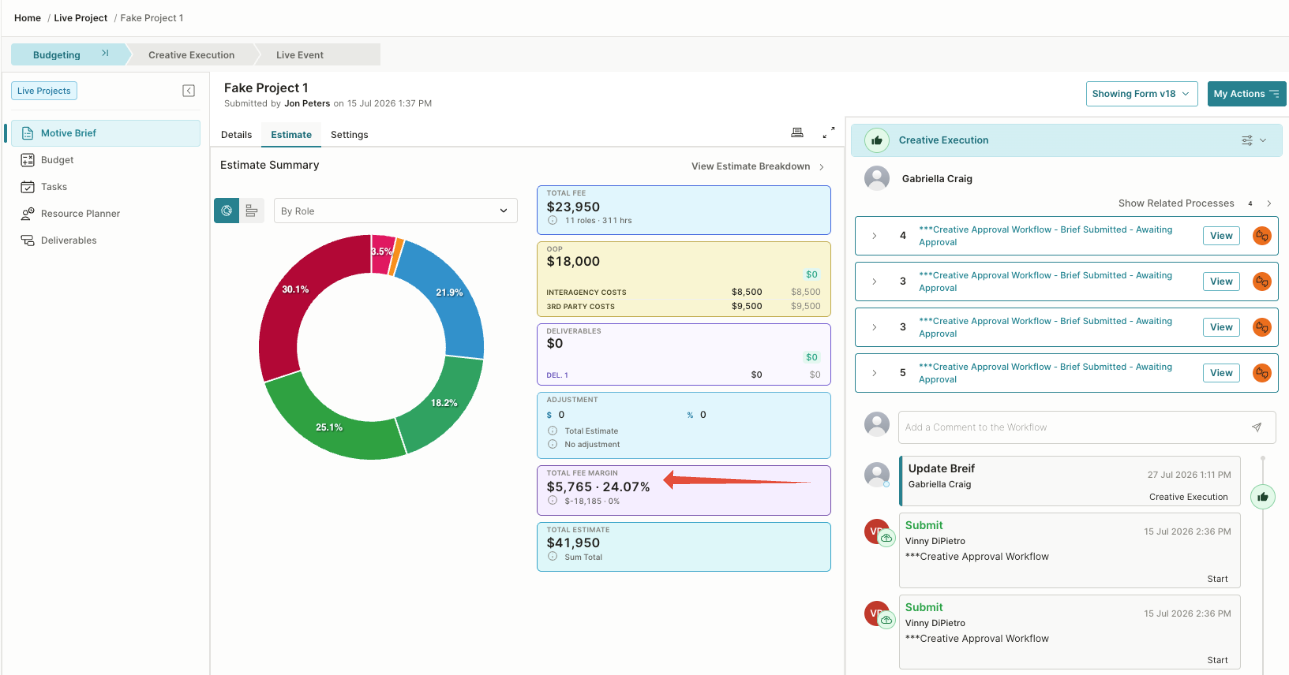
- Total Estimate: Displays the combined value of all estimate components.
Select View Estimate Breakdown to open the detailed estimate and review the individual phases, roles, costs, hours, OOP expenses, and deliverables contributing to the totals.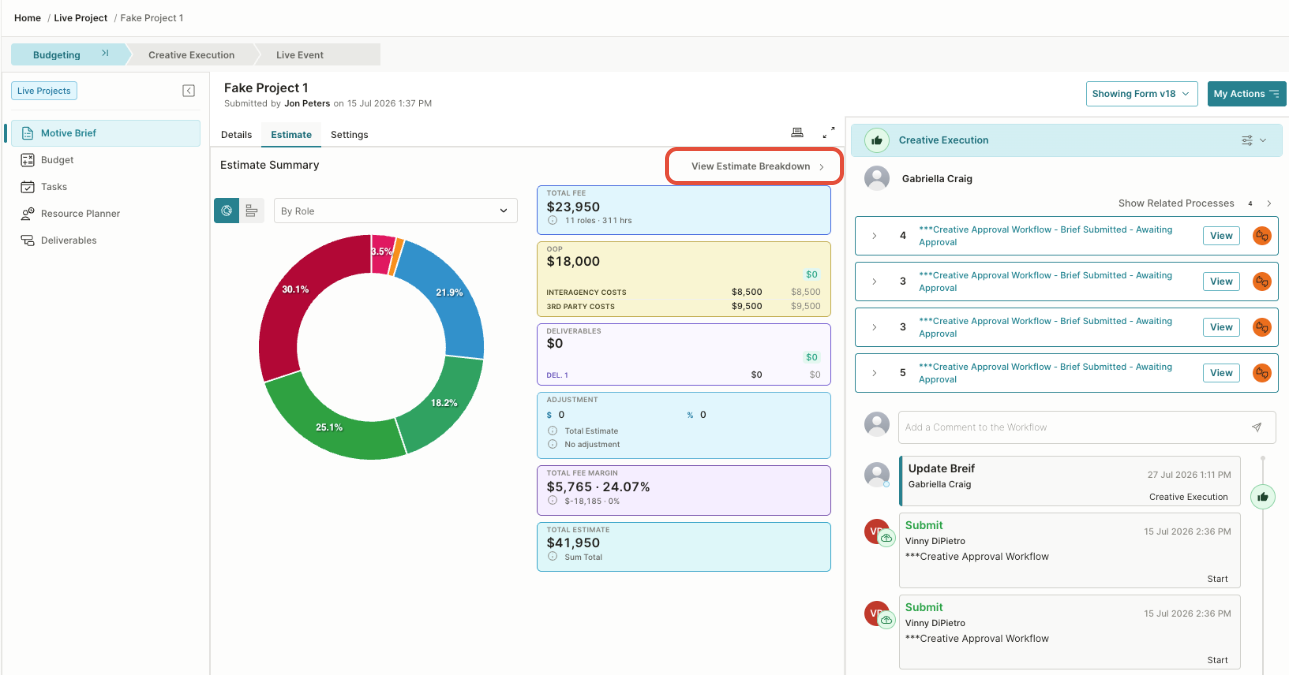
Estimate Breakdown Overview
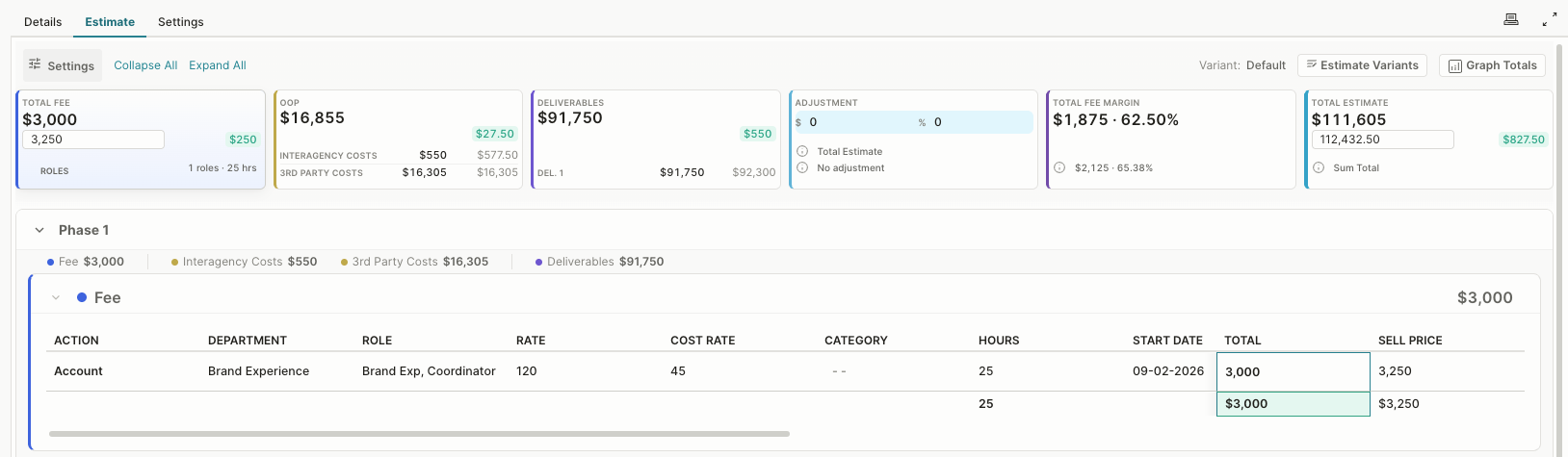
The detailed Estimate view shows how the project’s costs and sell prices are calculated. Estimate information is organized into phases, with separate sections for fees, out-of-pocket expenses, deliverables, adjustments, margins, and the total estimate.
Estimate totals
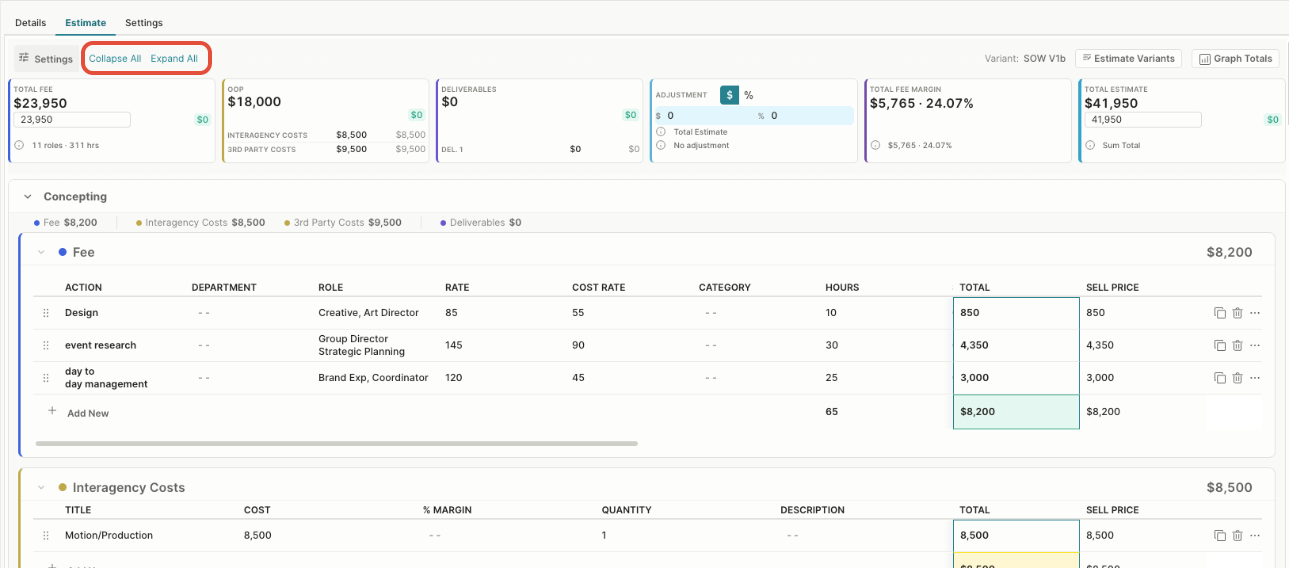
The summary cards at the top display:
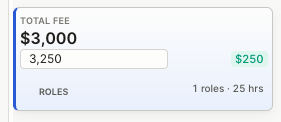
- Total Fee: The total value of internal labor, including the number of roles and estimated hours.
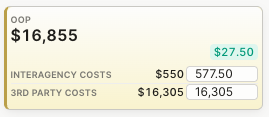
- OOP: The combined value of out-of-pocket expenses, such as interagency and third-party costs.
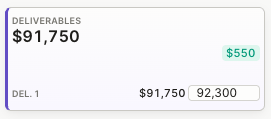
- Deliverables: The total value of the outputs included in the estimate.
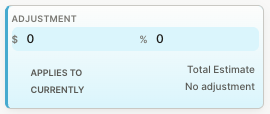
- Adjustment: Any monetary or percentage-based adjustment applied to the estimate.
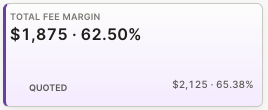
- Total Fee Margin: The estimated margin displayed as both a monetary value and percentage.
- Total Estimate: The combined value of the fees, OOP expenses, deliverables, and adjustments.
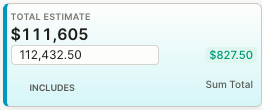
When sell-price changes or overrides are entered, the cards also show the updated value and the difference from the original total.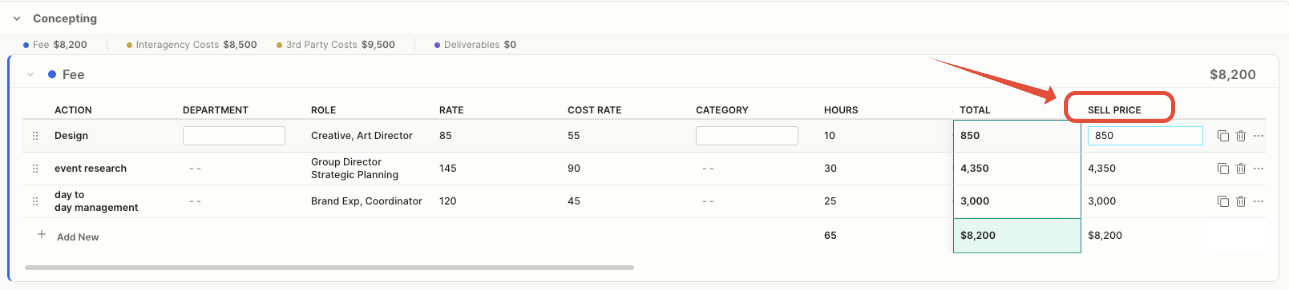
Estimate Phases
Estimate items are grouped into phases. Each phase displays a summary of its fee, OOP, and deliverable totals. Use Collapse All or Expand All to control how much information is displayed.
Fee Details
The Fee section provides a line-by-line breakdown of the internal work included in the estimate. What appears here is customizable and relative to the project itself
Examples of what each row can include:
- Title, Action or Task: The specific activity or piece of work included in the estimate.

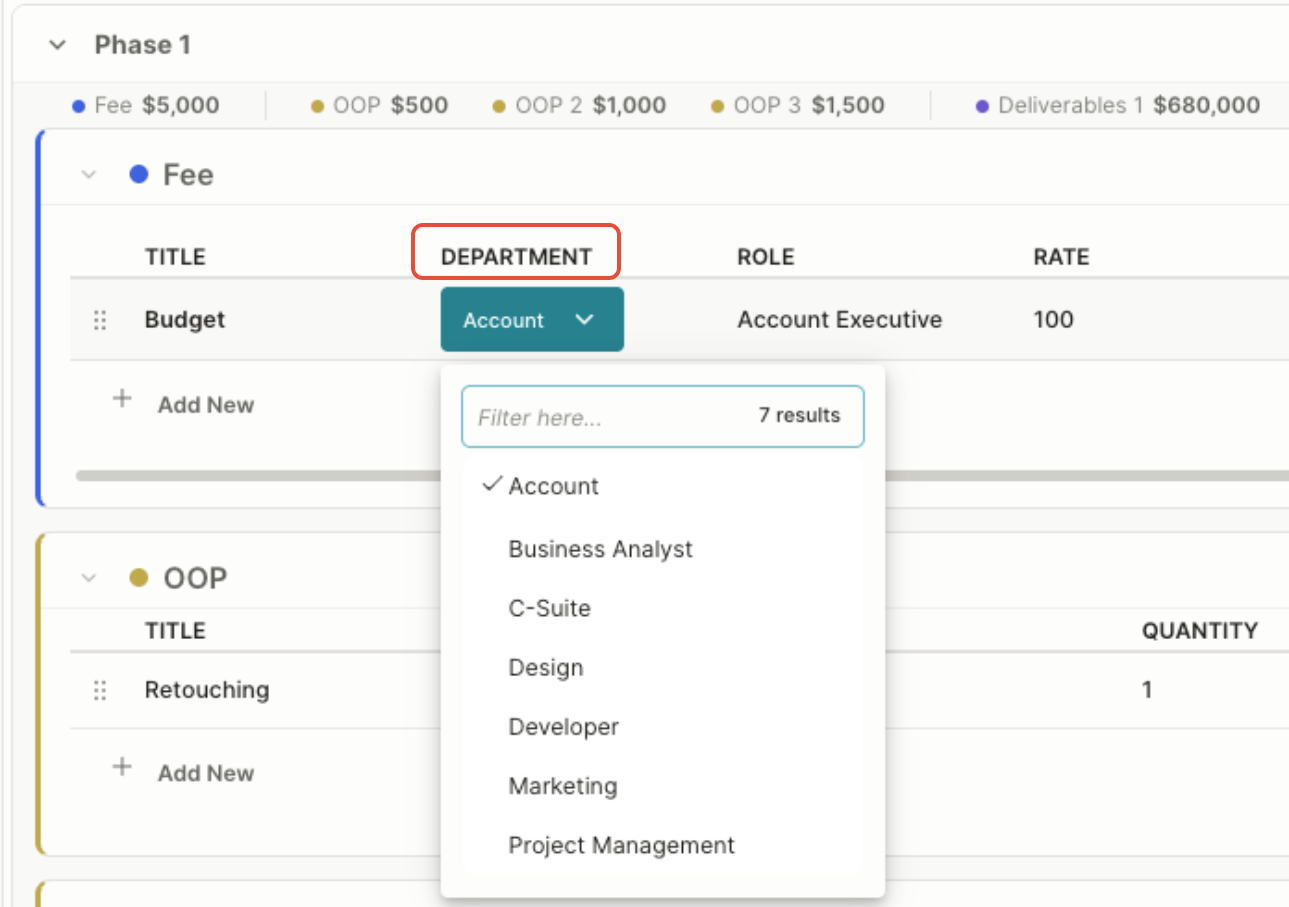
- Department: The department responsible for completing the work.
- Role: The job role or resource type required to perform the work.
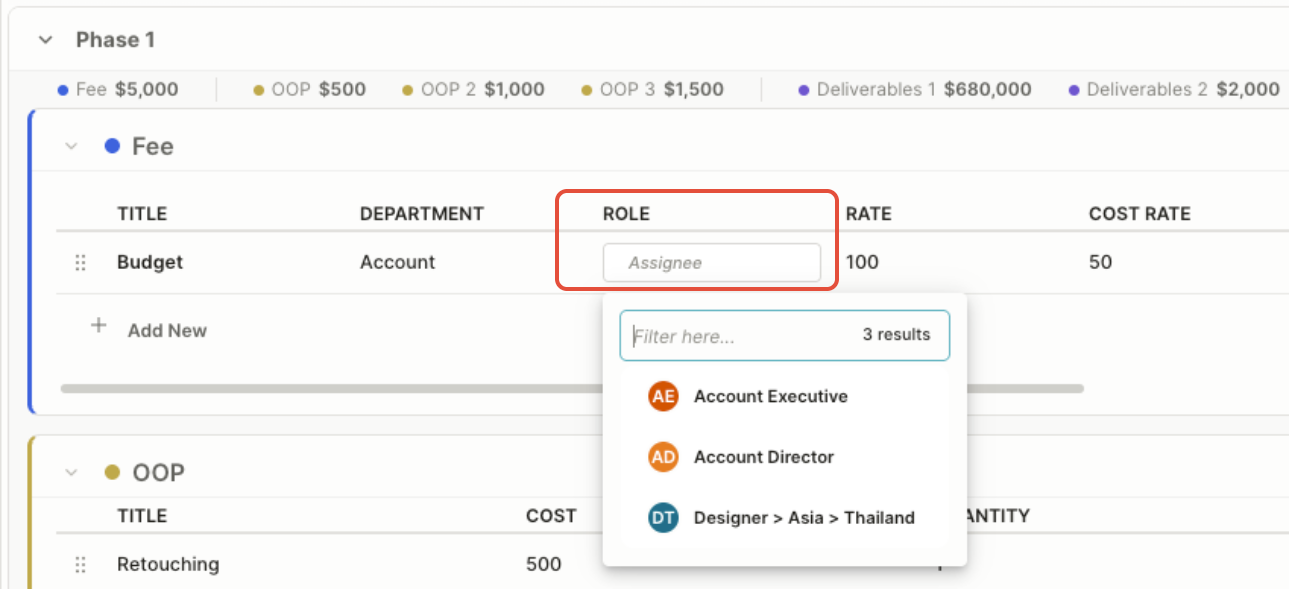
- Standard rate: The default hourly rate charged for the selected role.

- Cost rate: The estimated internal hourly cost of providing the resource.

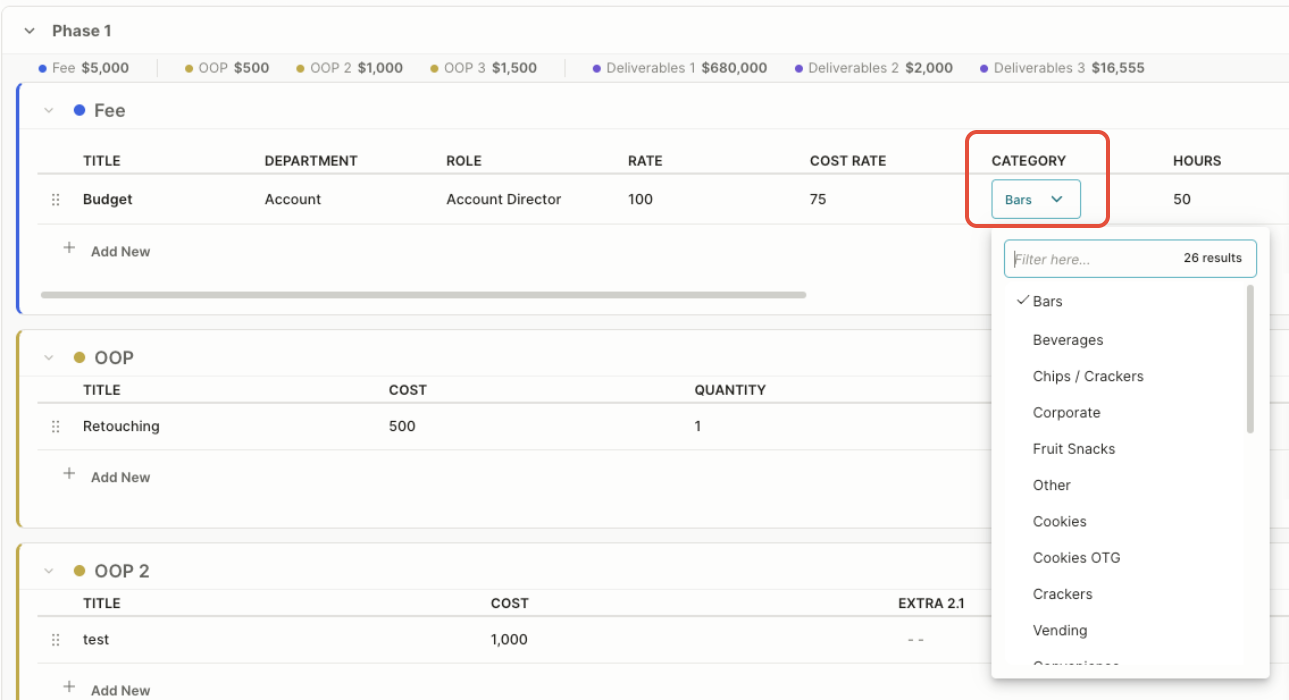
- Category: A classification used to organize the fee for reporting or billing purposes.
- Estimated hours: The number of hours expected to complete the work.

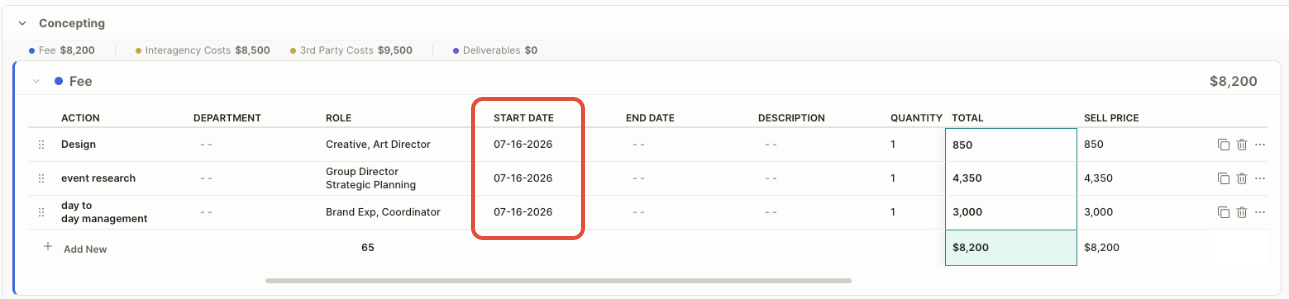
- Start Date: The date the work is expected to begin.
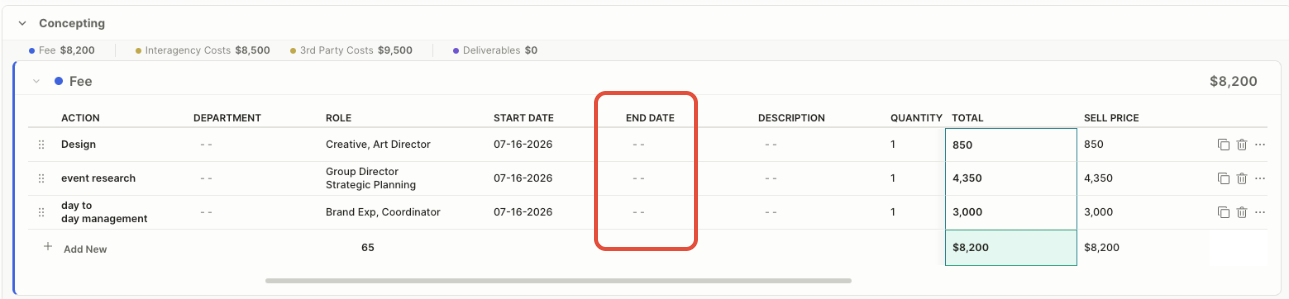
- End Date: The date the work or deliverable is expected to be completed.
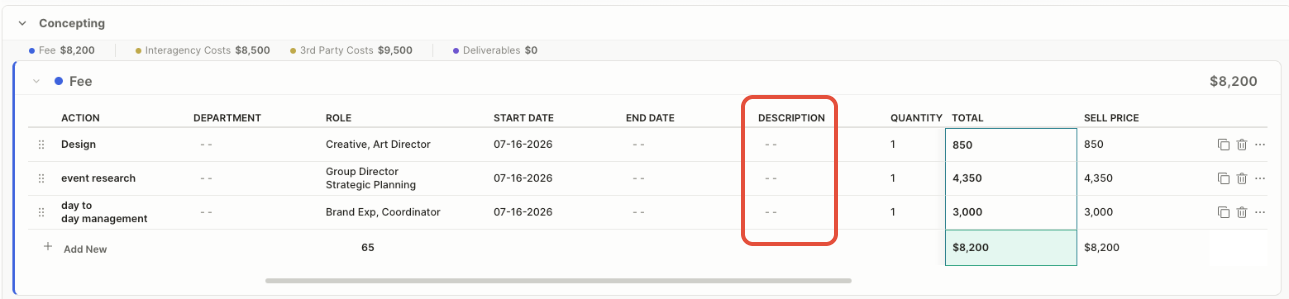
- Description: A brief explanation of the expense, item, or deliverable.
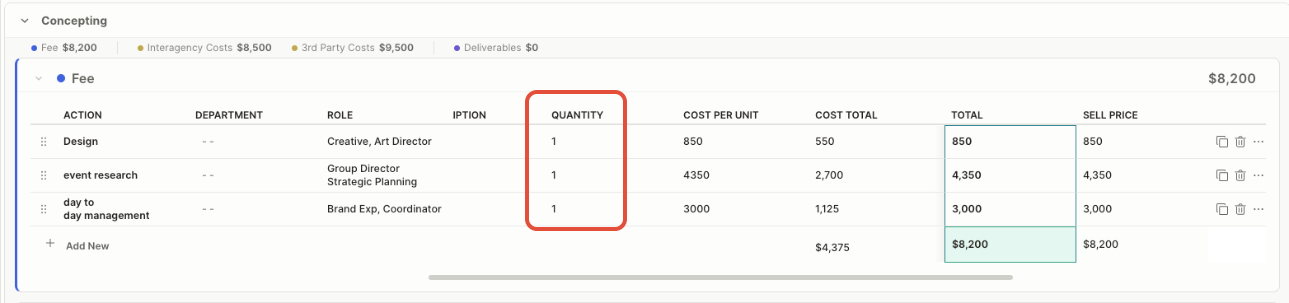
- Quantity: The number of units included in the estimate.
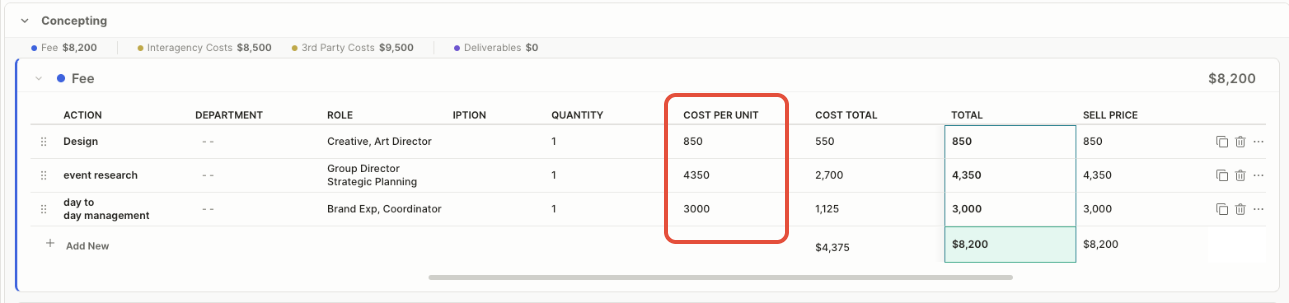
- Cost per Unit: The estimated internal or supplier cost for one unit.
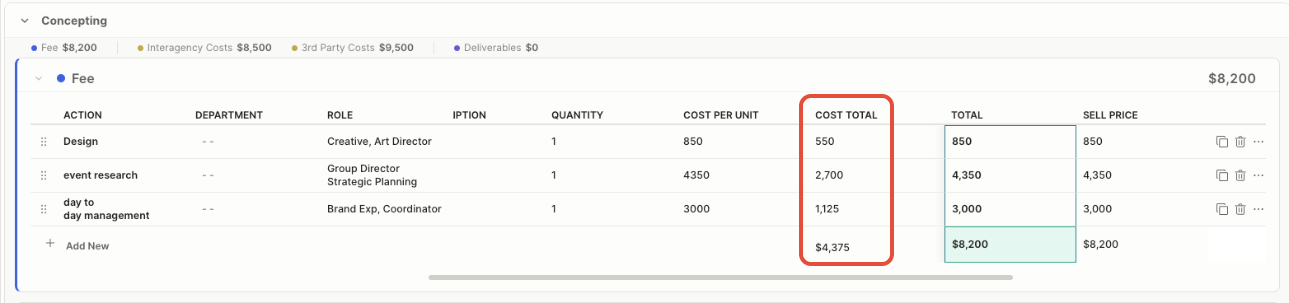
- Cost Total: The total estimated cost, calculated by multiplying the quantity by the cost per unit.
- Cost Margin: The difference between the sell price and the total cost, expressed as a percentage.
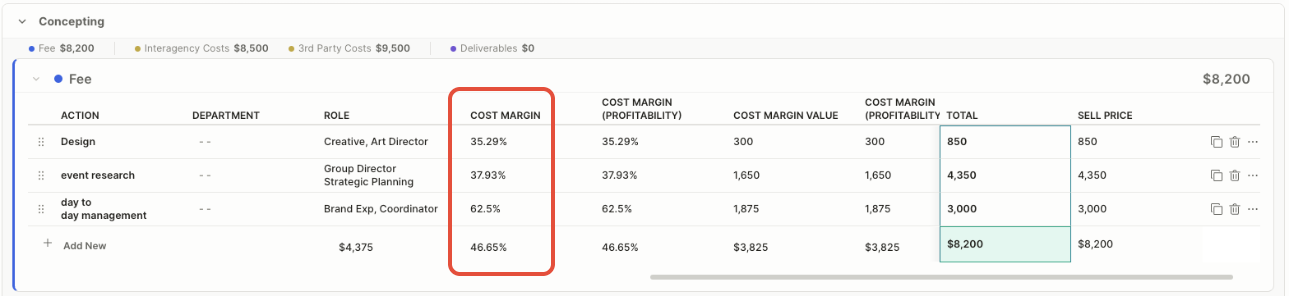
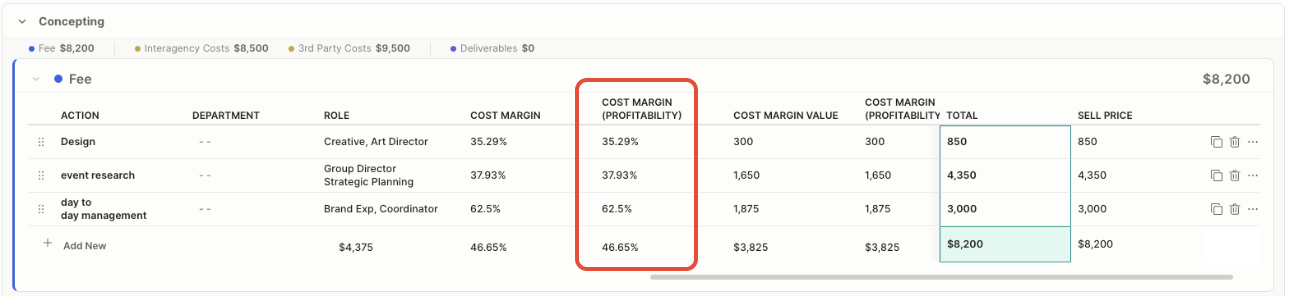
- Cost Margin (Profitability): The percentage of the sell price retained after deducting associated costs.
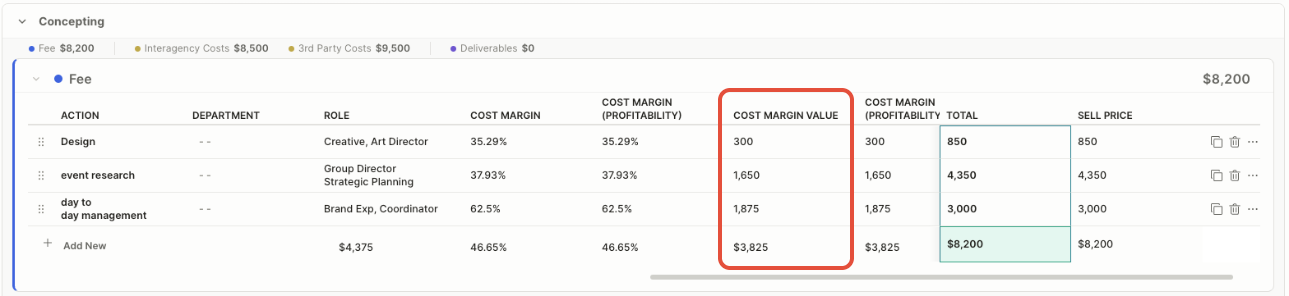
- Cost Margin Value: The monetary difference between the sell price and the total cost.
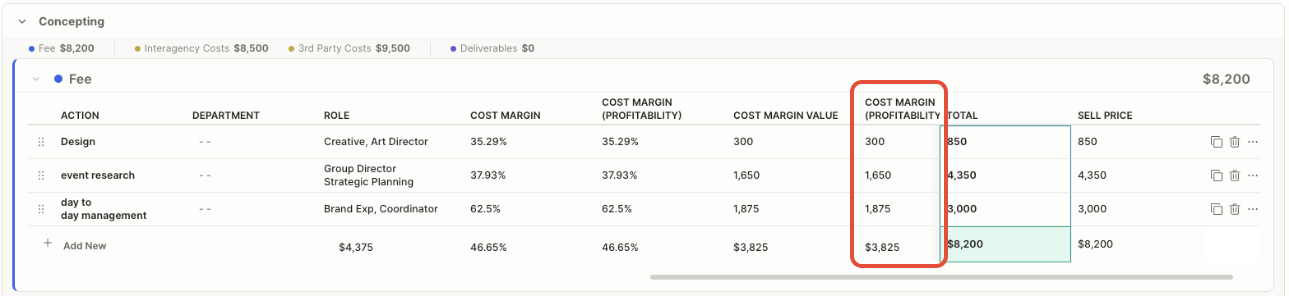
- Cost Margin (Profitability) Value: The estimated monetary profit generated after deducting the associated costs from the sell price.
- Calculated total: The fee calculated using the standard rate and estimated hours. The calculated total is based on the role’s rate and estimated hours.

- Sell price: The client-facing amount charged for the work. This can differ from the calculated total when you override the price. Use the sell price to record a different amount when the client-facing price does not match the calculated fee.

- Cost Margin (Sell Price Override): If you make adjustments to the sell price as described above, you can see how those adjustments affect your margins in the Cost Margin (Sell Price Override) column.

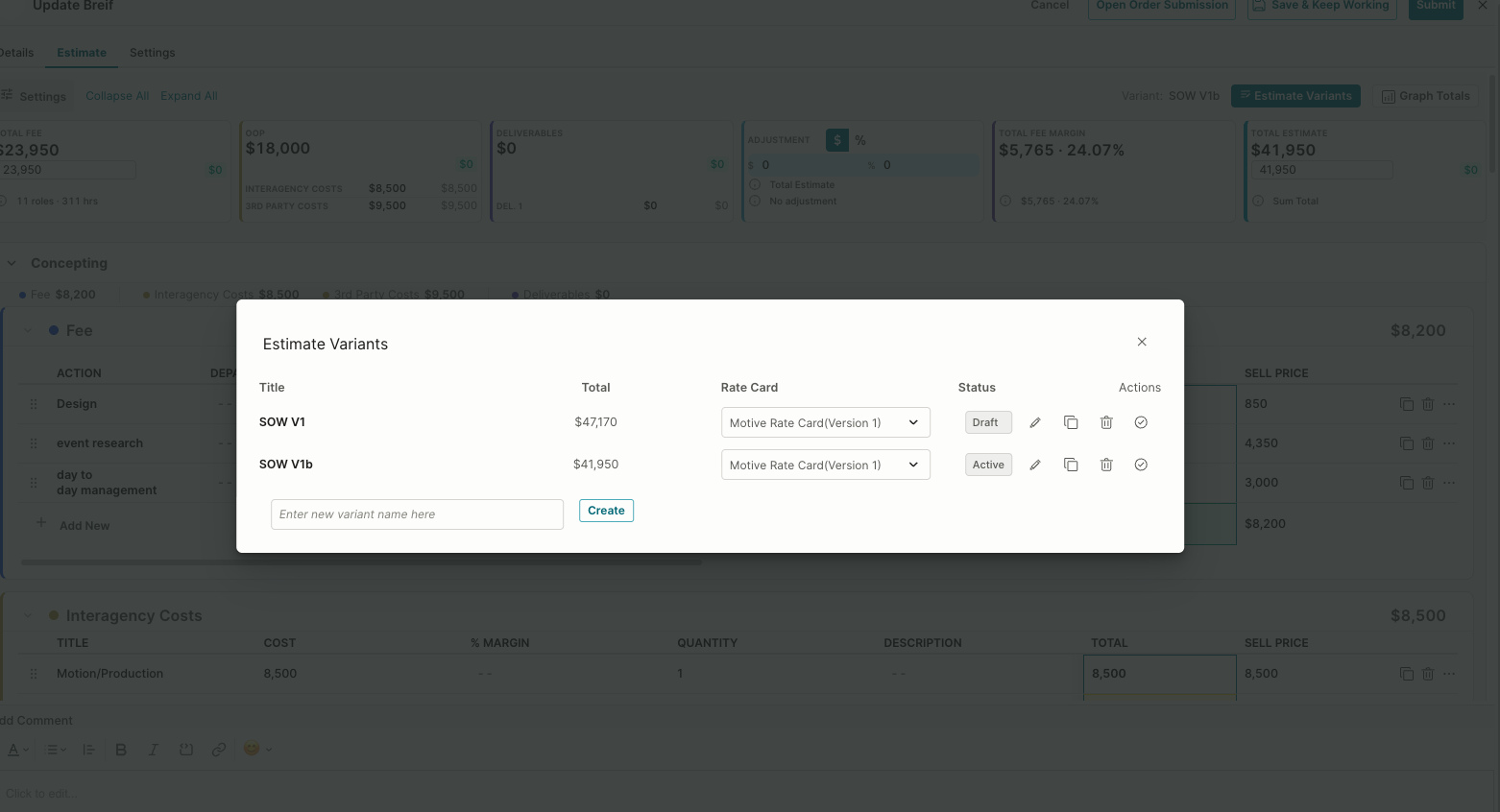
Use Estimate Variants to create or compare alternate versions of the estimate.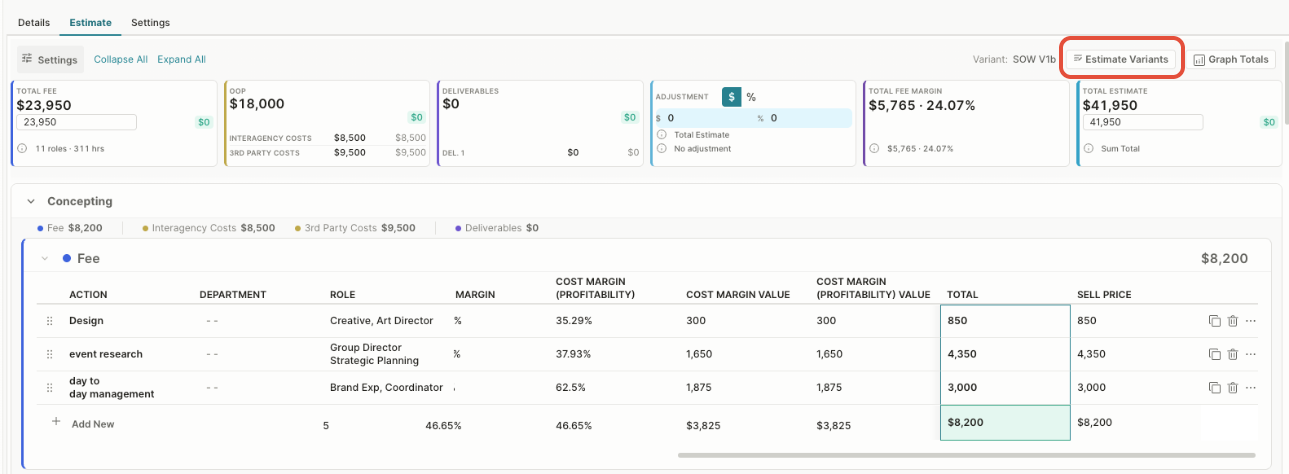
Graph Totals to view estimate information visually.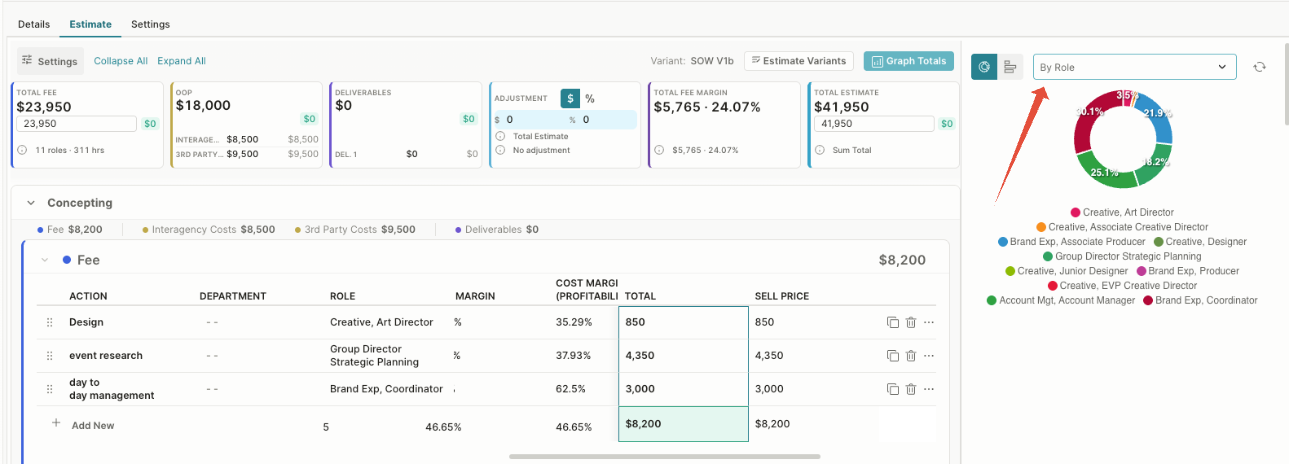
Fee Lines and Task Creation
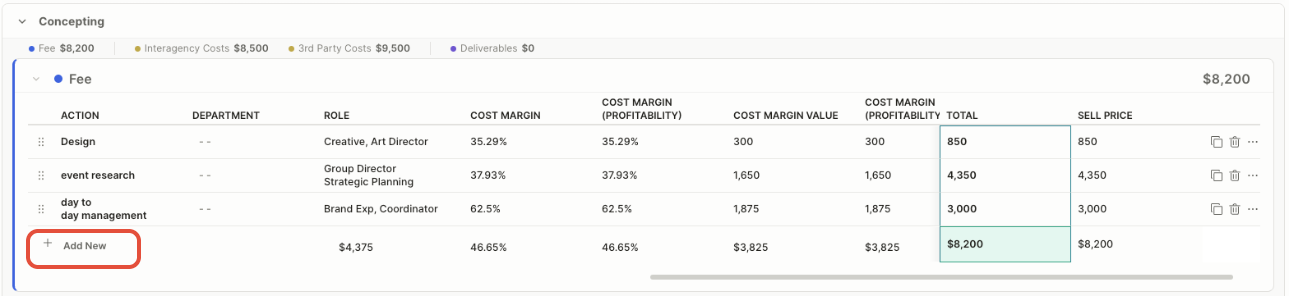
The Fee section defines the internal work required for an estimate phase. Each row represents an action—such as Design, Event Research, or Day-to-Day Management—that you can use to create a corresponding project task.
When tasks are created from the estimate:
- The Action becomes the task name.
- The Department identifies the team responsible for the work.
- The Role identifies the resource type required to complete the task.
- You can carry any estimated dates and hours associated with the fee line into the task for scheduling and resource planning.
- The financial fields remain connected to the estimate for cost, margin, and sell-price calculations.
Use Add New to add another fee line and potential task. You can also duplicate, delete, or reorder existing rows. Task creation from estimate lines depends on the project’s configured estimate and task settings.
Third-Party Costs and Task Creation
The Third-Party Costs section records products or services purchased from an external supplier, such as photography, printing, materials, equipment rental, or freelance services.
Each row includes the item title, unit cost, quantity, description, calculated total, and client-facing sell price. These amounts contribute to the phase’s out-of-pocket expenses and the overall estimate.
Unlike fee lines, third-party cost rows typically don't create project tasks because they don't include an internal role, estimated hours, or resource assignment. If the external cost also requires tracked work—such as arranging a photographer or ordering materials—you may need to create a separate task.
Use Add New to enter another cost. You can also reorder, duplicate, delete, or edit existing roles.

Additional Actions
Copy Icon: To duplicate tasks.
Trash Icon: To delete a task.
Add Sub-tasks: Click the 3 dots to create a sub-task under the main task.
Next Step: Adding Estimates to a Brief.
Was this article helpful?
That’s Great!
Thank you for your feedback
Sorry! We couldn't be helpful
Thank you for your feedback
Feedback sent
We appreciate your effort and will try to fix the article