You can securely distribute files from forms to individuals outside of your Screendragon system—such as clients, partners, or suppliers—without the need to create user accounts. External recipients can view files, add annotations, and access the version history via a secure link you manage.
- Share files safely with non-platform users.
- Allow clients to enjoy full preview and annotation features.
- Set expiration dates for each shared link.
- Monitor and manage all external shares directly from the form.
- Deactivate a link at any moment with just one click.
Activate External Sharing on a File Field
Admins can now enable external sharing for designated file fields.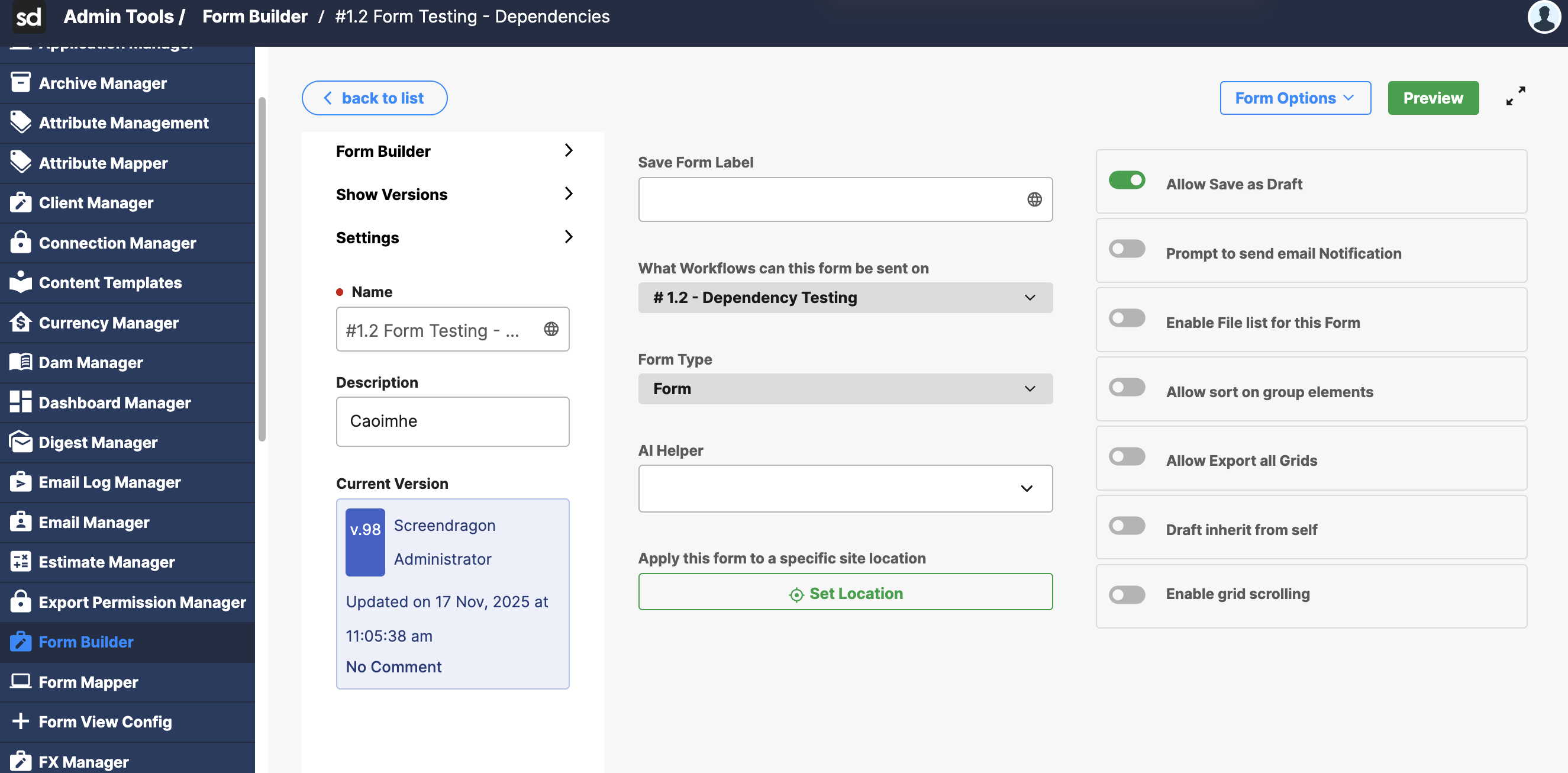
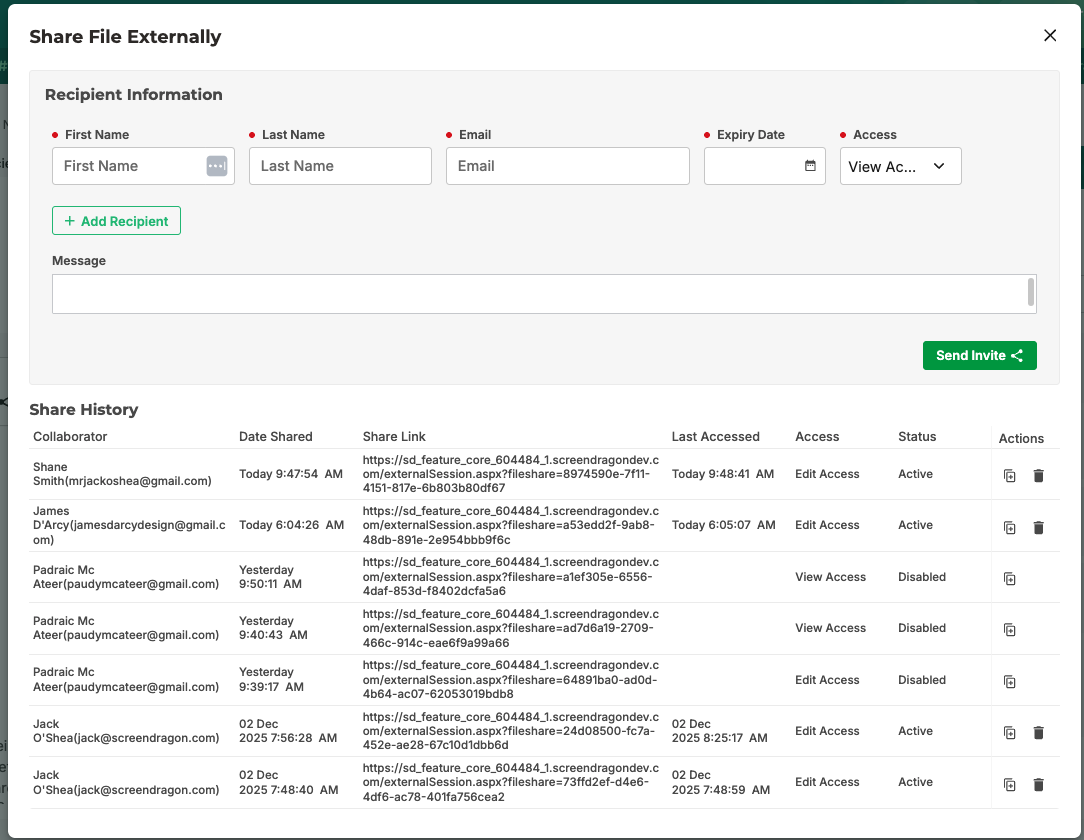
Create Secure External Link
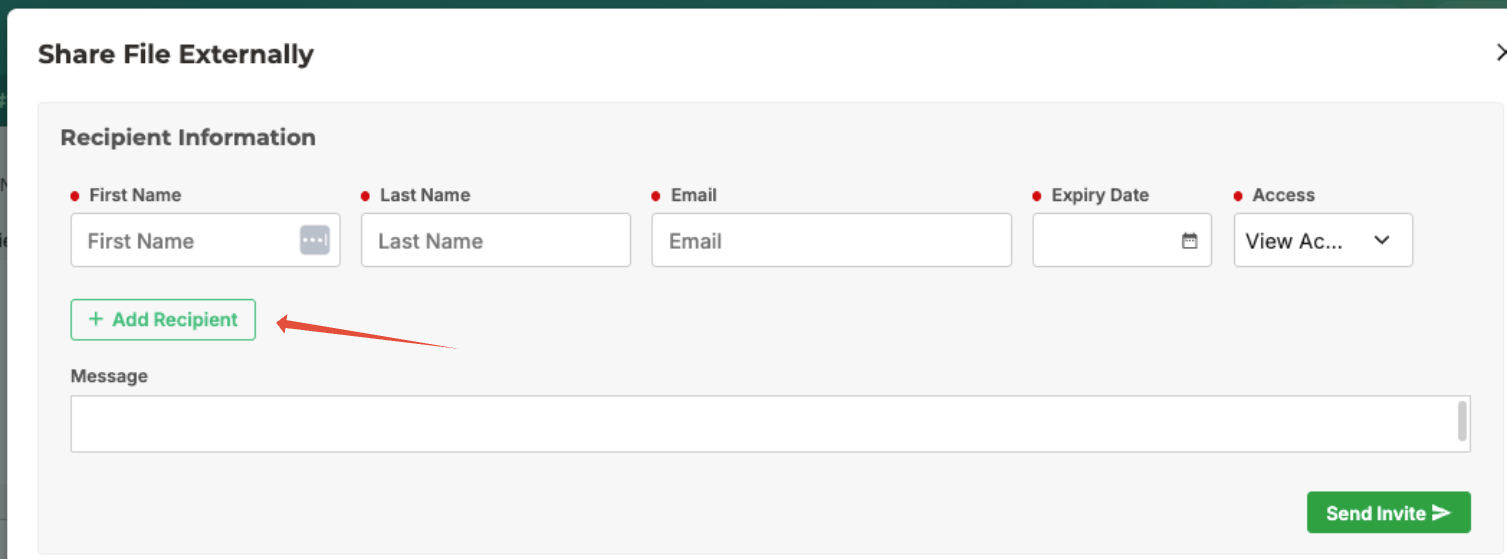
When sharing a file, you can now include:
- Name of the recipient
- Email address
- Expiration date
- Access level
- Every recipient gets a unique, secure link.
Comprehensive Preview Experience
External users can:
- Preview the file
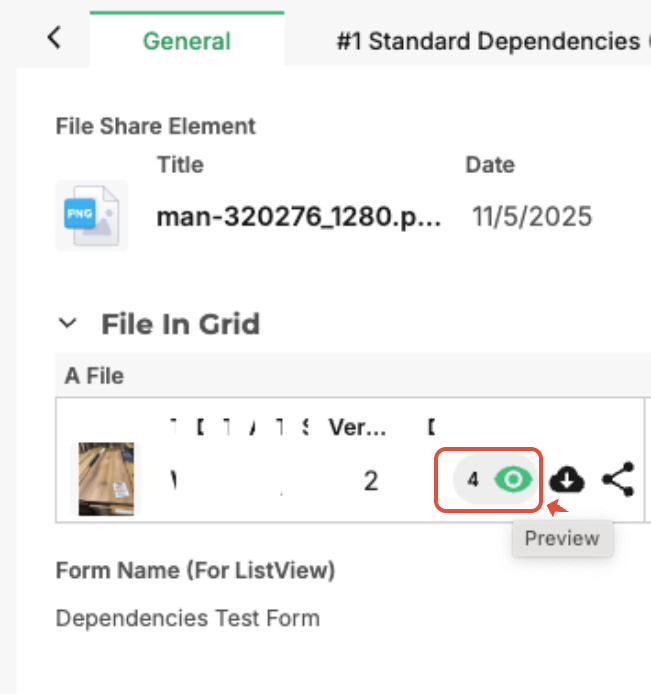
- Access version history
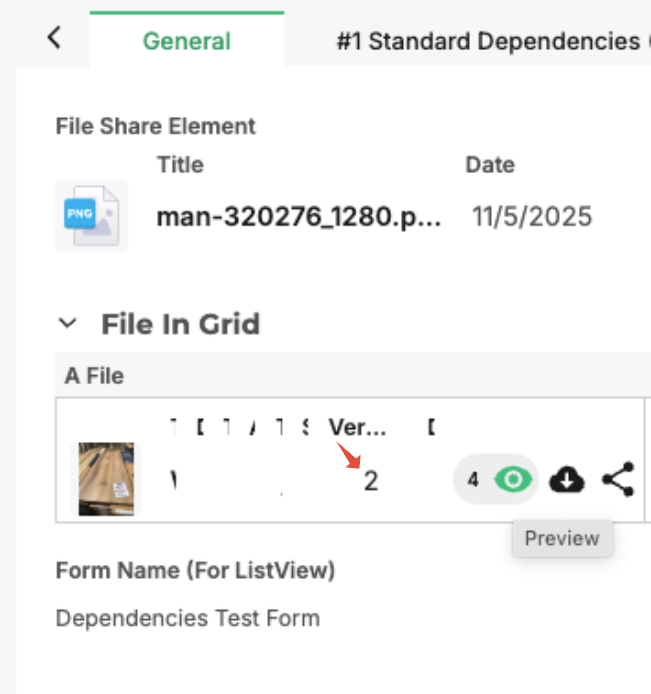
- Add annotations
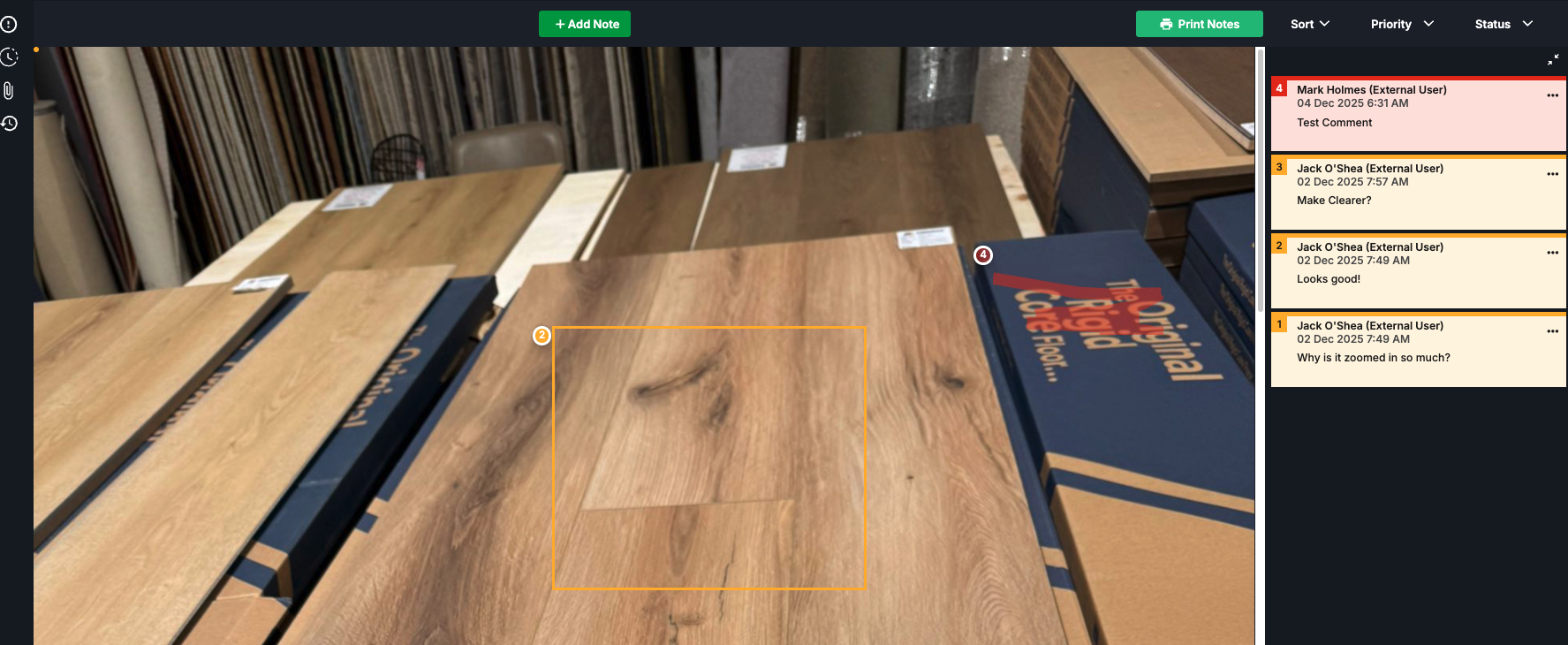
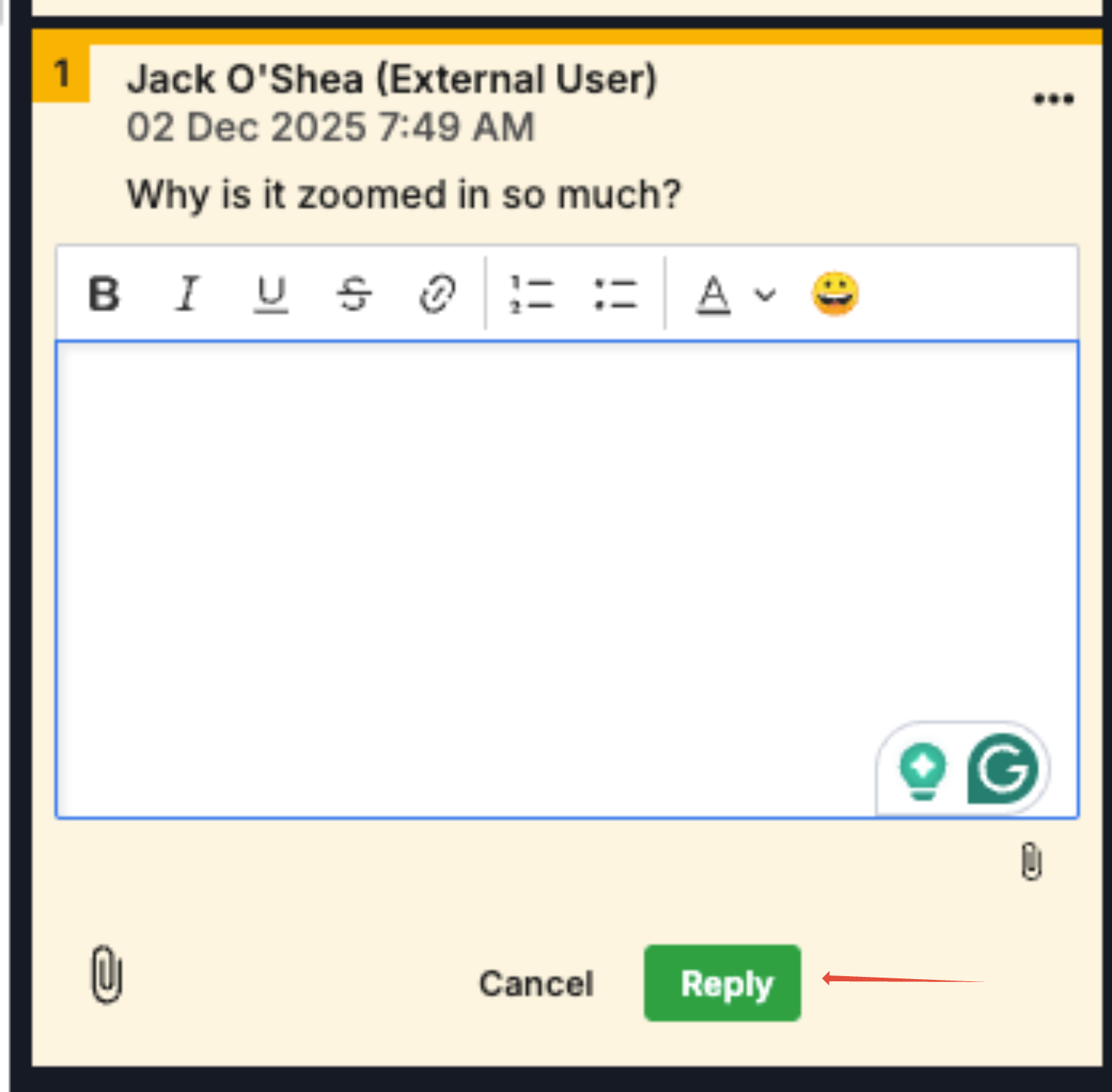
- Respond to comments
Complete Oversight
You have the ability to:
- Add new recipients
- Modify details
- Instantly disable any link
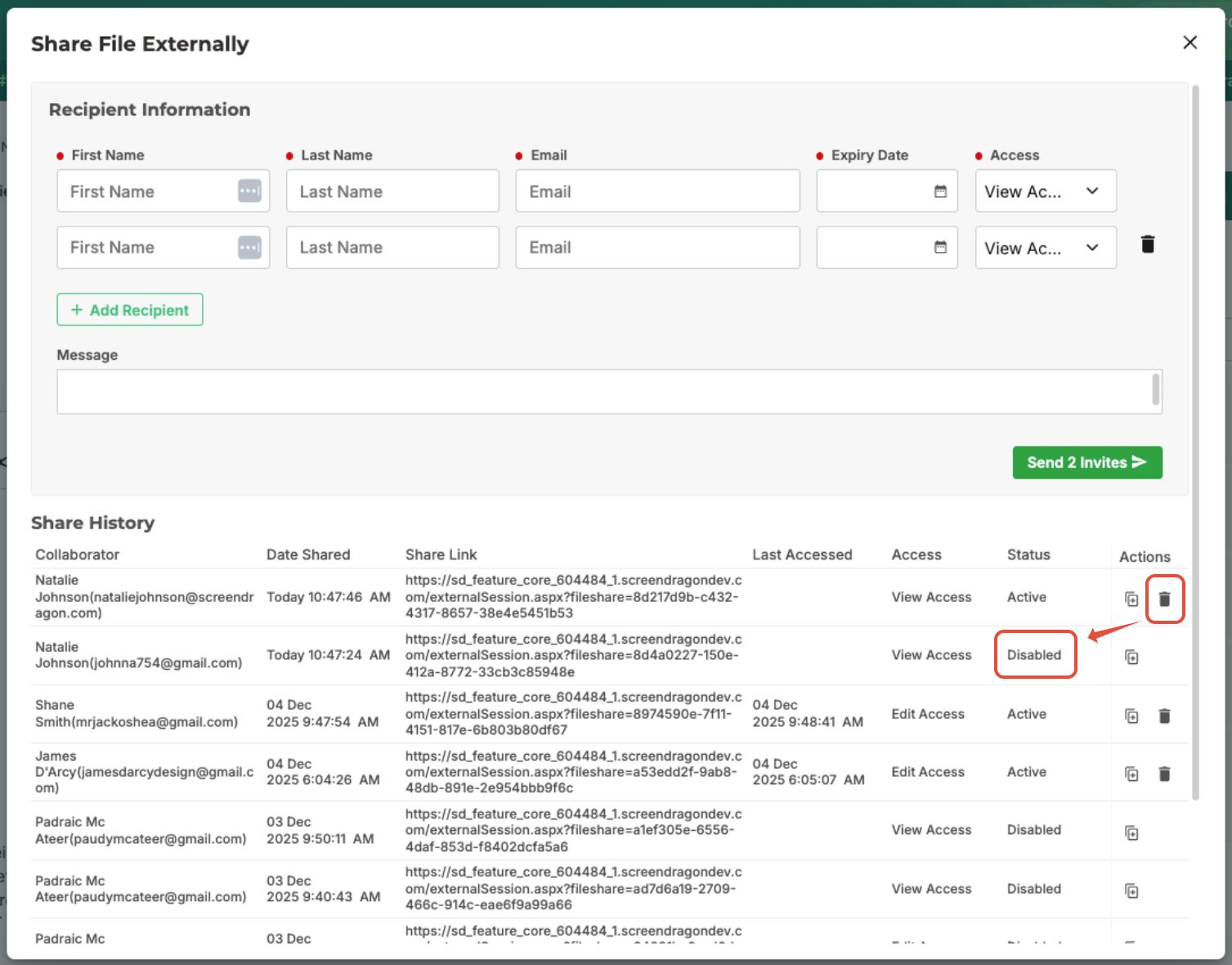
- View all active/expired links in a single location.
- Manage access to ensure it is limited to the shared file—external users cannot view any other parts of the system.
Was this article helpful?
That’s Great!
Thank you for your feedback
Sorry! We couldn't be helpful
Thank you for your feedback
Feedback sent
We appreciate your effort and will try to fix the article