Home Page
Info Module
TABLE OF CONTENTS
The Info module provides a high-level overview of project activity and general information. It also includes any custom Meta tabs defined during project creation.
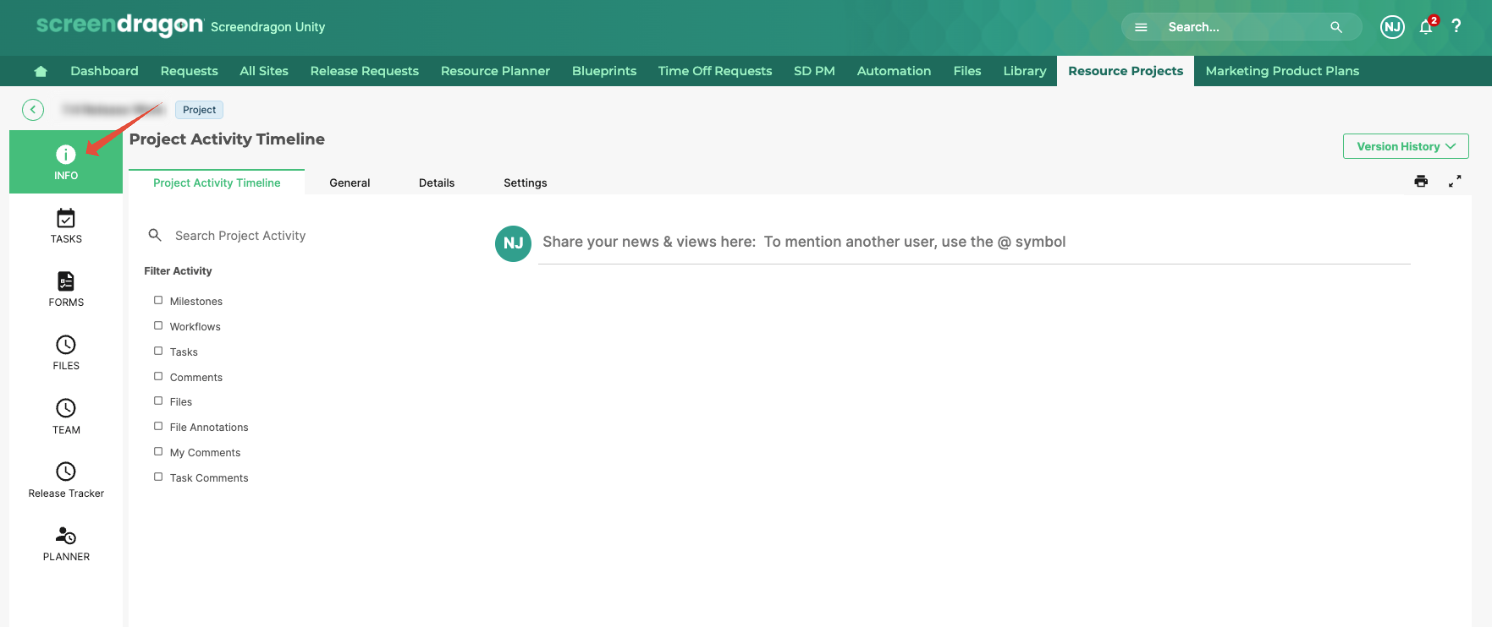
Project Activity Timeline
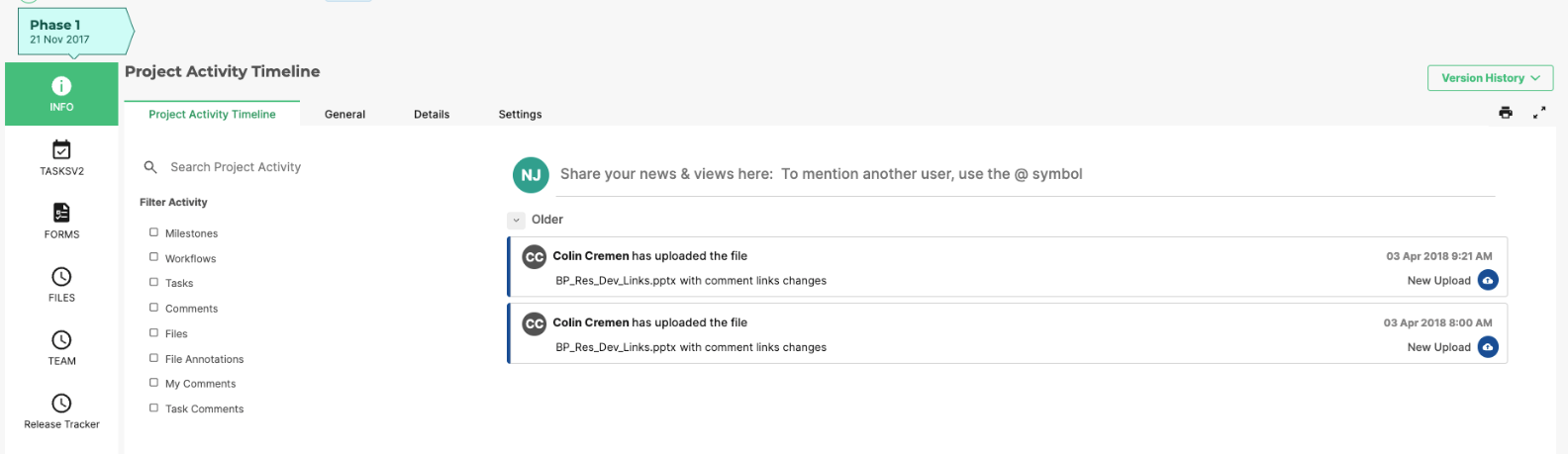
The Project Activity Timeline provides a chronological record of all key actions and updates that occur throughout a project’s lifecycle. It offers project teams a transparent view of what’s happening, when it happened, and who performed each action—helping maintain accountability and improve collaboration.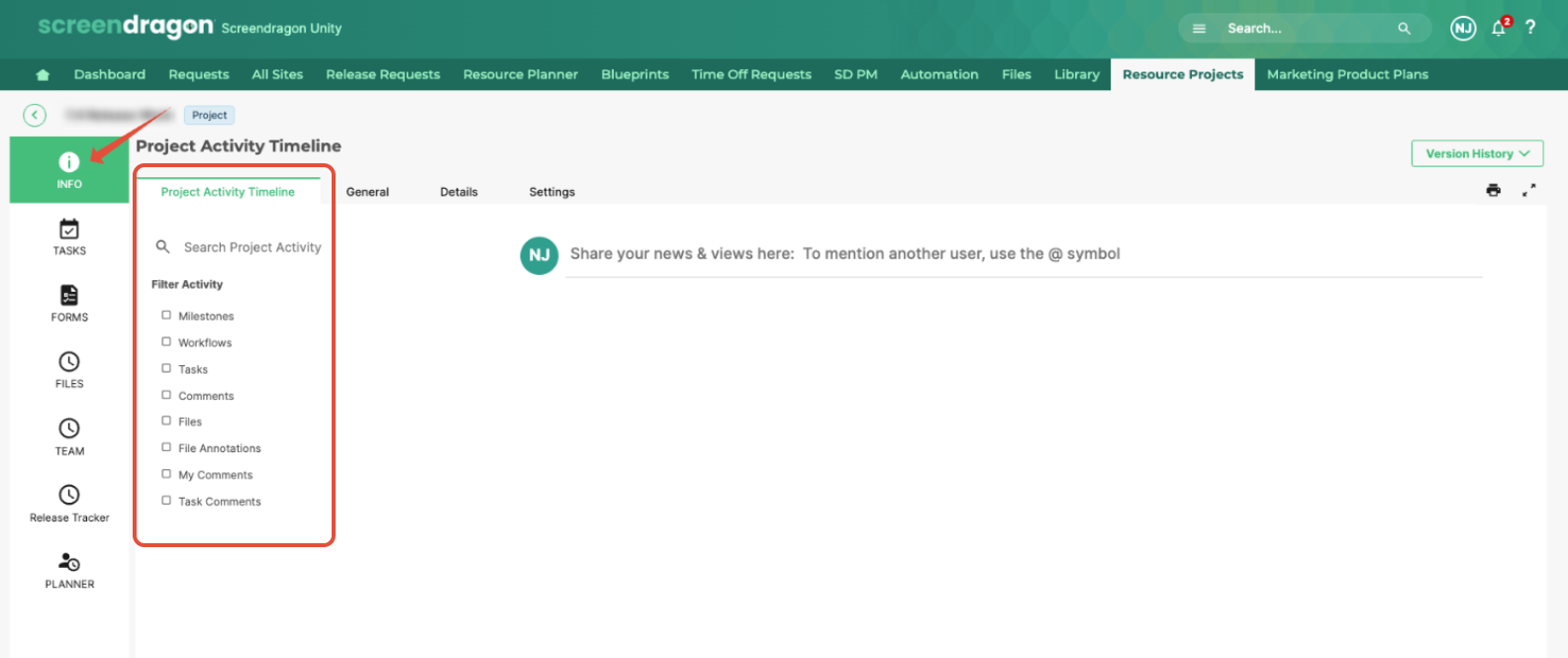
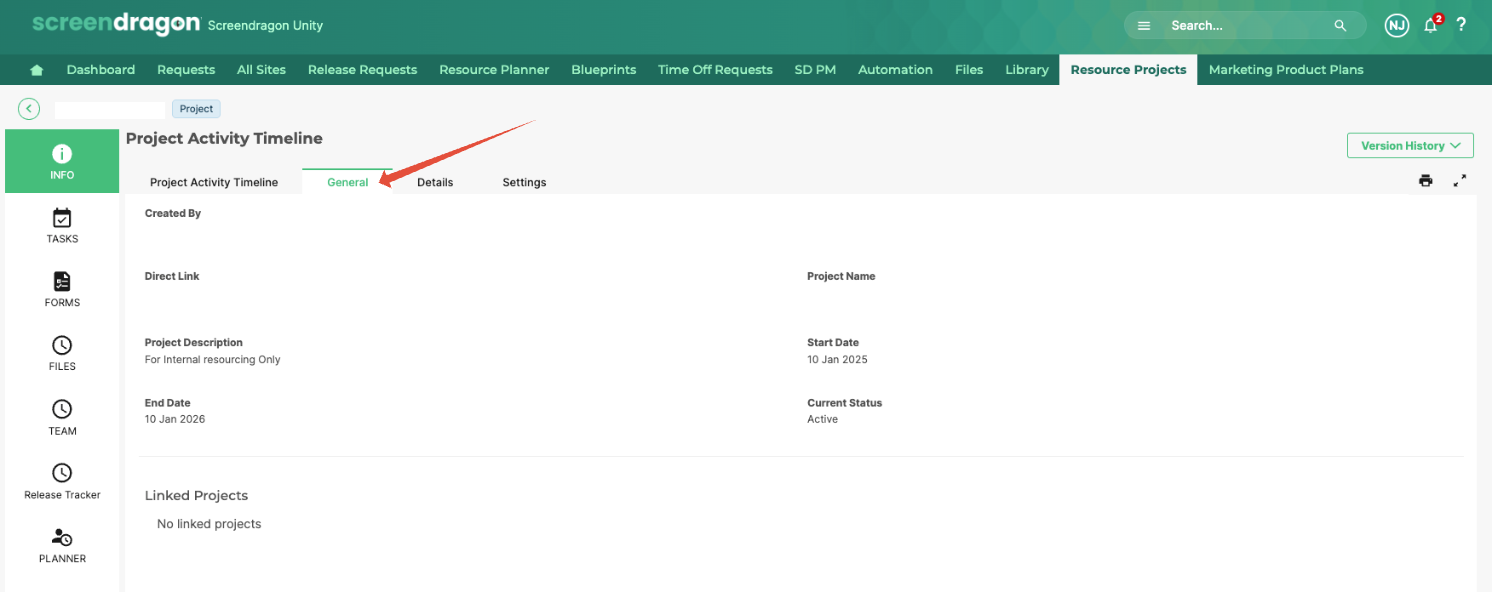
General Overview Tab
- Displays general project details.
- Helps users track progress and identify bottlenecks.
Add a Comment
- Users can enter a comment into the comment box.
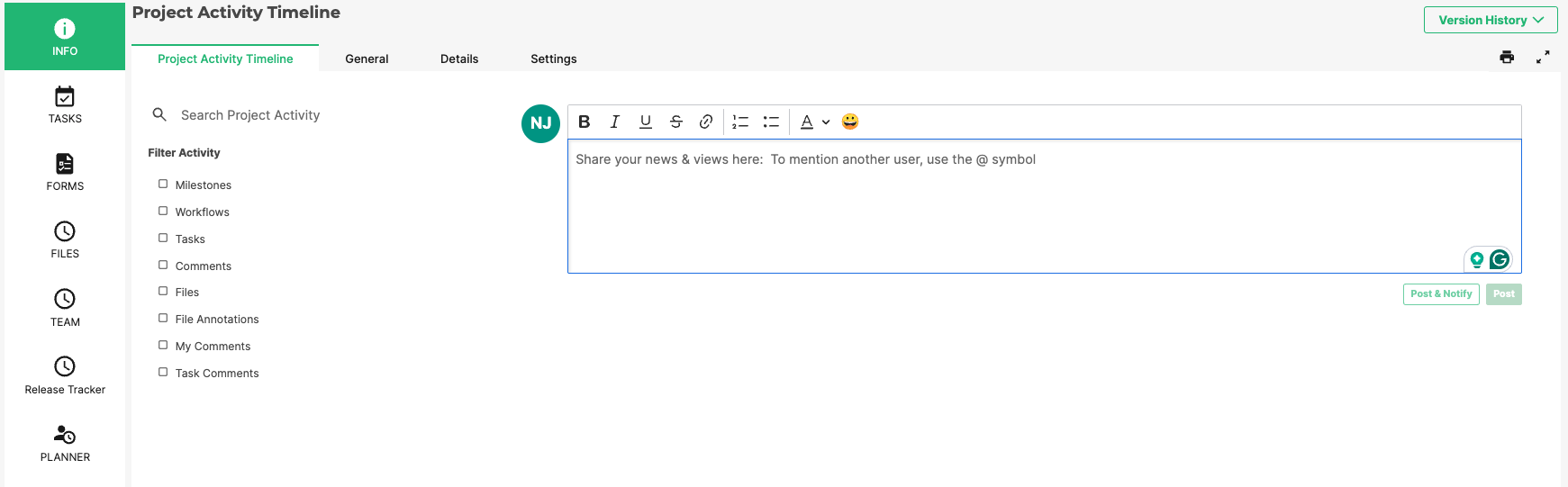
Options:
- Post → Posts the comment without notifications.
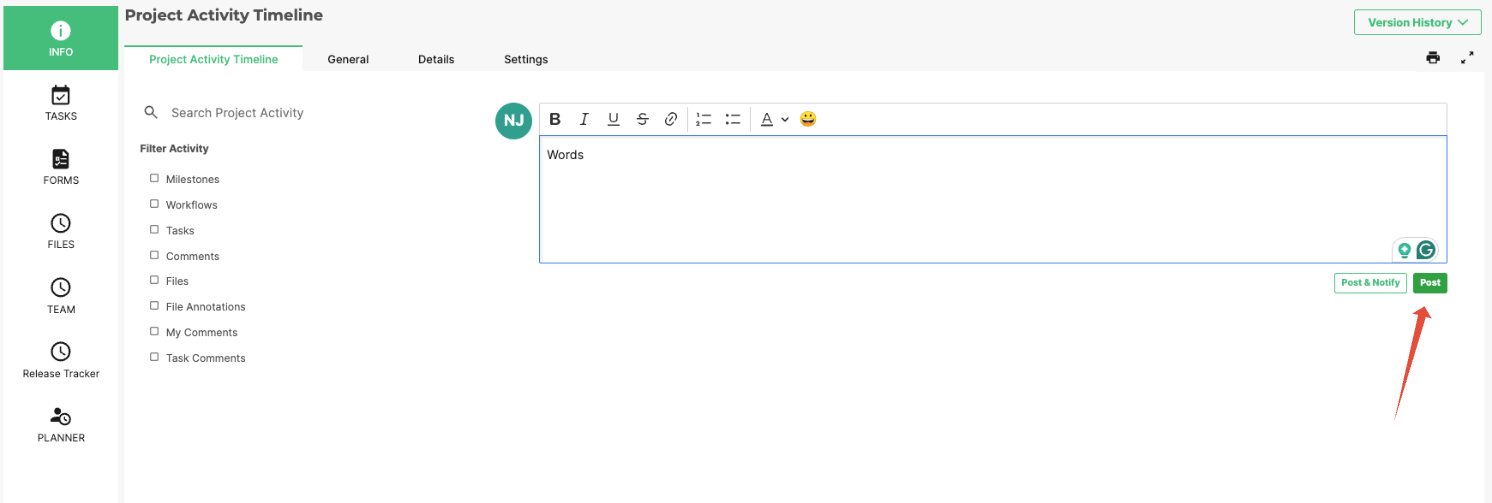
- Post & Notify → Posts the comment and sends an email notification to other users.
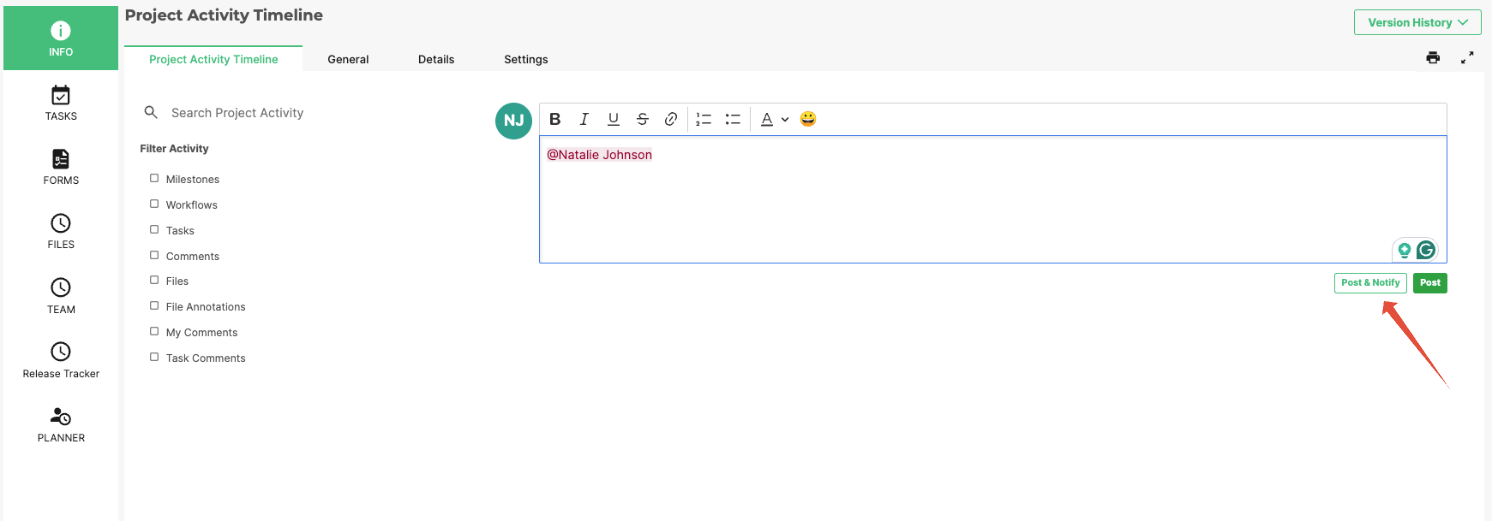
- Users can select specific recipients or notify all project users.
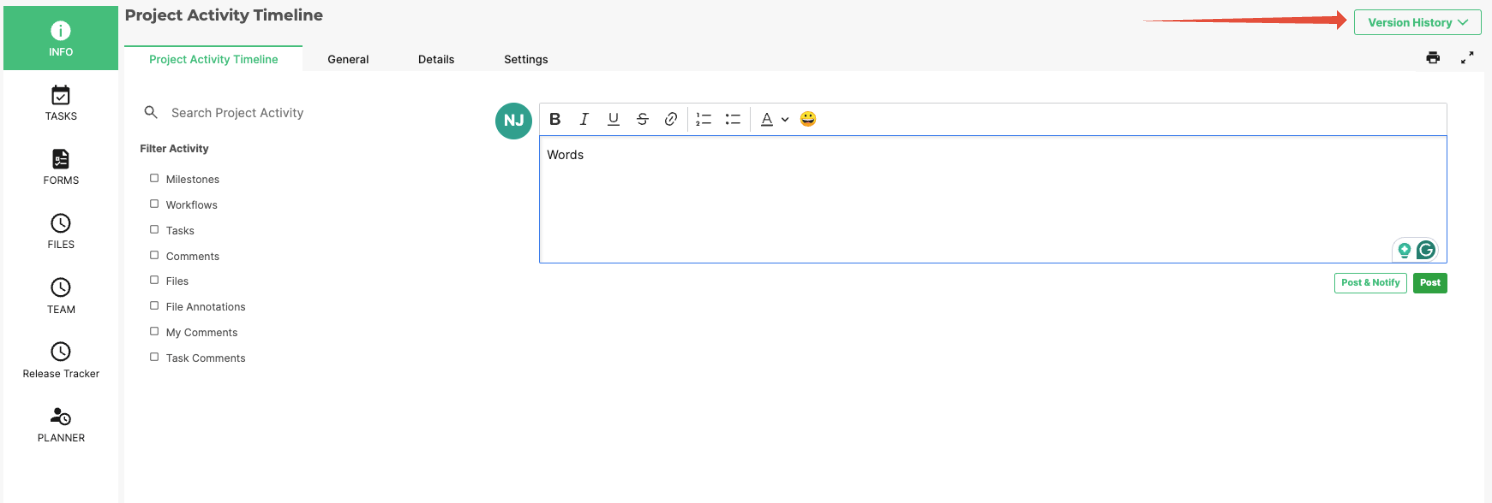
Version History
- Tracks edits made to the project over time.
- The Version History drop-down allows users to:
- View changes across different versions.
- Compare details between the previous and current versions.
Print Preview
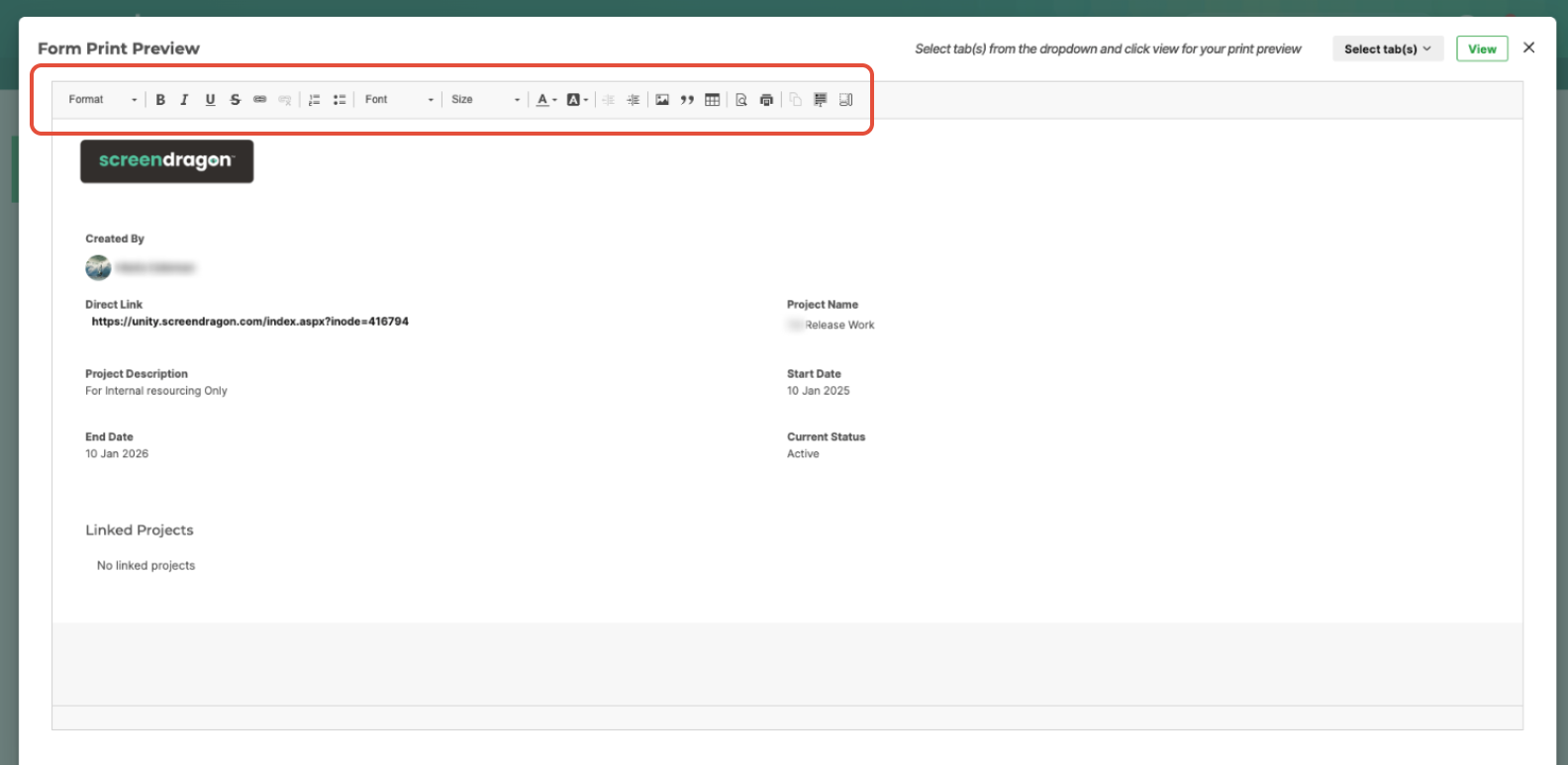
Generates a print-ready version of the Info tab with customizable formatting options, including:
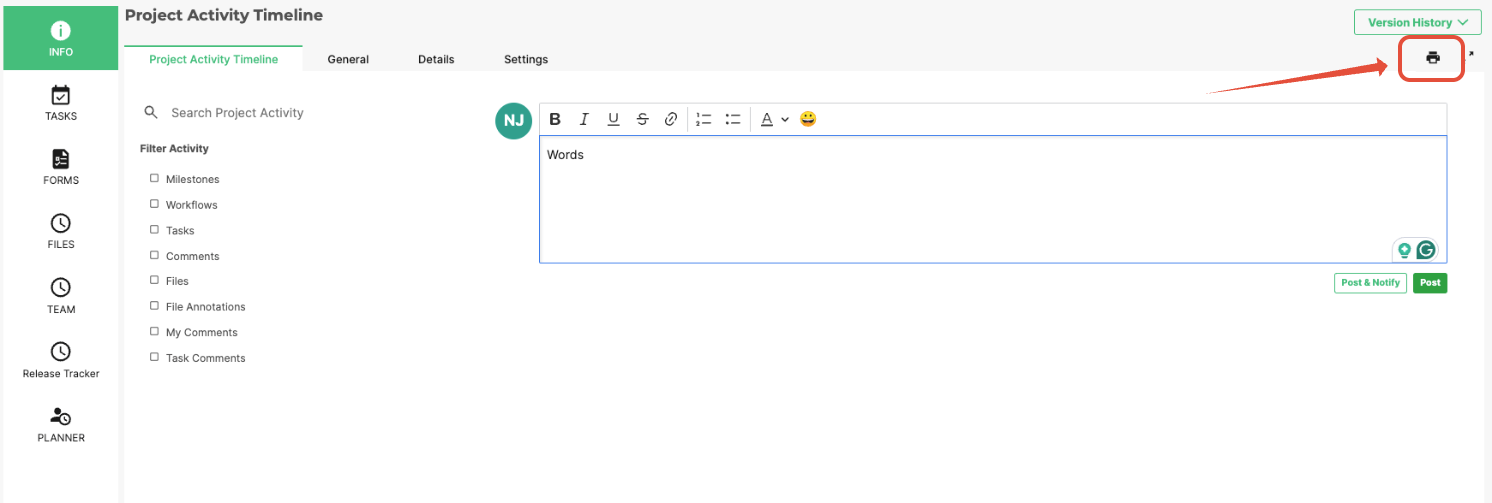
- Header logo
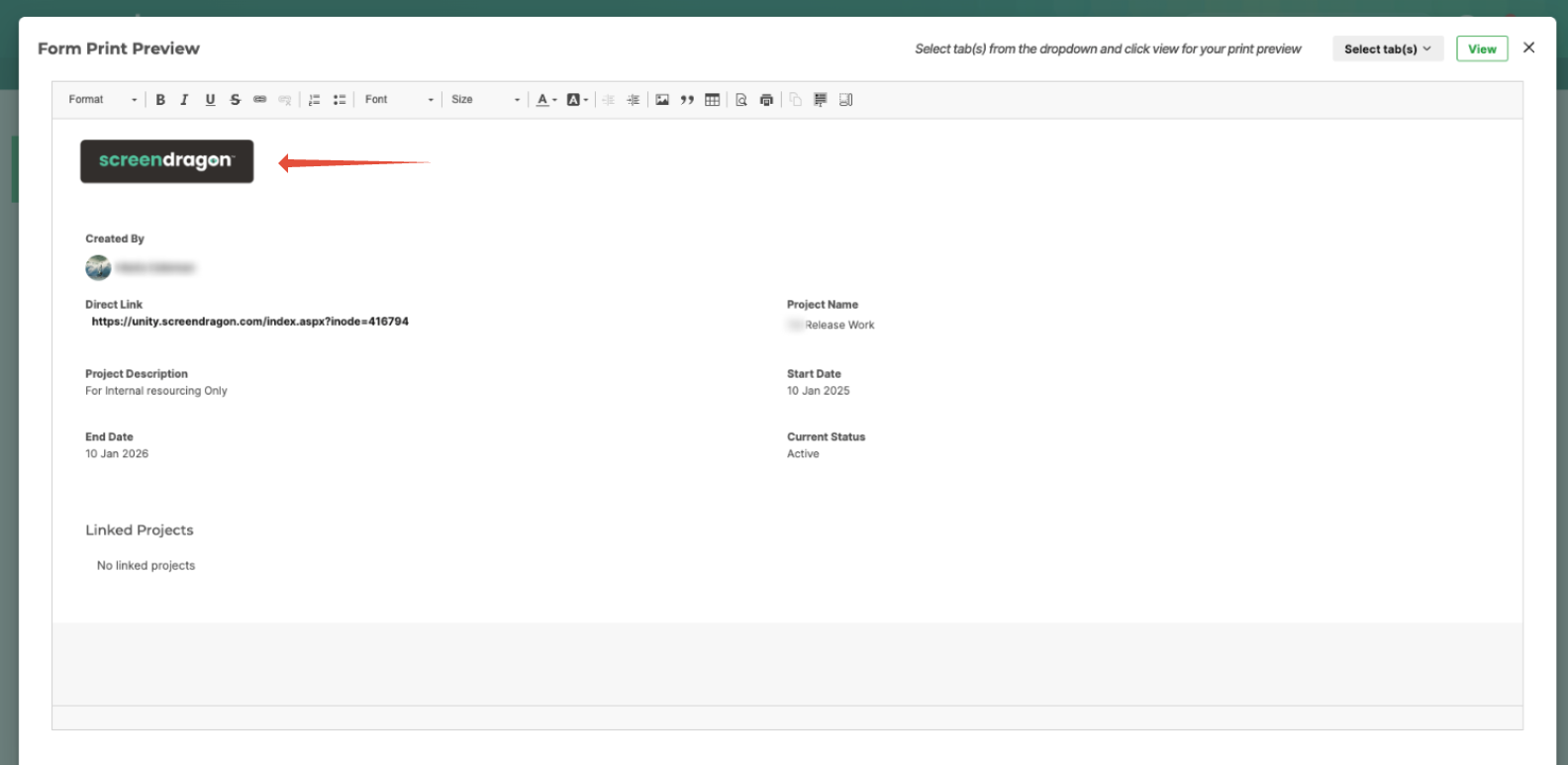
- Tab header background and text color.
- The project name is displayed in the System Details tab.
- Larger fonts and brand colors
- Bold and enlarged status labels
- Layout adjustments for label and content width
- Style options for labels and group headings
Details Tab
The Details tab within the Info Module provides a quick snapshot of key account and project information to help users assess project context and overall health at a glance. It consolidates essential data points—such as client details, project ownership, and recent engagement activity—so teams can easily monitor relationship status and ensure ongoing project alignment.
- Site Name: Displays the official name of the Screendragon site where the project is hosted.
- Client Name: Identifies the client or organization associated with the project.
- Relationship Status: Indicates the current engagement level or standing of the client relationship (e.g., Active, At Risk, On Hold).
- Site Common Name: Shows the simplified or internal reference name used to identify the site within Screendragon.
- PM: Lists the Project Manager responsible for overseeing the project’s delivery and performance.
- Last Check-In: Records the most recent date the project was reviewed, updated, or discussed by the account or project team.
- Health: Provides a quick visual indicator of the project’s overall status or performance, based on key metrics such as progress, budget, or timeline.
Use the Details tab to quickly review the current state of a client relationship, confirm project ownership, or assess overall project health before status meetings, client check-ins, or performance reviews.
Was this article helpful?
That’s Great!
Thank you for your feedback
Sorry! We couldn't be helpful
Thank you for your feedback
Feedback sent
We appreciate your effort and will try to fix the article