Home Page
When you open Form View Config in Admin Tools, you are presented with a list of all available Form View Configurations in the system.
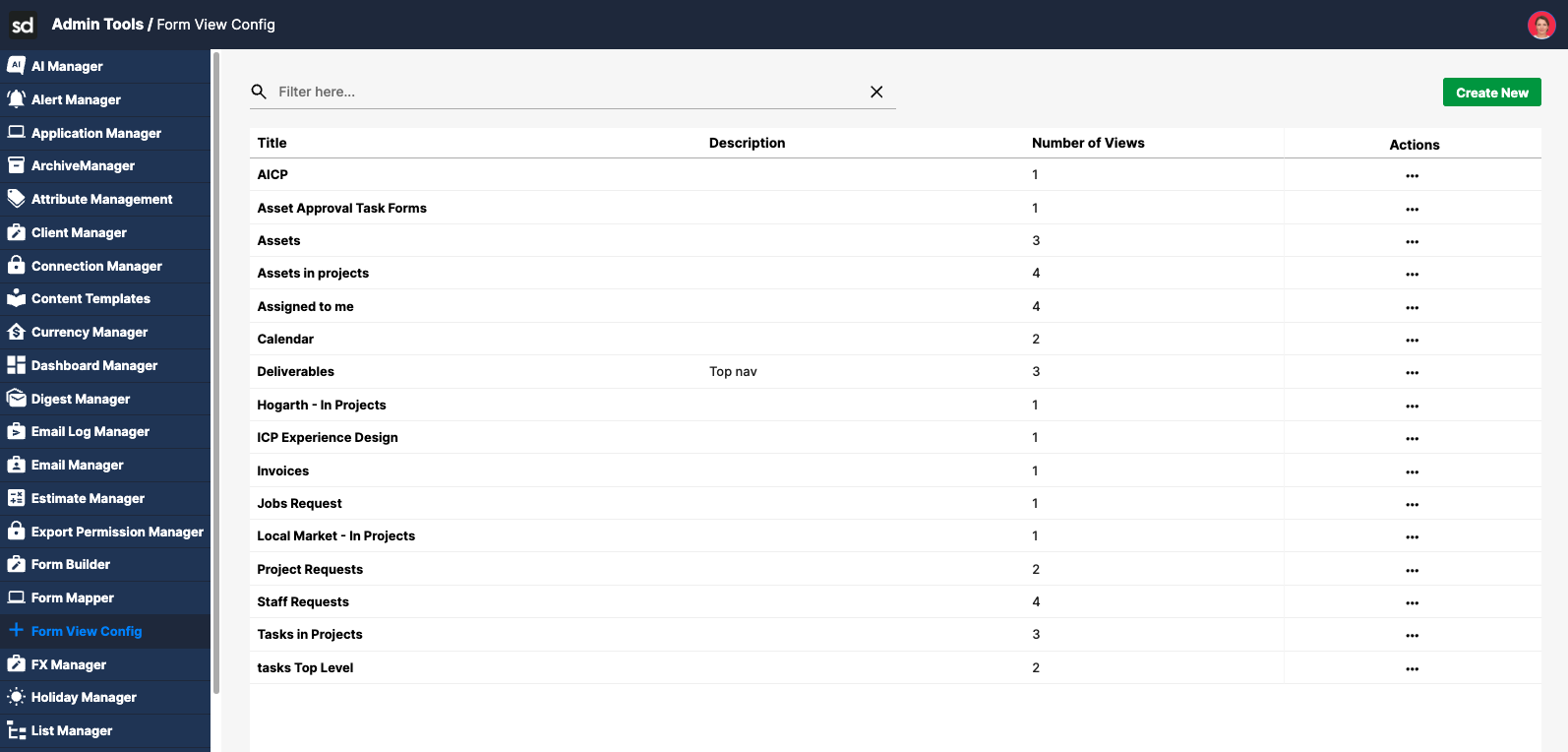
Form View Config List
The list displays the following information for each configuration:
Title – The name of the Form View Config
Description – A short description of its purpose
View Count – The number of views contained within the configuration
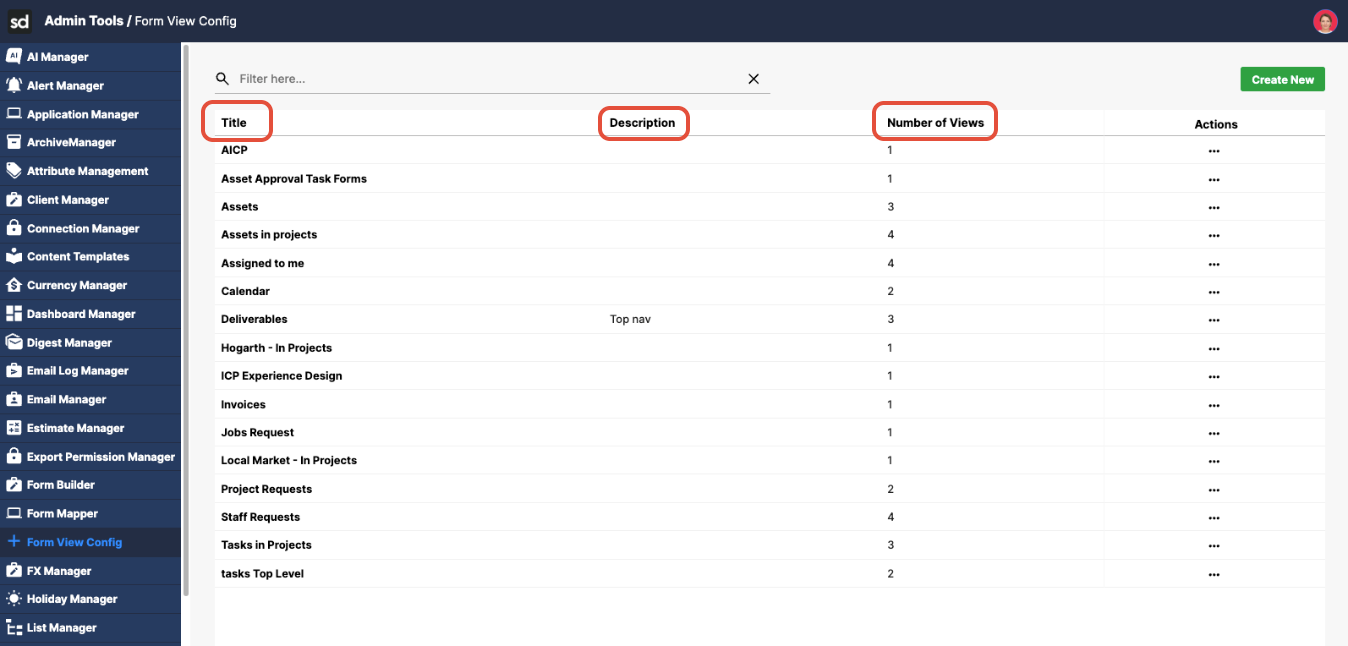
Clicking the name of a Form View Config opens that configuration.
Inside a Form View Config
When a Form View Config is opened, you will see:
View List
A list of views displayed on the left-hand side.
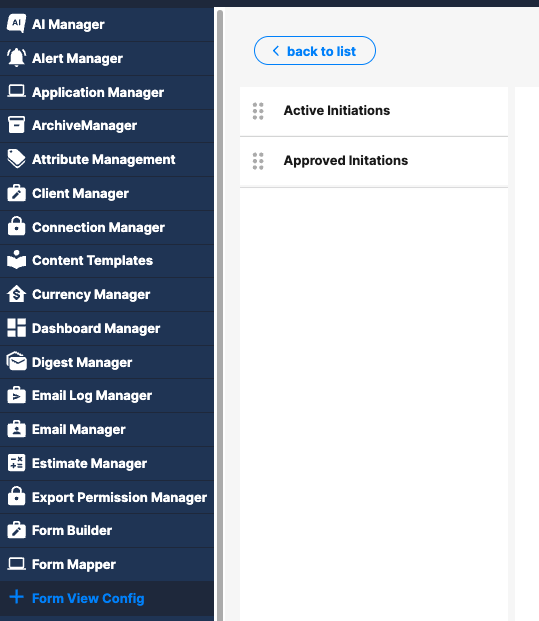
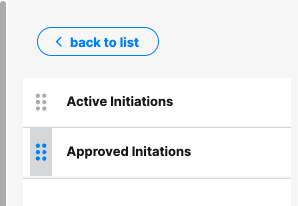
Views can be reordered using drag-and-drop.
The Clone button at the top allows you to duplicate the currently selected view. Click here to read about how to clone a view.
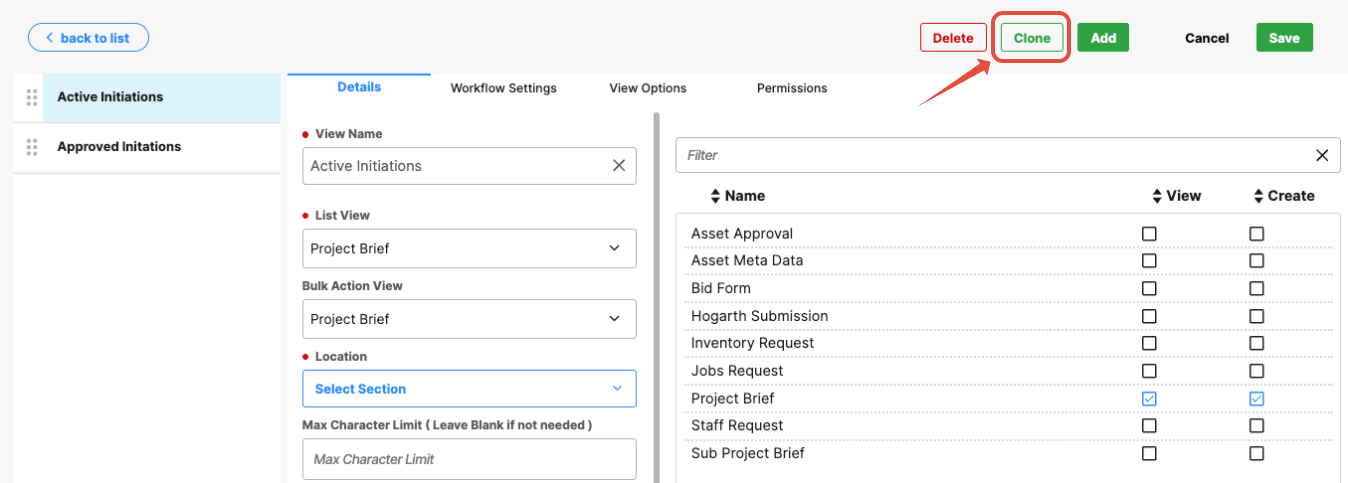
An Add button is available to create new views; click here for information on adding new views.
View Configuration
Clicking a view opens its configuration.
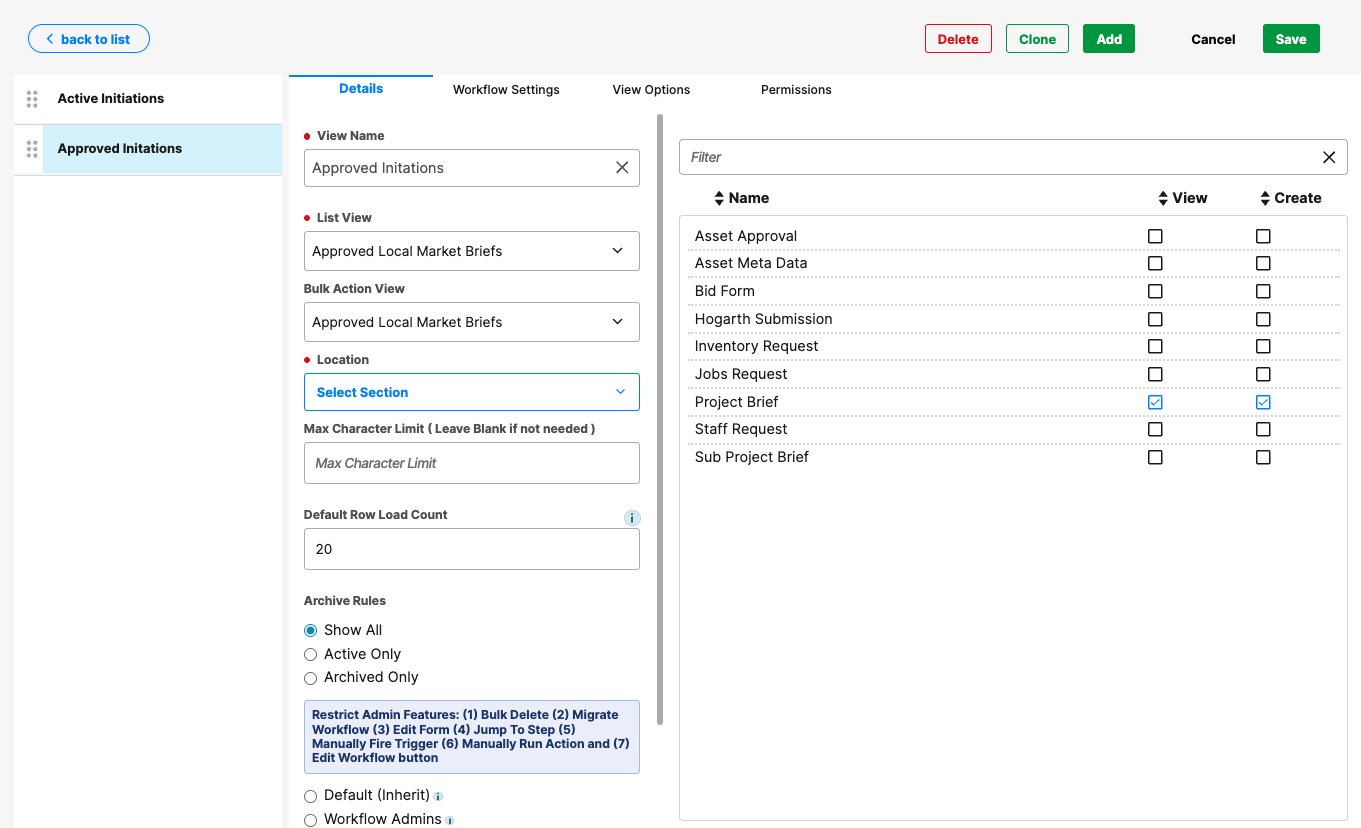
Each view is configured using multiple tabs, which control:
Details: displays the configuration fields
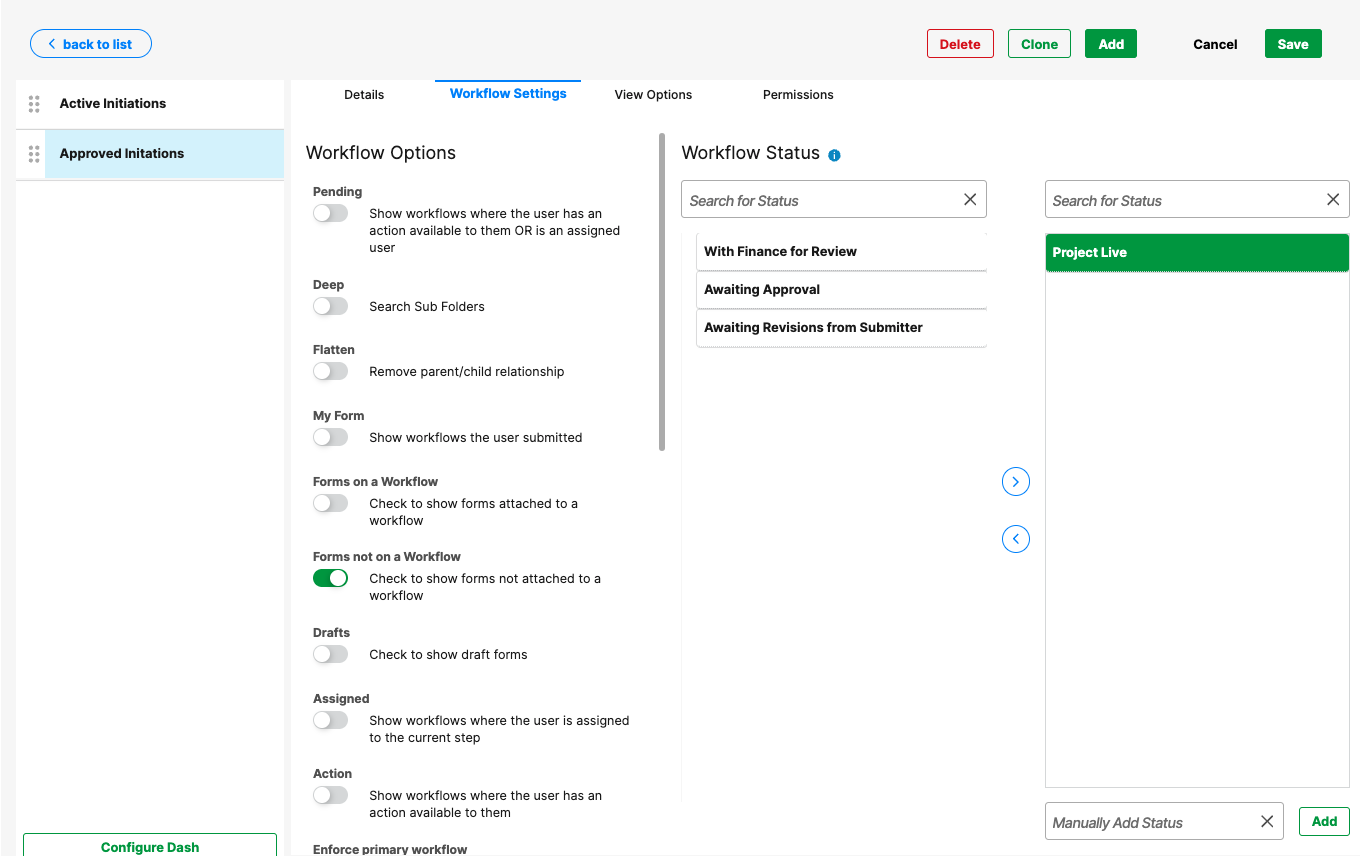
Workflow Settings: displays workflow toggles and fields for managing workflow views.
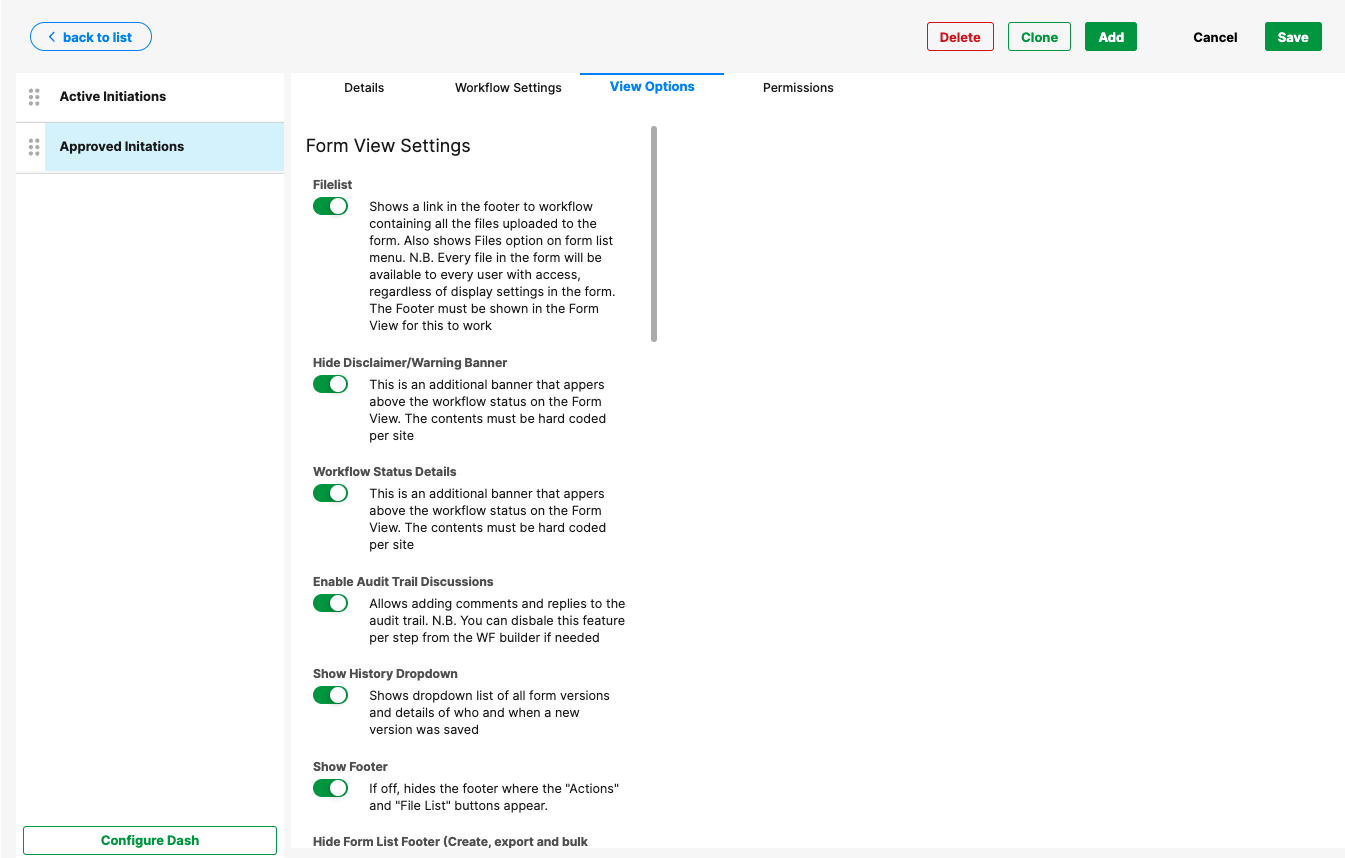
View options: displays toggles to manage how the forms appear in the user interface.
Permissions: this is where you can manage who can access form views and how they interact with them.
Was this article helpful?
That’s Great!
Thank you for your feedback
Sorry! We couldn't be helpful
Thank you for your feedback
Feedback sent
We appreciate your effort and will try to fix the article