The Update Assigned User trigger type includes a Clear Current Step Permissions option. When enabled, the trigger removes the permissions granted at the current workflow step, while keeping every permission granted in previous steps.
Use it when a step's access should end as soon as the workflow moves on or the assignee changes, without undoing access people legitimately need from earlier stages.
When the trigger fires with the option enabled, the system:
- Identifies permissions that were granted by the current workflow step.
- Removes those permissions.
- Leaves permissions granted by all previous steps unchanged.
- Updates the assigned user as configured on the trigger.
Example. A request moves through three steps. Each step grants permissions to its assignee.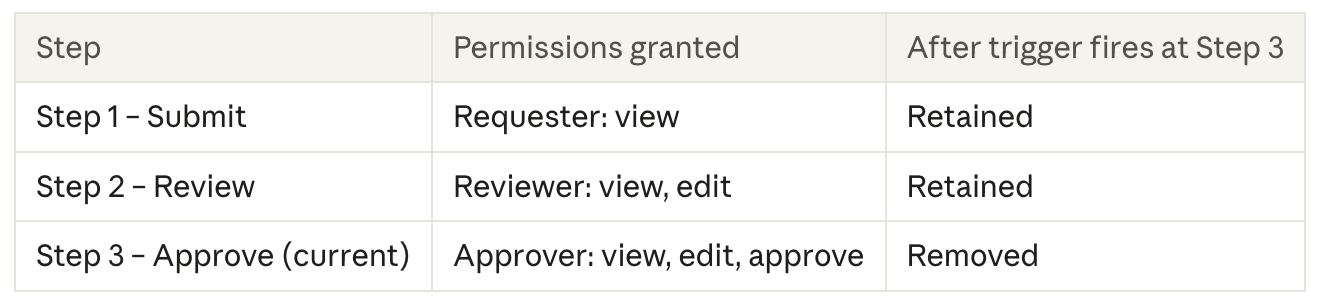
Configuration
- Open the workflow in the Workflow Builder.
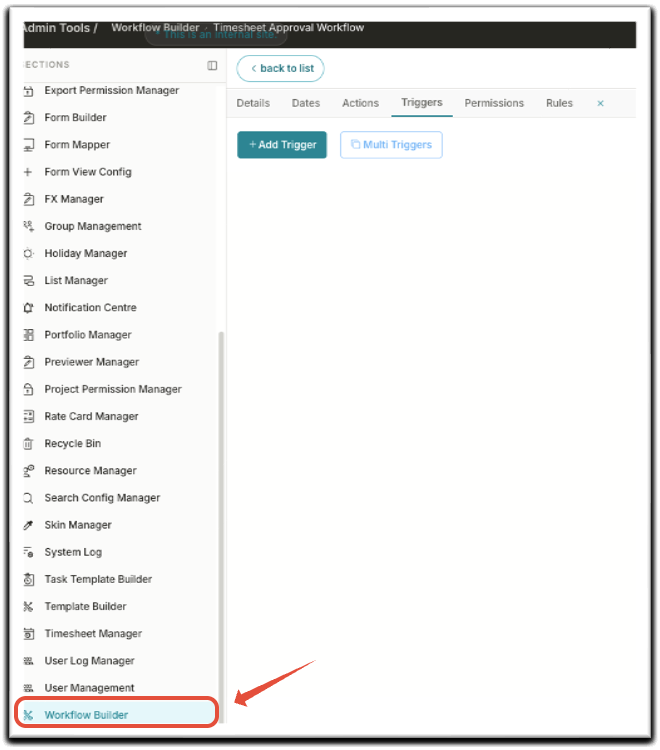
- Select the step where the trigger should run.
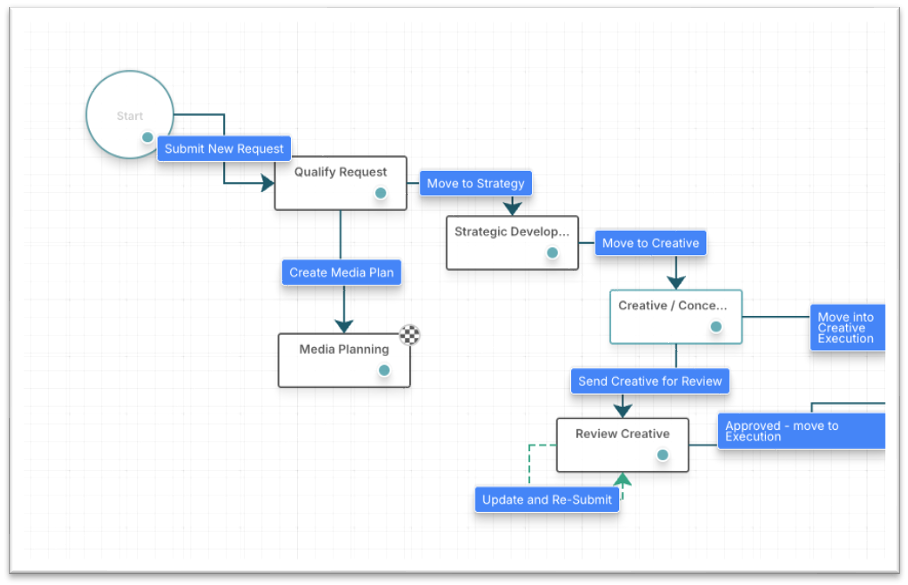
- Click Add Trigger, or edit an existing one. Configure the user assignment settings as usual.
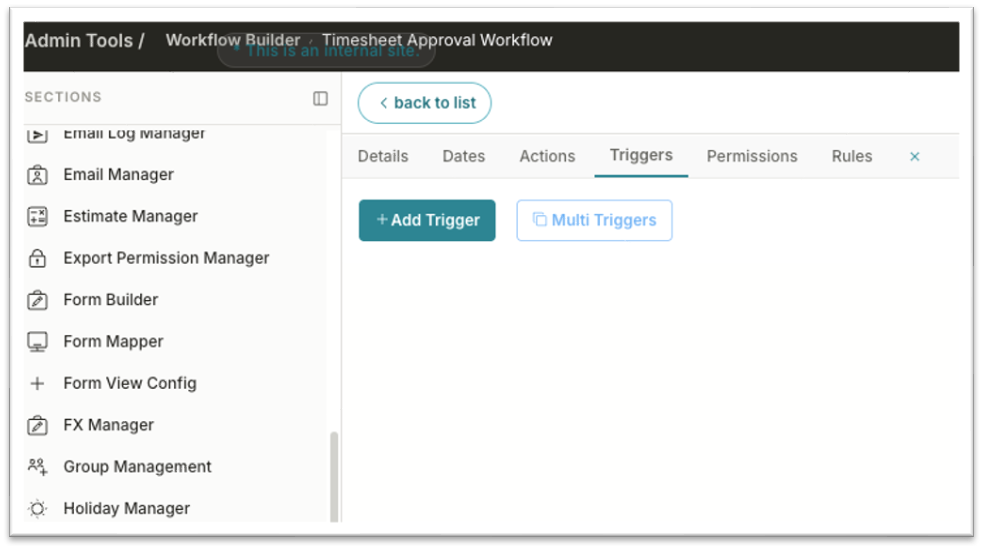
- Set Trigger Type to Update Assigned User.
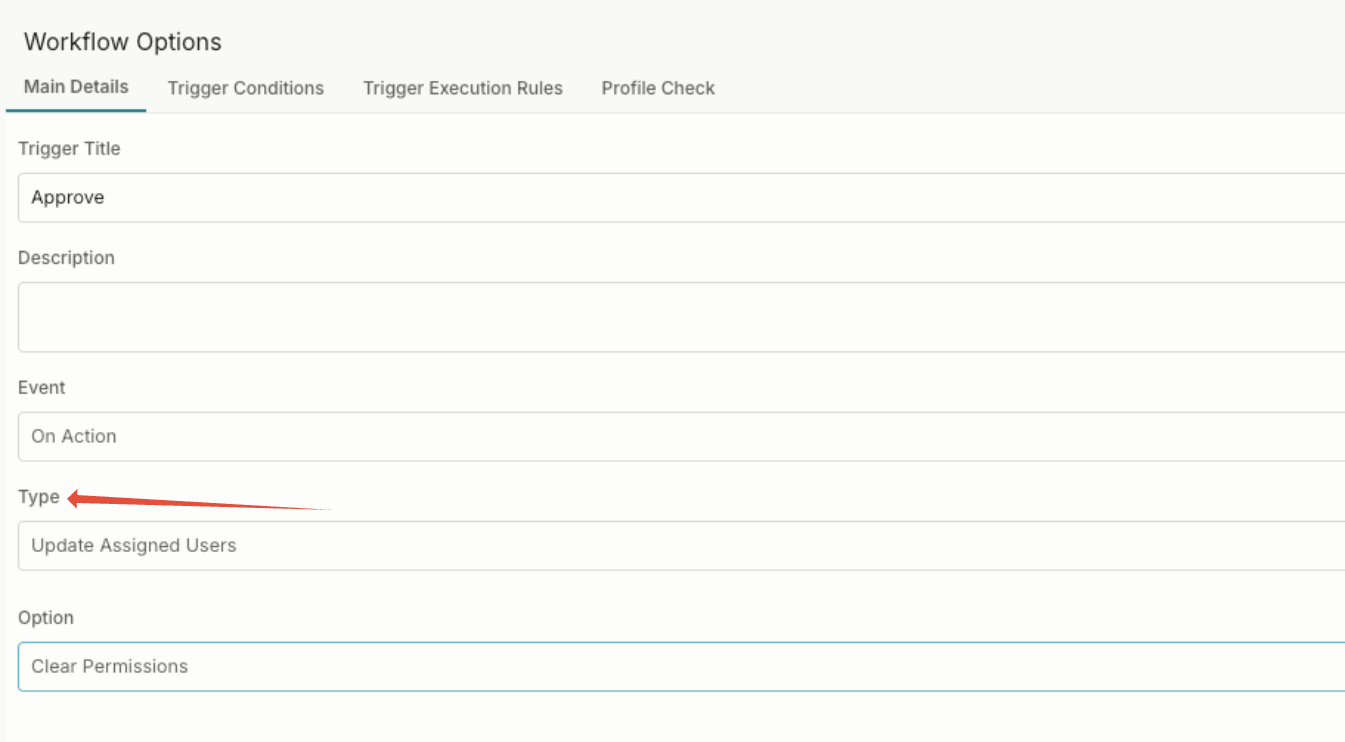
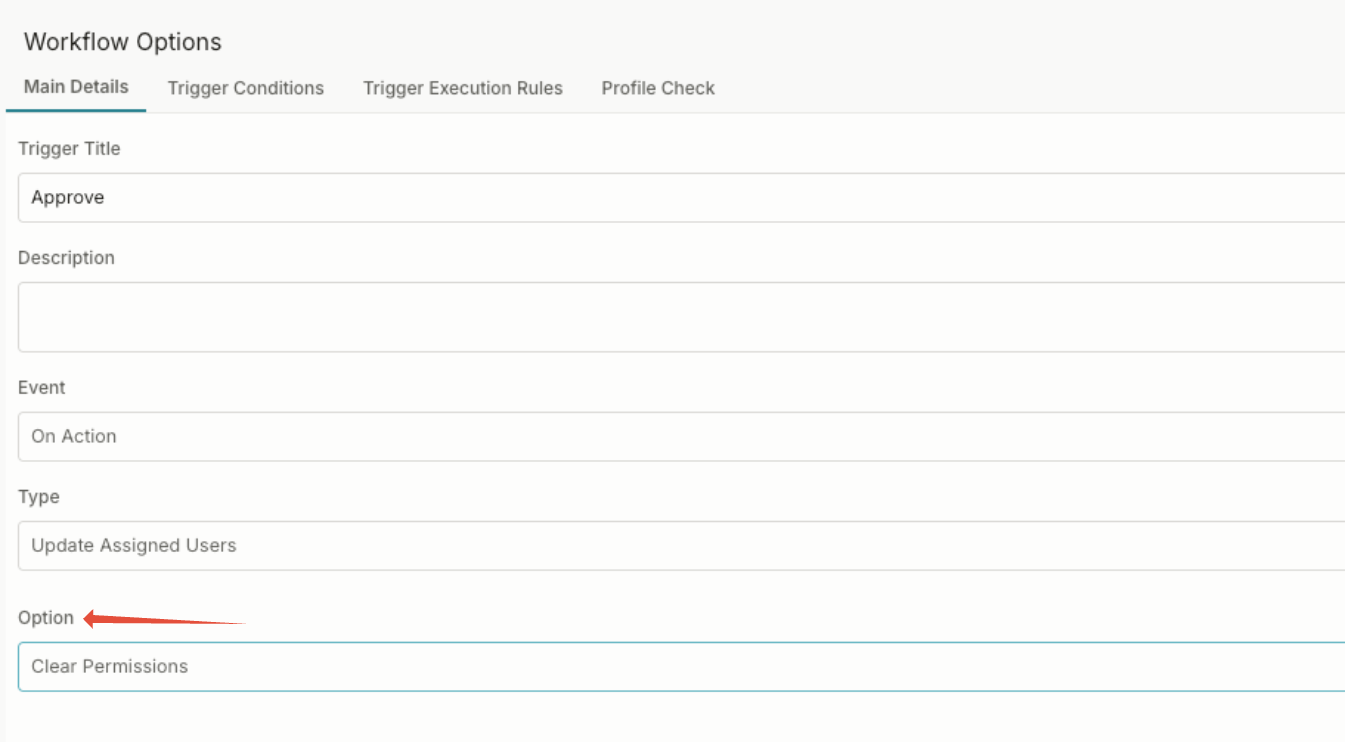
- Enable Clear Permissions.
- Save the trigger, then save and publish the workflow.
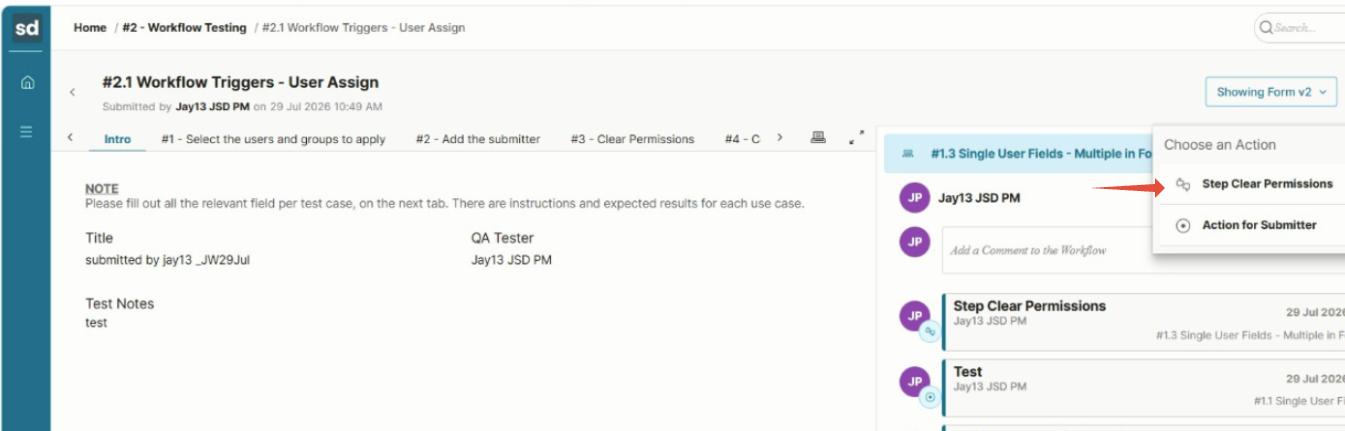
The option is off by default, so existing Update Assigned User triggers are unaffected until you enable it.
Was this article helpful?
That’s Great!
Thank you for your feedback
Sorry! We couldn't be helpful
Thank you for your feedback
Feedback sent
We appreciate your effort and will try to fix the article