Resource Budget View (Task Module)
The Resource Budget View in the Task Module provides a consolidated view of how resource time and cost are planned, forecasted, and actually spent at the task level.
This view helps project managers, finance teams, and resource managers monitor budget performance, identify variances early, and ensure work stays aligned with approved project budgets.
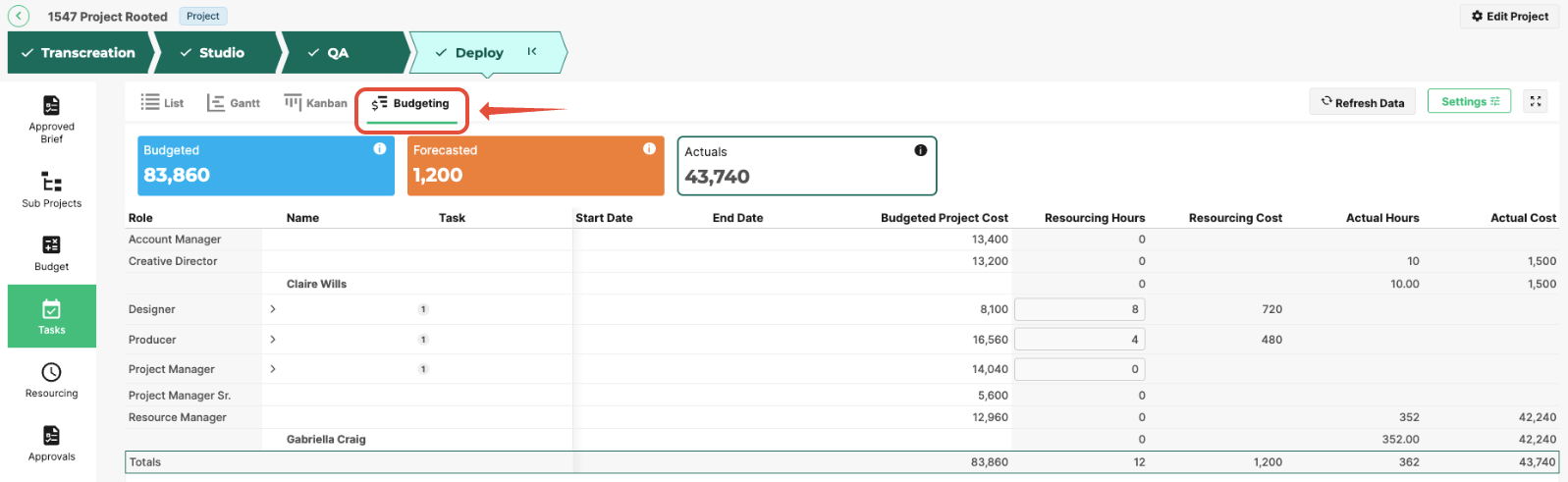
By combining resource assignments, hours tracking, and financial data, the Resource Budget View supports more accurate forecasting and stronger budget control.
Understanding Key Budget Areas
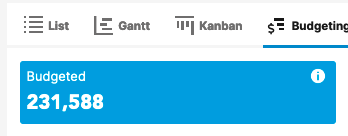
Budget Amount
The total approved budget allocated for the selected task, resource, or role.
This represents the planned financial investment based on initial project estimates.
Forecasted Amount
The expected total cost based on current resourcing plans and projected hours.
This value updates as:
- Resource allocations change
- Task timelines shift
- Estimated hours are adjusted
Forecasted Amount helps teams anticipate whether the task will remain within budget.

Actuals
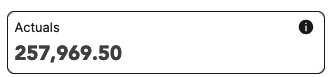
The real cost incurred so far, calculated from logged time and recorded expenses.
Actuals provide visibility into:
- Budget consumption
- Cost overruns
- Financial performance against plan
Column Definitions
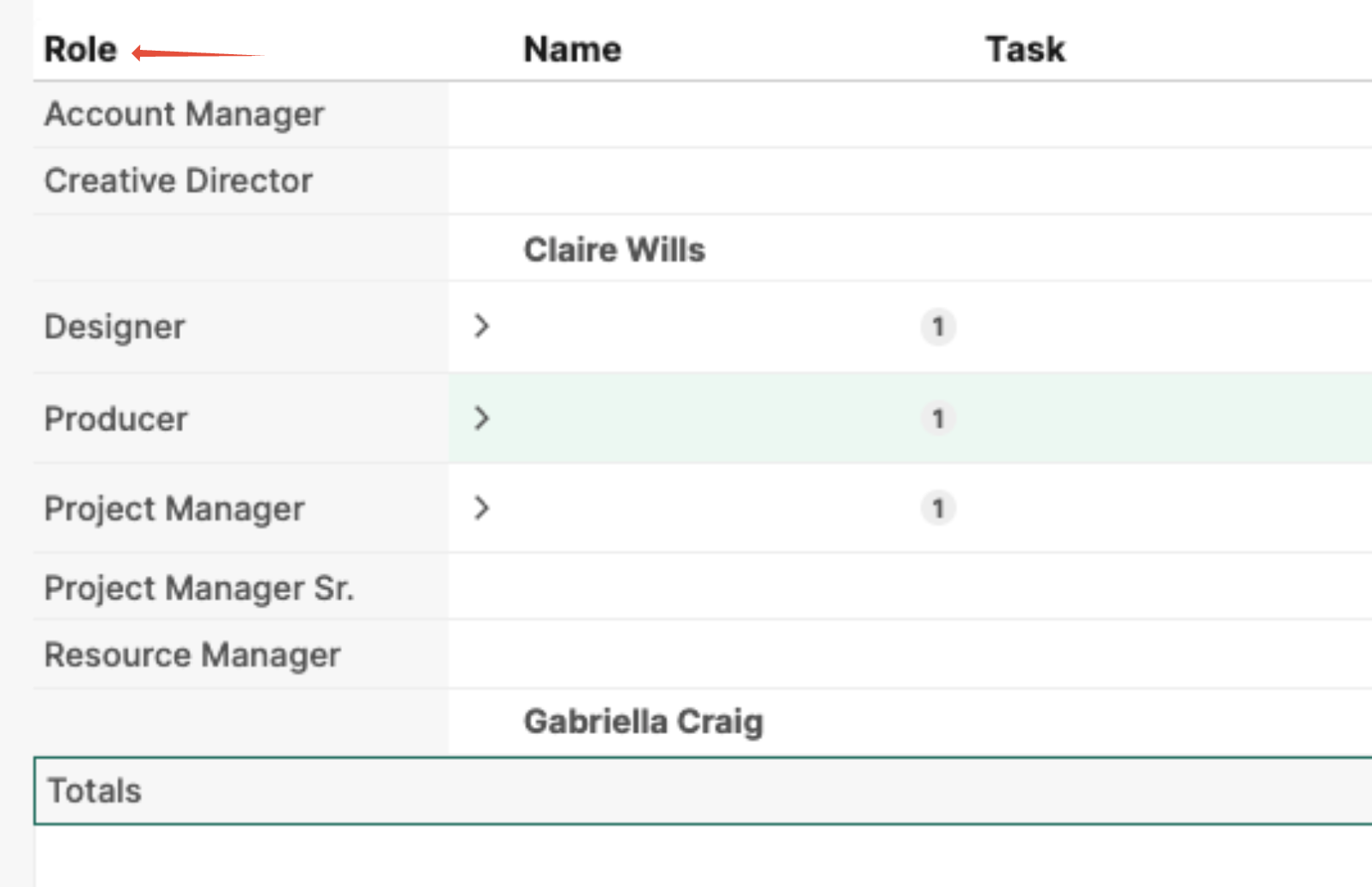
Role
The functional role assigned to the task (for example: Designer, Copywriter, Project Manager).
Roles are often tied to:
- Billing rates
- Cost rates (rate cards)
- Resource planning structures
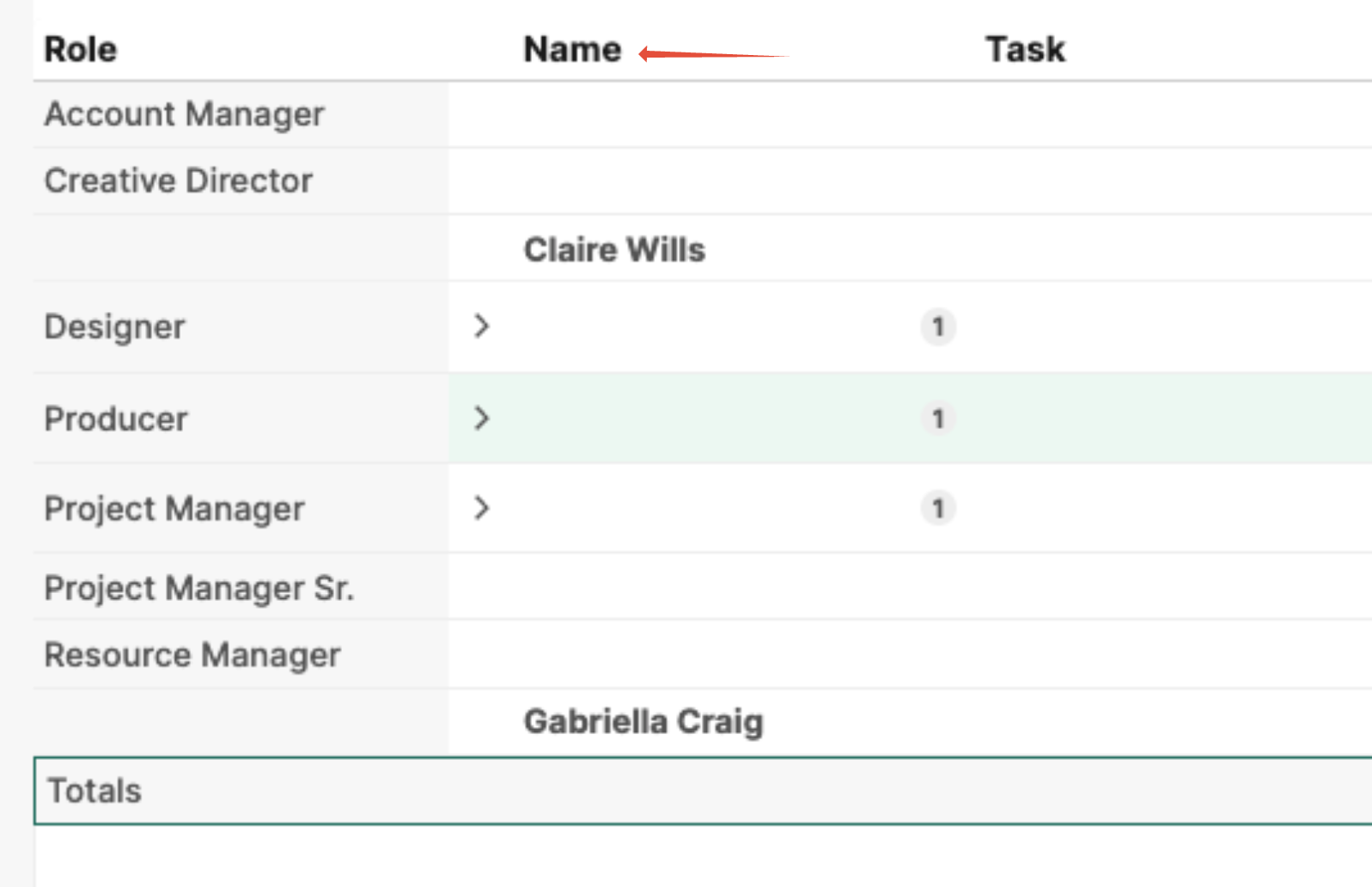
Name
The specific resource (user) assigned to the task.
This column identifies who is responsible for completing the work.
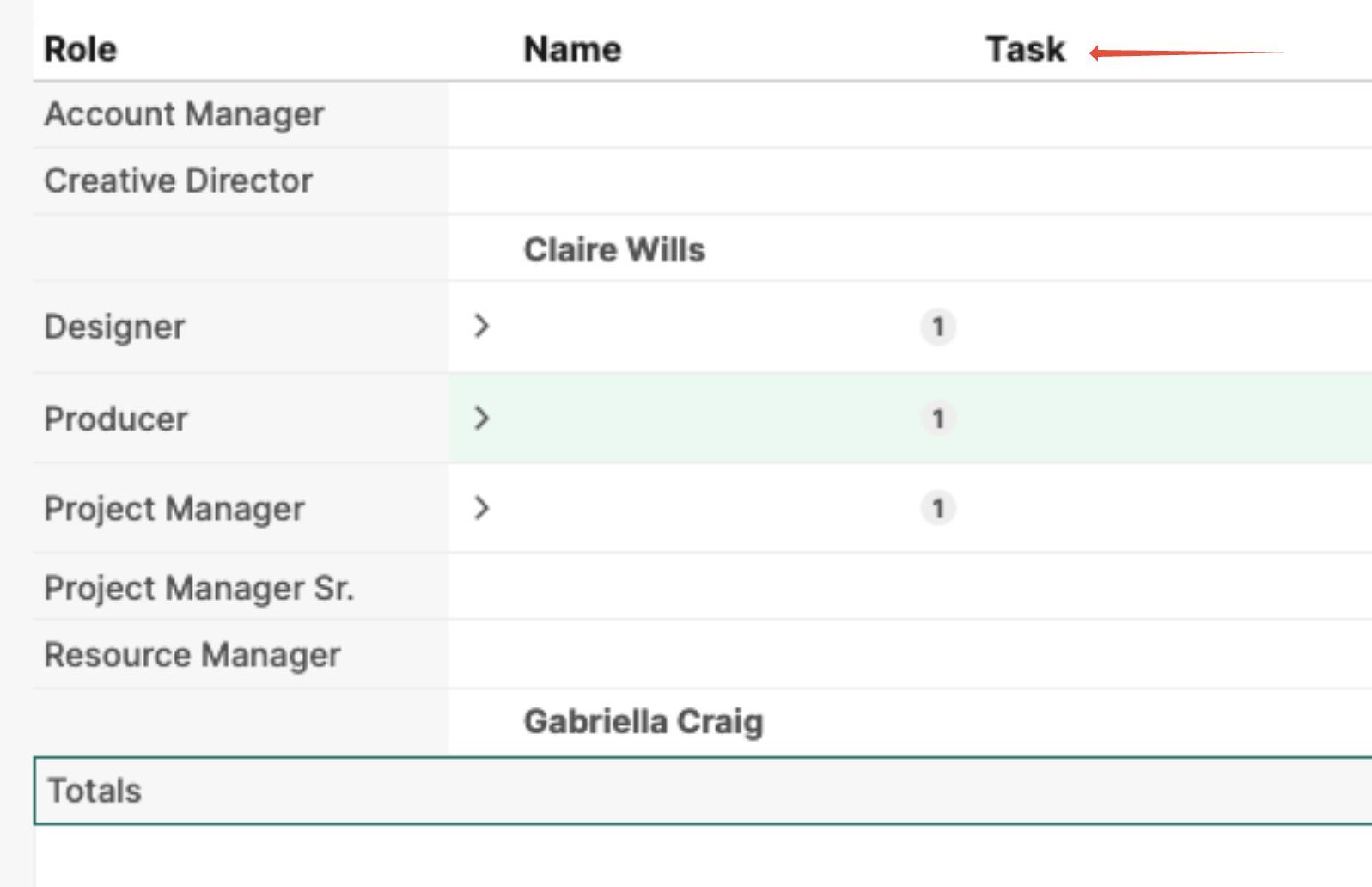
Task
The task is associated with the resource allocation or budget entry.
This allows users to see how budget and time are allocated across tasks.
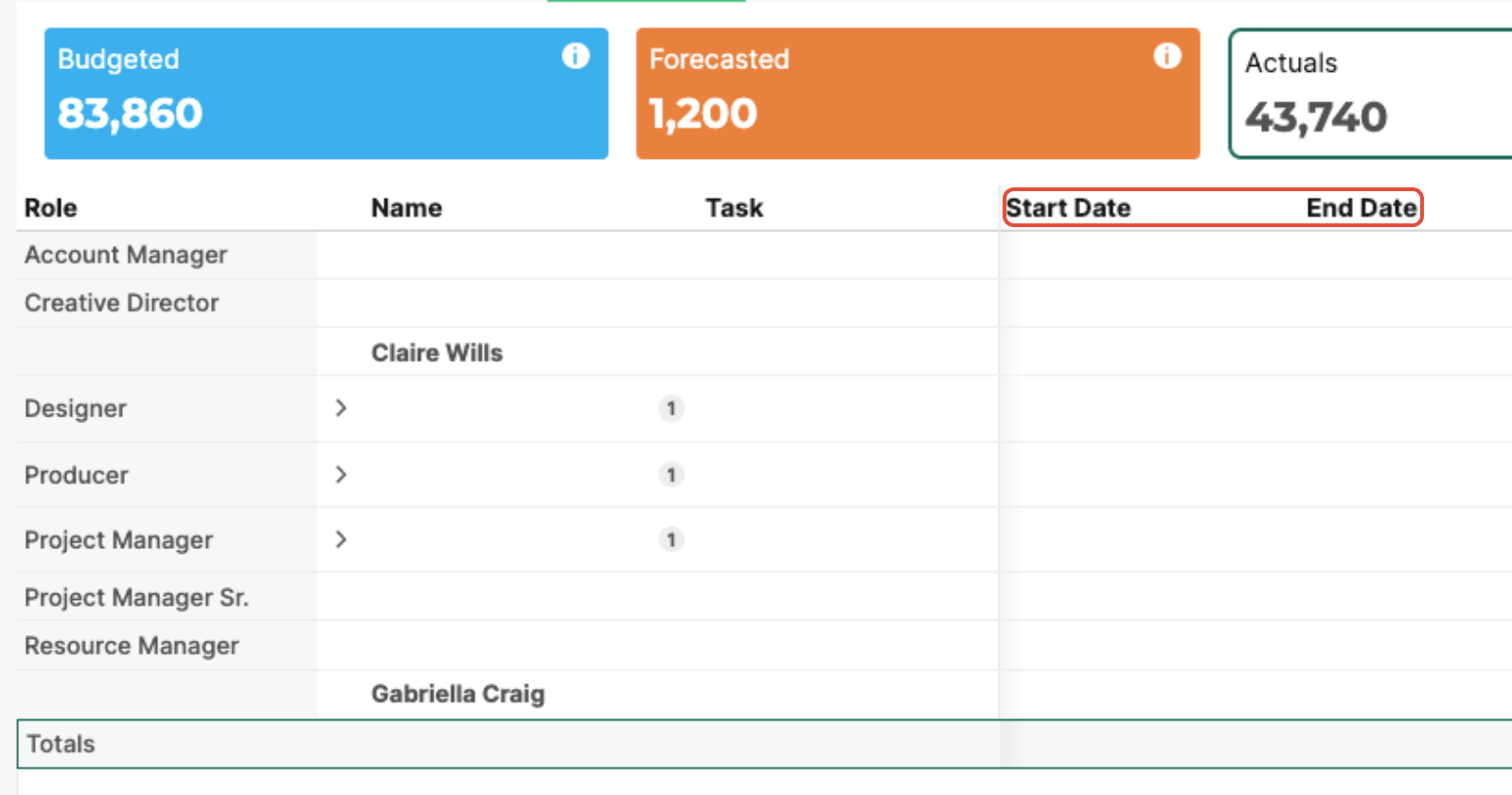
Start Date
The planned or scheduled start date of the resource allocation on the task.
This helps teams understand when budgeted effort is expected to begin.
End Date
The planned completion date of the resource allocation.
Together with the Start Date, this supports:
Timeline planning
Forecasting accuracy
Resource availability tracking
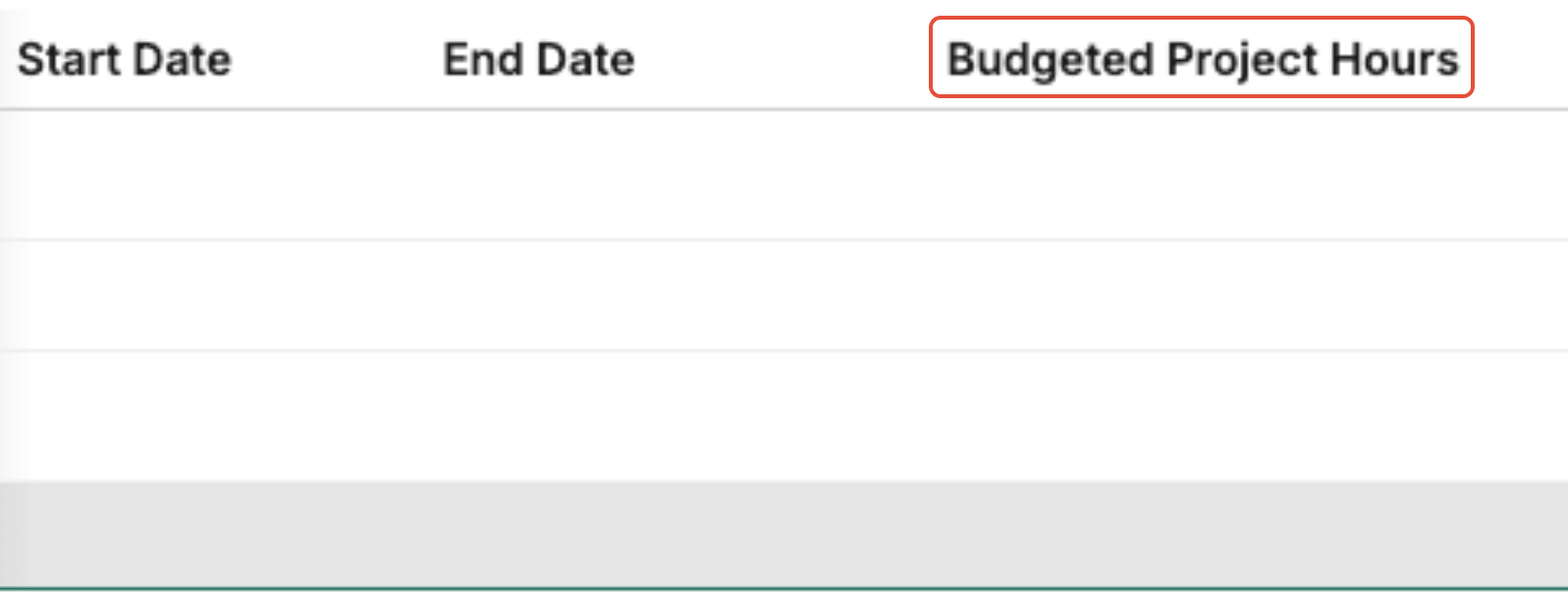
Budgeted Project Hours
The total number of hours initially allocated for the task within the project budget.
These hours represent the baseline effort estimate used during planning.
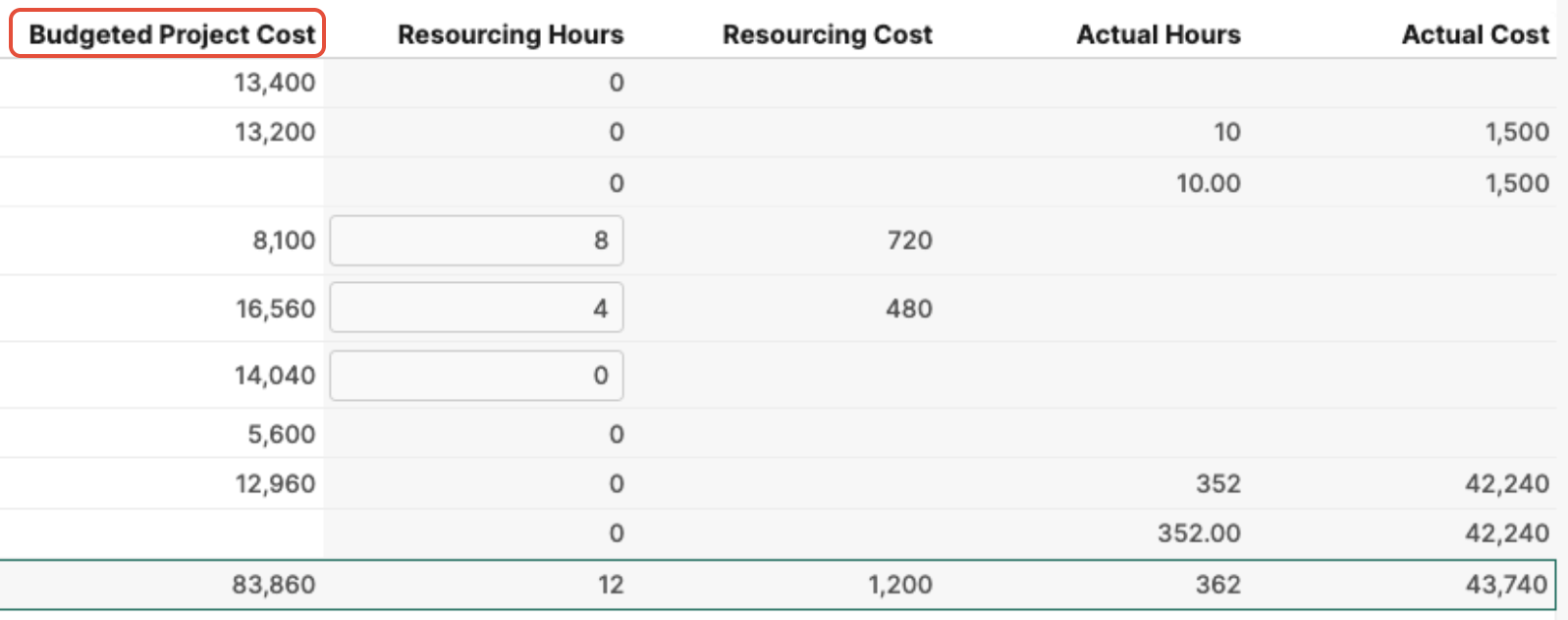
Budgeted Project Cost
The total planned cost for the task is based on budgeted hours and applicable resource or role rates.
This value forms the financial baseline for performance tracking.
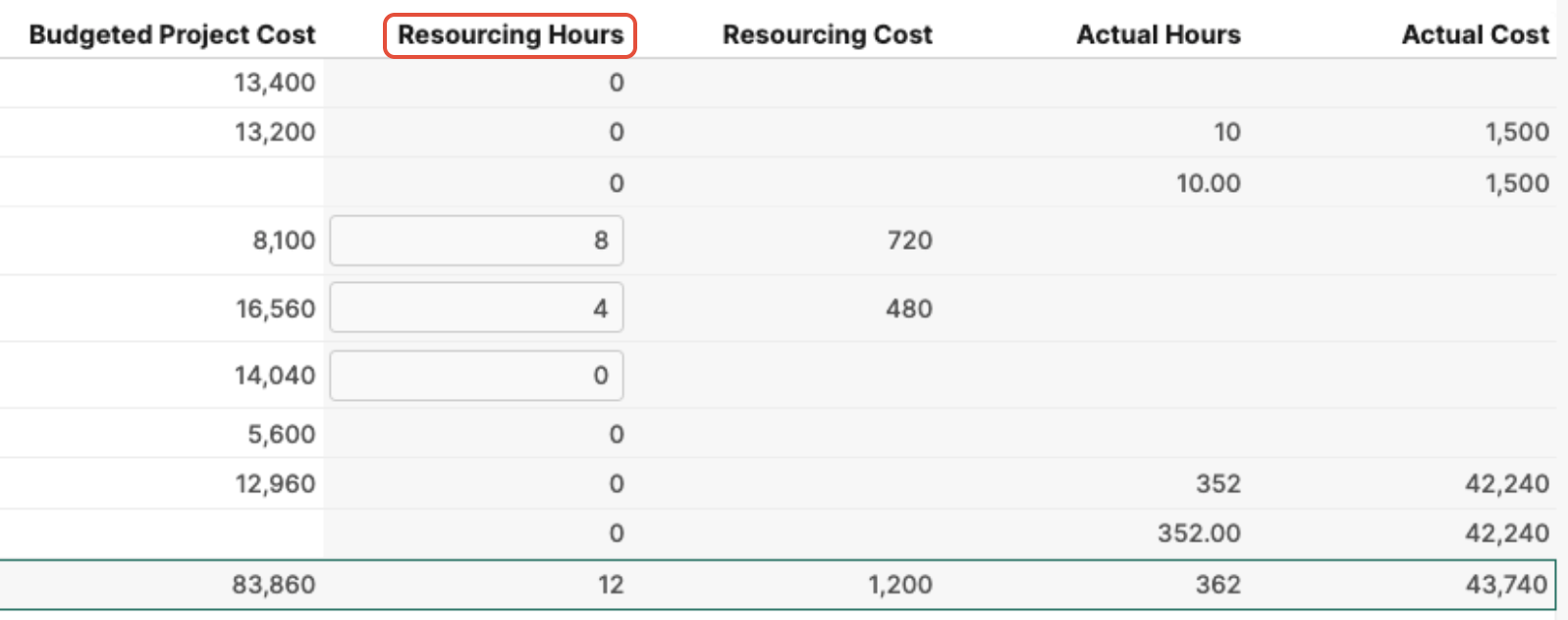
Resourcing Hours
The currently scheduled or allocated hours for resources assigned to the task.
These hours may differ from budgeted hours as plans evolve.
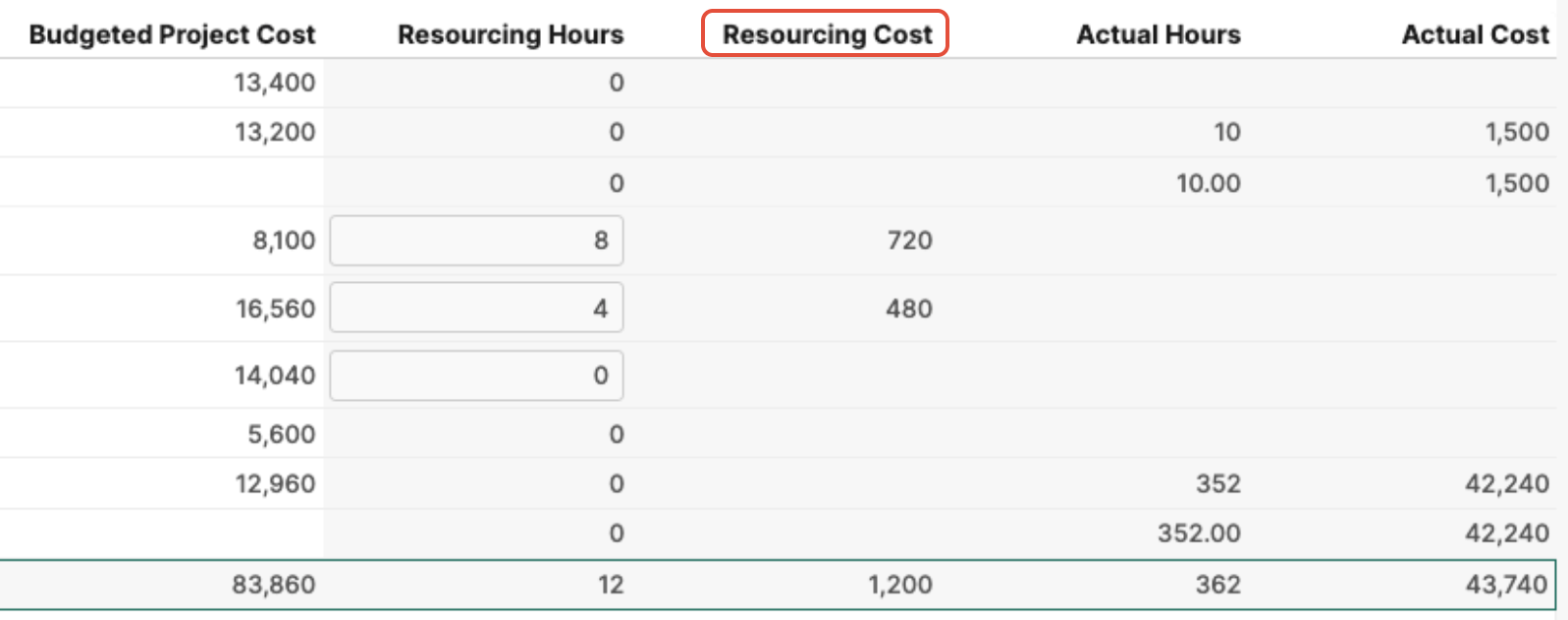
Resourcing Cost
The projected cost based on the current resourcing plan, calculated using assigned hours and cost rates.
This contributes to the Forecasted Amount.
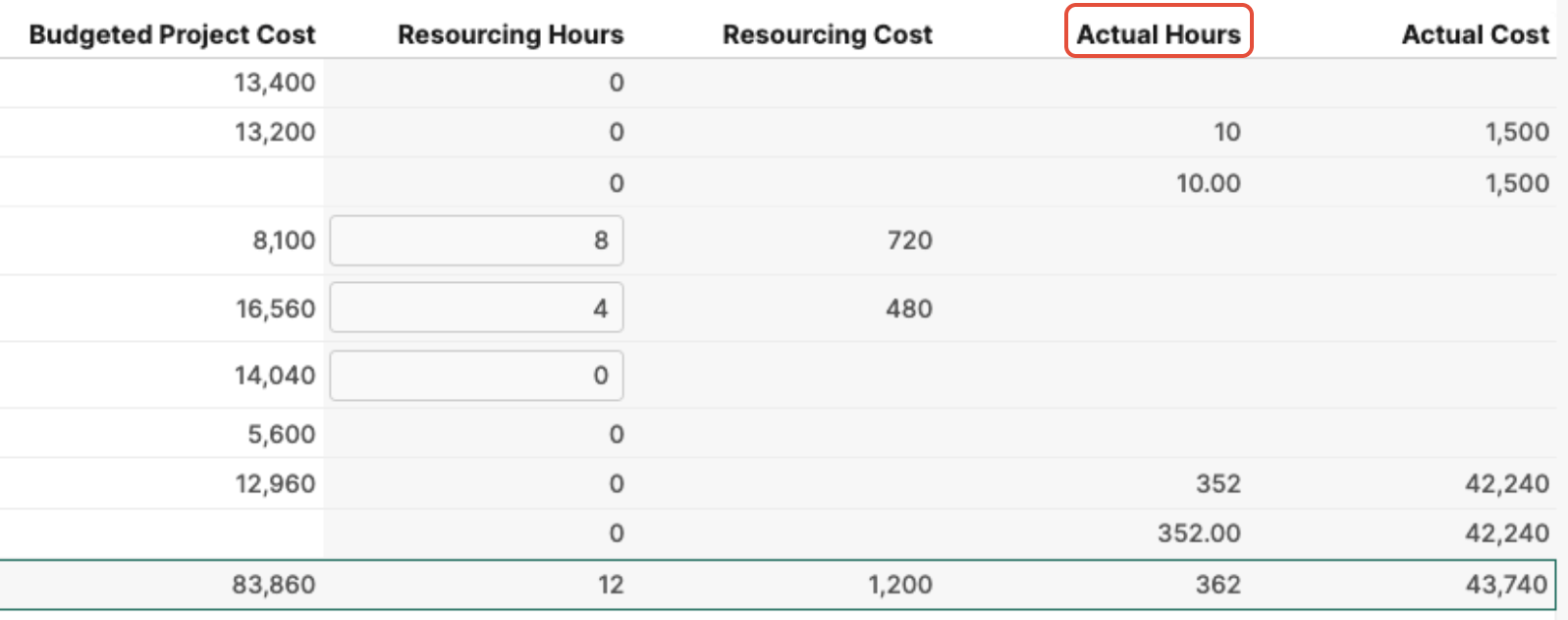
Actual Hours
The number of hours that resources have logged against the task.
Actual Hours reflect work completed to date.
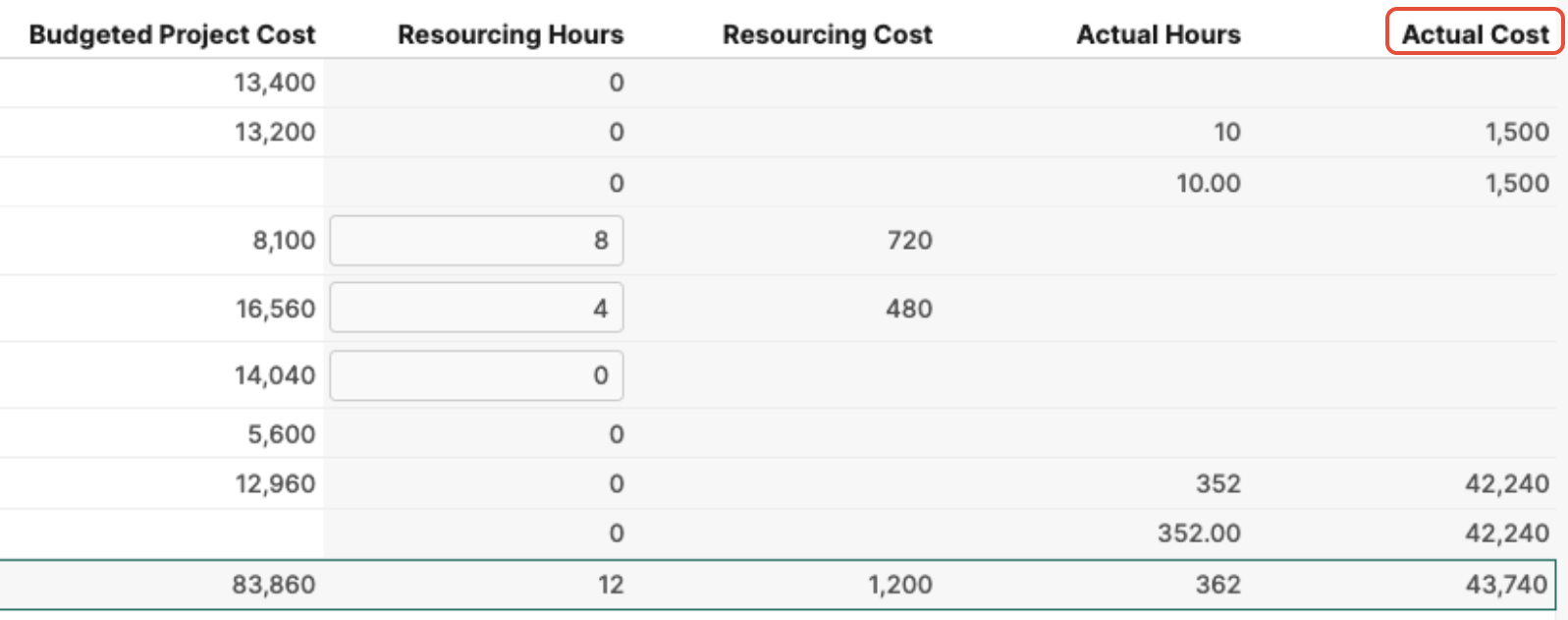
Actual Cost
The cost incurred from recorded time entries and applicable cost rates.
Actual Cost feeds into the Actuals value, enabling comparison against both Budget and Forecast.
Why Use the Resource Budget View
Using this view allows teams to:
Track planned vs forecasted vs actual spend
Identify budget overruns early
Adjust resource allocations proactively
Improve project financial performance
Maintain alignment between delivery teams and finance stakeholders
Was this article helpful?
That’s Great!
Thank you for your feedback
Sorry! We couldn't be helpful
Thank you for your feedback
Feedback sent
We appreciate your effort and will try to fix the article